Page | 133
SECTION 6.3 STANDARD CONTROLS
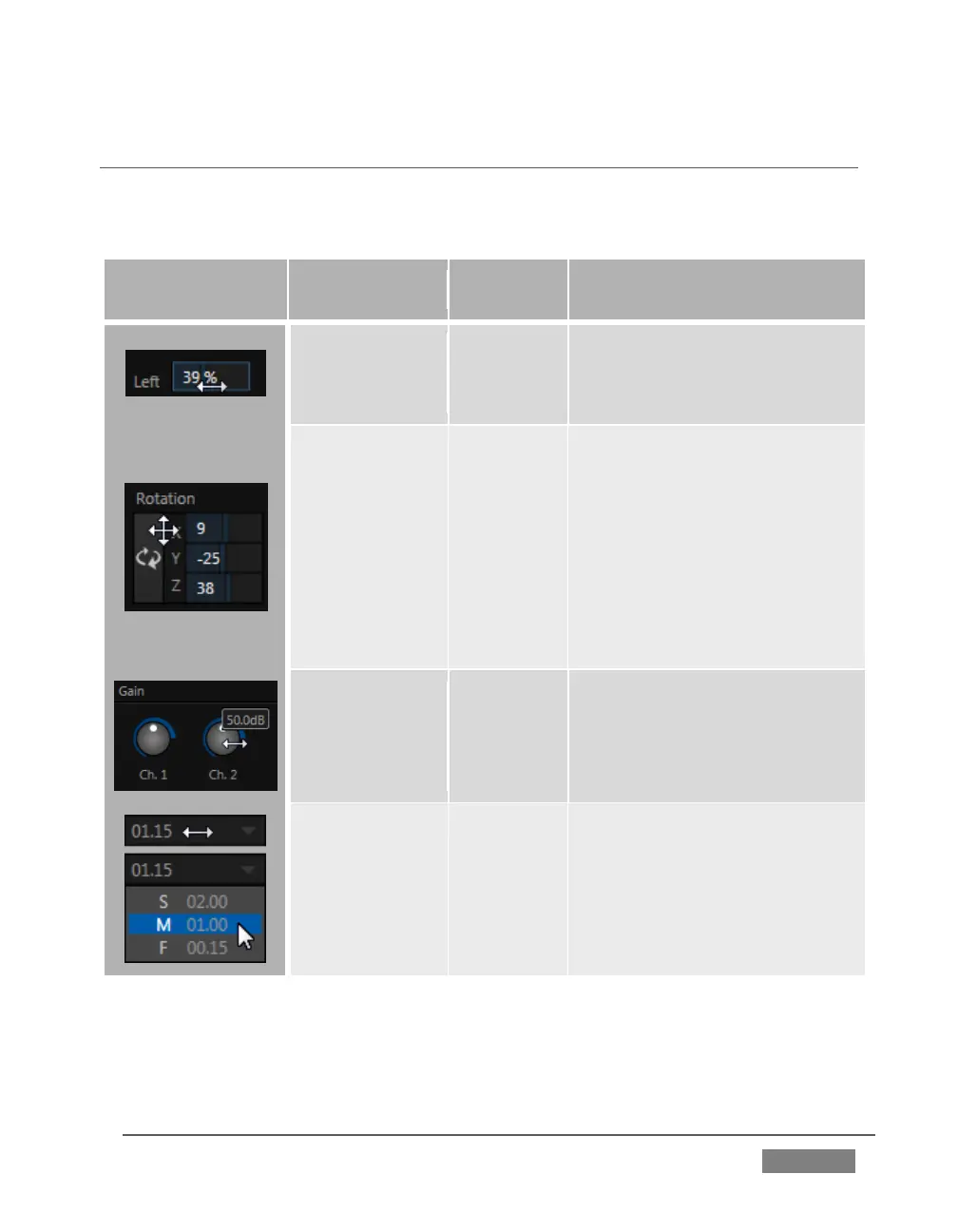
You will find various control types used repeatedly in TriCaster’s Live Desktop. Some
examples are shown in the table below.
Drag in line with the control’s
orientation to raise or lower
the current value.
Drag up-down to adjust one
value, left-right to adjust the
other value, diagonally to
adjust two different values
simultaneously.
Hold down Alt while dragging
vertically to modify the third
value (Z) when provided.
Rotary Knob
(single-value)
Drag left-right to adjust the
current value.
Transition,
Zoom
Duration
Drag left/right to raise or
lower the current value
Click the digits to type in a
new value
Or click the triangle to
open a drop-down menu
To make very fine adjustments to slider values, hold down the Ctrl key while dragging
the mouse (this increases accuracy by 10x). Hold down the Shift key and double-click
most controls to reset them to their default values.









 To Next Page