Page | 361
FIGURE 336
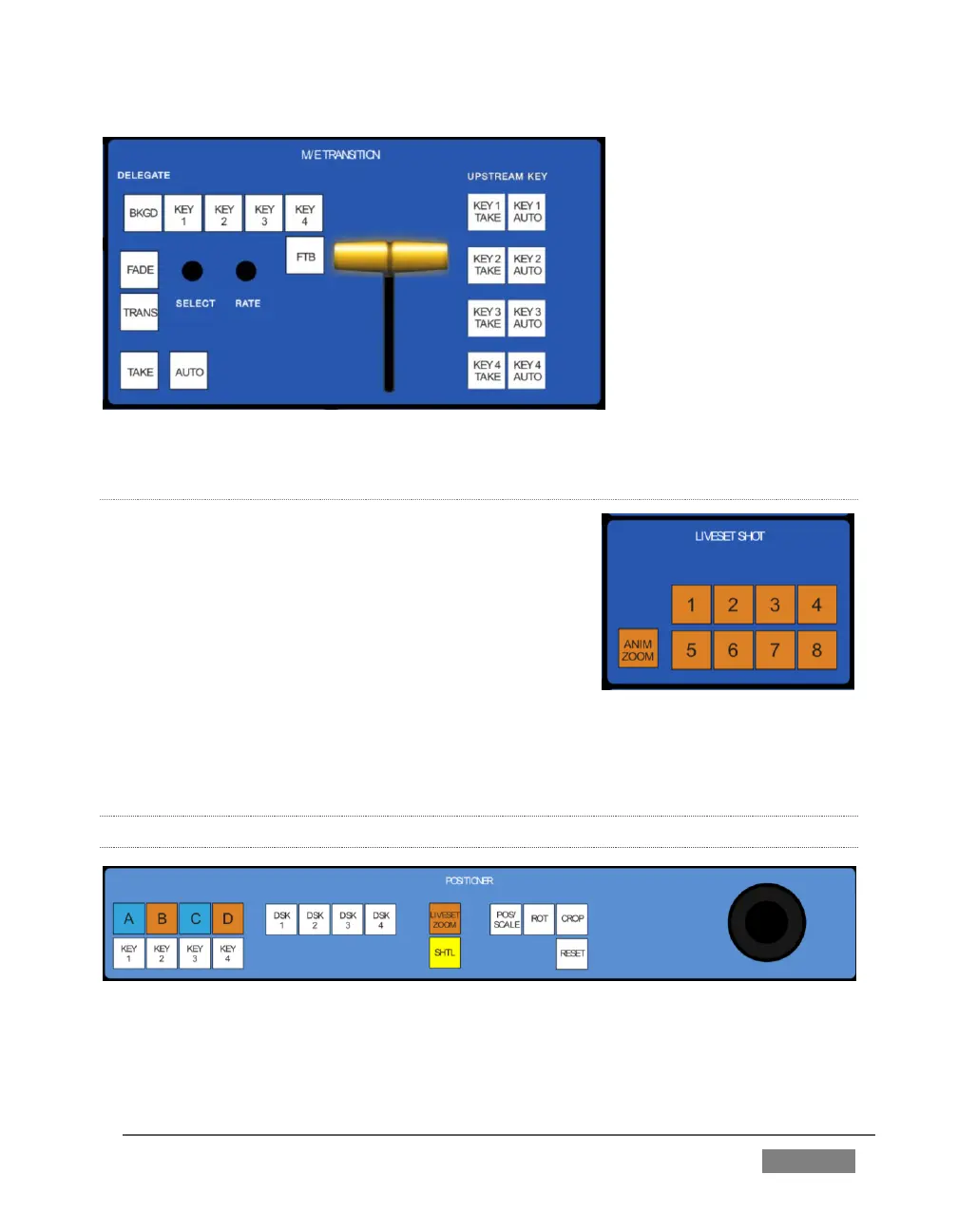
LIVESET SHOT
The LIVESET SHOT group buttons labeled 1-8 select
the active Zoom Preset for the delegated M/Es. The
ANIM ZOOM button toggles the CUT (Duration) option
for delegated M/Es. When ANIM ZOOM is enabled,
pressing an unselected zoom preset button initiates a
smooth zoom from the current level to the new level.
Otherwise, preset selections apply directly to all
delegated M/Es. If you push a zoom preset button a
second time at any point, the animated zoom will ease-out and stop. Press it again to
re-commence the zoom and complete it.
22.3.5 POSITIONER GROUP
FIGURE 338









 To Next Page