Page | 341
Click the Add Source button to place an additional entry into the list (up to eight
sources in total for 8-input TriCaster models, counting the Primary). To remove an
entry, click the corresponding [X] button at left. Secondary recordings are configured
in exactly the same manner as the Primary source discussed previously.
Caution: It is recommended that any single drive be tasked to capture one or two video
sources at most. A warning message is displayed if you exceed this number when
assigning Destination settings. TriCaster does not prevent you from exceeding this limit,
however, when you are confident that very fast volumes are capable of handling the load.
SECTION 20.3 GRAB
At times, all you really want to capture is a
still image from the current Program Output
video stream (or perhaps, all inputs). This
is the purpose of TriCaster’s Grab function.
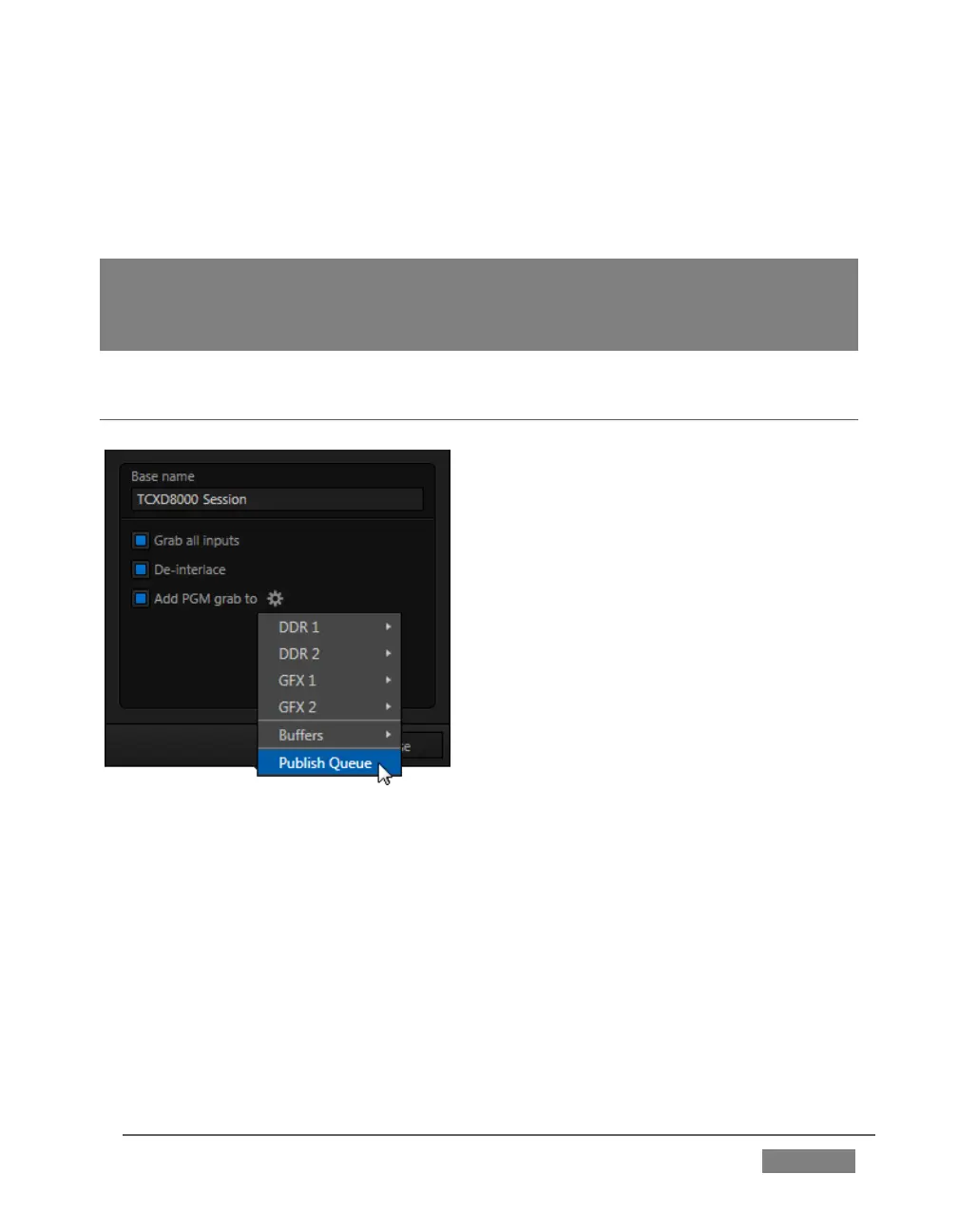
Click the Configure button (gear) next to
Grab in the Dashboard at the top of the Live
Desktop to open the Grab Still Configuration
panel.
The options presented are mostly similar to
those of Record Configuration, though a bit
simpler.
Again, enter a Base Name. The name you
supply which will be numerically incremented as required. Enable De-Interlace if you
wish to avoid a ‘comb’ effect caused by inter-frame motion in fielded sessions.
The option Capture all inputs is especially powerful. It can store an image from every
camera, plus those sources configured as Outputs 1 and 2.
Enable the Add PGM grab to switch to automatically include newly captured images
at the end of selected playlists, or to send them to a specific Buffer, ready for
immediate playback during the live production. Likewise, enable Publish Queue in
this menu to immediately append the grabbed image to the Queue.









 To Next Page