Page | 195
10.4.1 CLOCKS
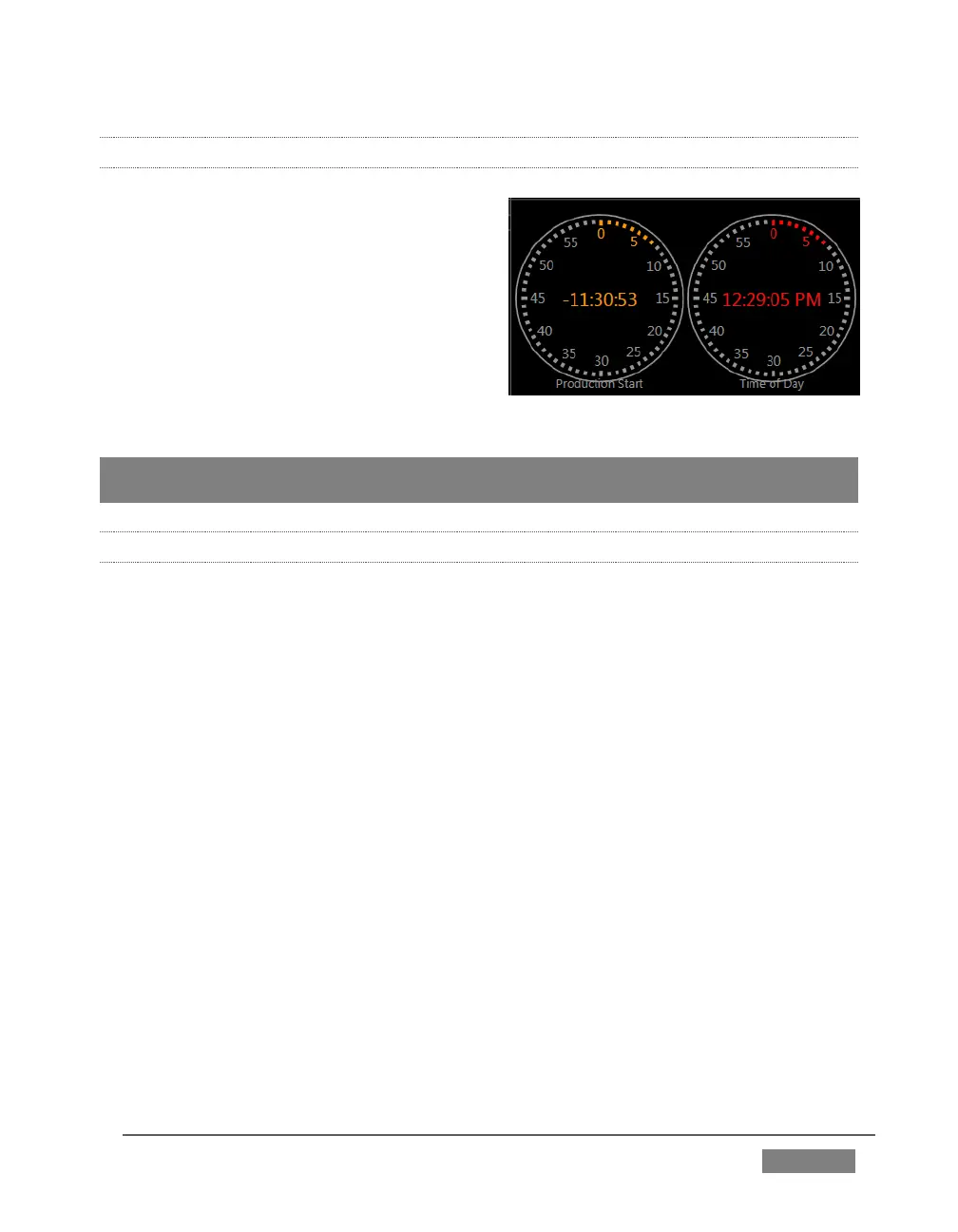
As discussed back in Section 8.4.2, TriCaster
provides handy Event Time clocks. One of
these time displays is shown at upper right
in the Dashboard.
It’s possible to show clocks in any monitor
pane, as well – whether in the Interface or
Multiview displays. As for any other display,
simply choose the Clock option in the
Viewport Options menu.
Hint: The Timecode Configuration panel in the Dashboard allows you to enter time values
employed by Event Clocks.
10.4.2 CUSTOM IMAGE
It is often useful to include a network or corporate logo in the Multiview layout. The
Custom Image item in the Viewport Options menu supports this requirement.
The Browse item in the menu opens a Media Browser, allowing you to select a suitable
image for display. You can supply an image for this purpose in almost any common
bitmap file format.









 To Next Page