Page | 272
Note: Gigabit networking is highly recommended, and should be considered mandatory for
HD sessions in particular. This can also be important for third-party network sources.
Let’s consider some of the available network source types.
SECTION 16.1 NDI SOURCES
NDI (Network Device Interface™) sources include all current NewTek live production
systems, and feeds from a growing number of third party solutions. Where
supported, NDI is the preferred network connection format – so much so that if a
device simultaneously offers output as NDI and AirSend™ signals, TriCaster selects
the NDI connection for ingest.
SECTION 16.2 IVGA
iVGA is a proprietary NewTek utility supplied to let you use data directly from the
interface of a networked computer. It has a tiny footprint, and can even be run from
a USB thumb drive, without any need to install it directly on the hard drive of the
remote client system.
iVGA client programs are supplied for both Microsoft Windows® and Apple OS X®.
You will find iVGA installation files inside the C:\TriCaster\Extras\iVGA folder on
your TriCaster system drive. There are several versions of iVGA, and you should
select the one best suited to your host system. (Readme files found in the same
location will help you determine which one is appropriate.)
16.2.1 IVGA FOR OS X
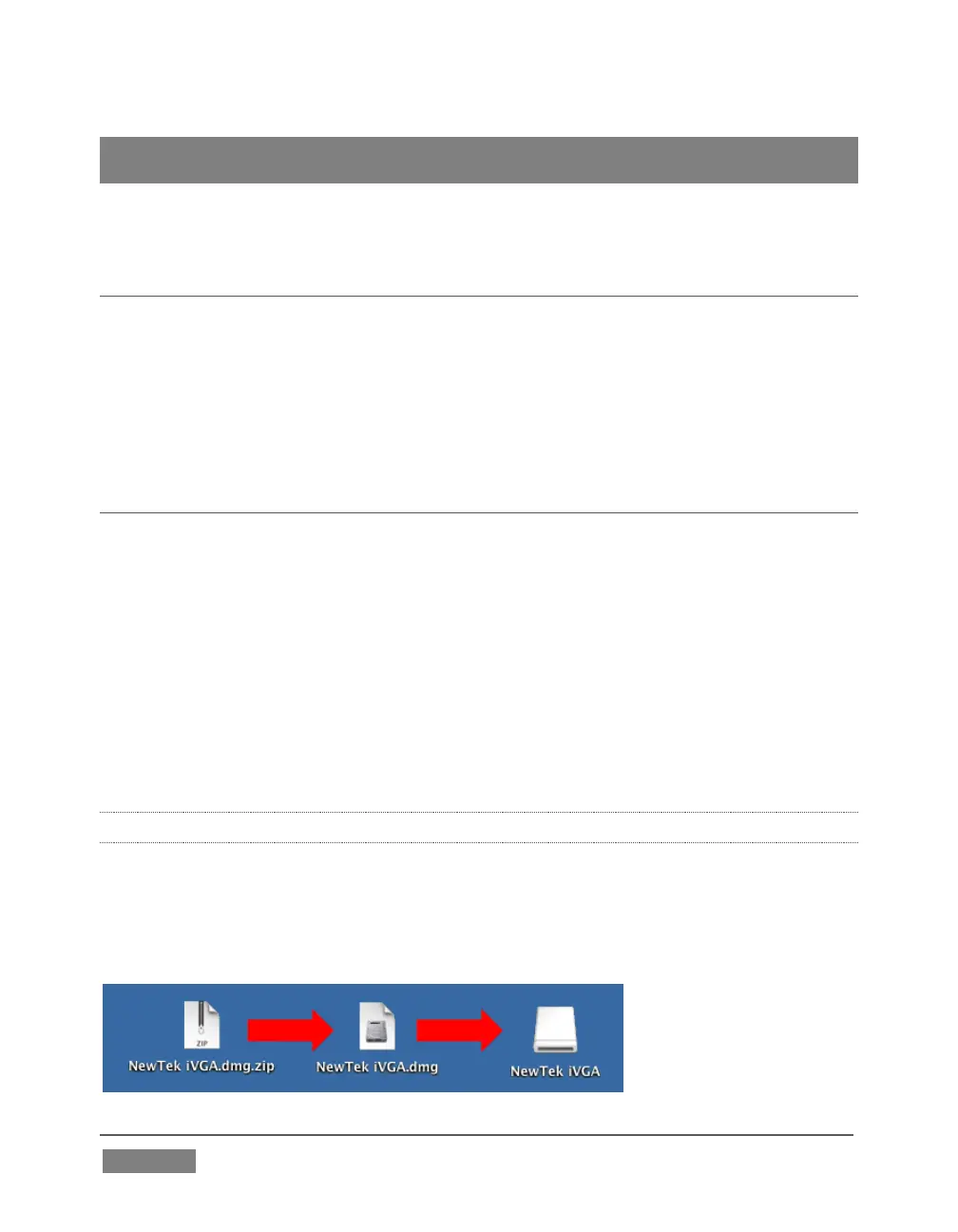
The iVGA installation for OS X is supplied as a zipped disk image (.dmg) file. To install
it, first copy this file to your Macintosh® Desktop (either using a network connection
between your Macintosh® and TriCaster systems, or perhaps by using a USB thumb
drive).









 To Next Page