Page | 280
Privacy mode allows the user to check e-mail, or perhaps view or arrange
something, without risk of the audience observing. The taskbar icon shows
a red indicator when Privacy mode is engaged.
Hint: If an image named “privacy.bmp (or privacy.jpg) exists in the folder that iVGA
is launched from, it will be sent. Otherwise the default privacy screen is used.
About – displays information about the application.
Exit (exits the iVGA application)
16.2.4 HOTKEYS
In Region mode, it’s possible to zoom the marquee to several preset sizes (150%,
200%, 400%) using the hotkeys Right Ctrl + number pad 1, 2 or 3 (these hotkeys
enable Region mode). Right Ctrl + (number pad) 0 selects the full screen for output.
Pressing Right Ctrl + (number pad) 5 toggles the Marquee display on/off (even if the
control panel is closed), while Right Ctrl + (number pad) 9 enables or disables the
Follow Mouse option.
Tip: See Section A.1.14 for for information on troubleshooting iVGA issues.
SECTION 16.3 LIVETEXT
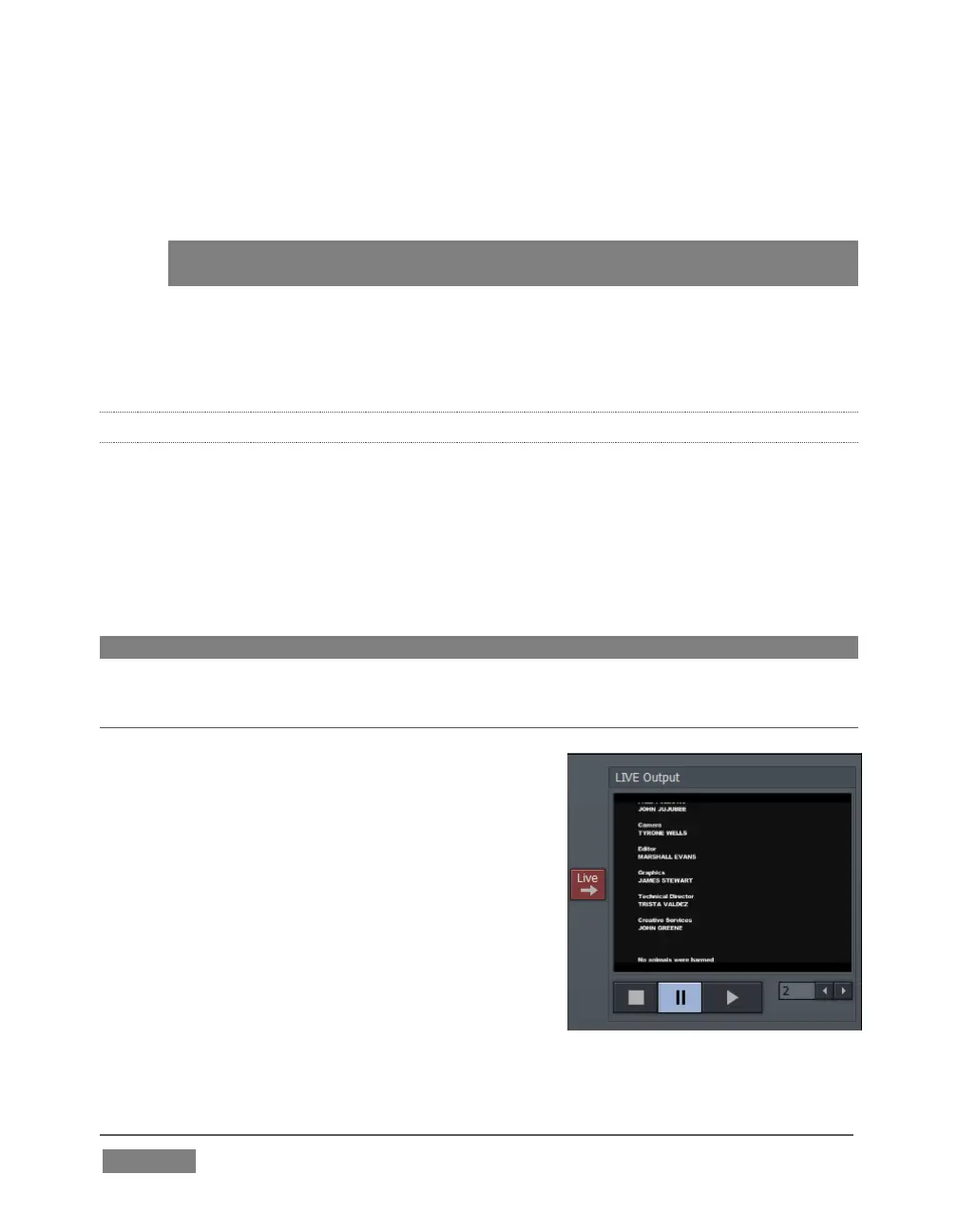
As we noted in the Walkthrough chapter (Section
4.6.2) a companion workstation on your TriCaster
network with LiveText standalone installed serves
as a dedicated CG and title solution for your live
presentations.
When running and connected, LiveText will be
listed in TriCaster’s Net 1 and Net 2 drop-down
menus, similar to an iVGA source. For more
information on installing and using LiveText,
please refer to its manual.









 To Next Page