Page | 409
22.7.7 LEVEL CONTROL
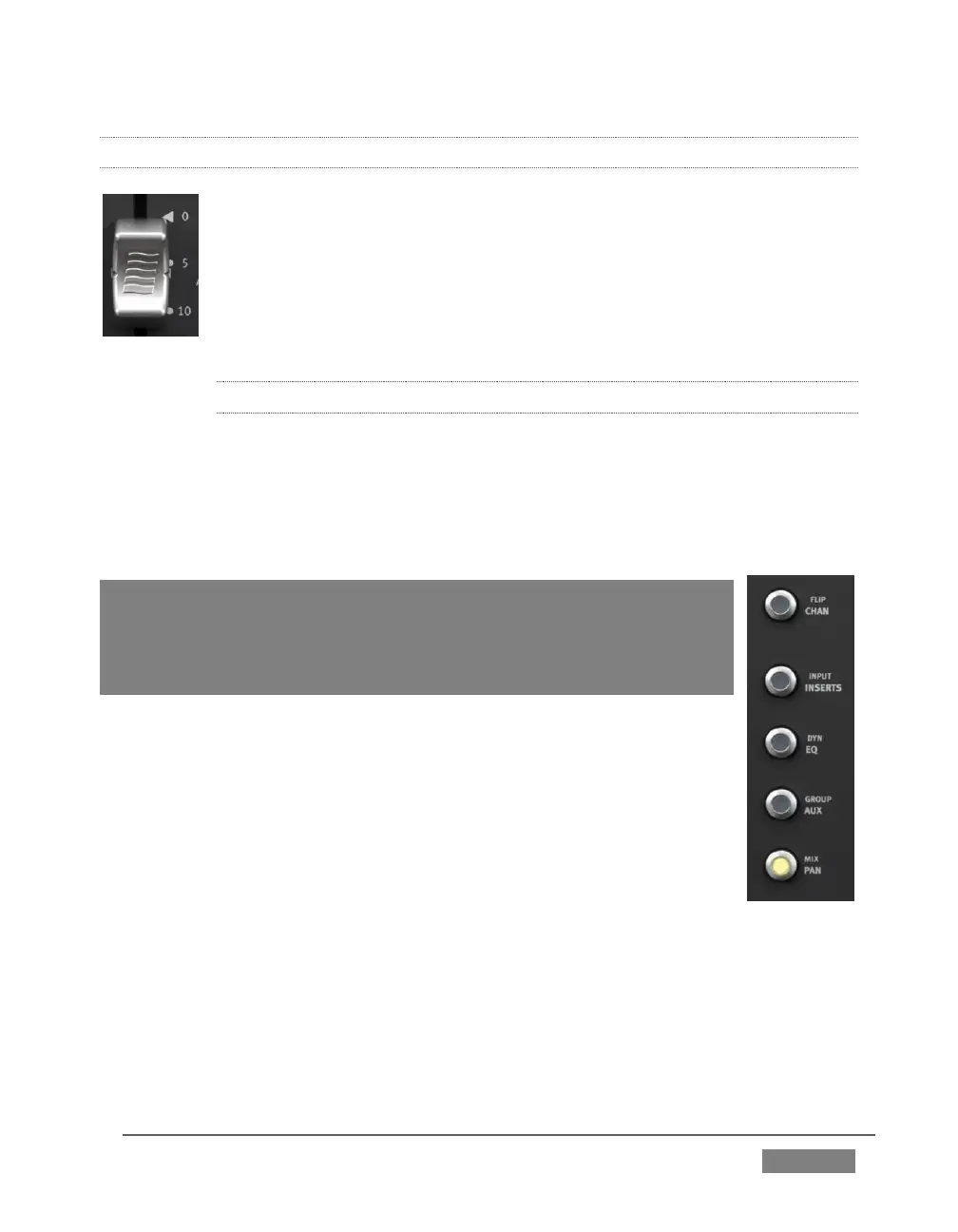
As you would expect, adjusting the position of a given fader modifies the
volume level of the corresponding control in TriCaster’s Audio Mixer.
For example, pushing the control surface fader labeled Audio1 A raises
the volume for the source labeled Audio 1 A in TriCaster’s Audio Mixer.
22.7.8 KNOB SET SELECTORS
A set of Knob Set selectors (Figure 378) runs vertically down the left side of Artist mix
(left of the first fader). Essentially, these are mode buttons that select which audio
attributes are governed by the eight ‘knob sets’ – that being one OLED display group
and the knob immediately beneath it, along with the two buttons to the left of the
knob (SEL and ON) in that set (see Figure 379).
Note: The FLIP/CHAN button in this group is a special case, and can be
selected even when another mode is active. Generally speaking, you will
very likely find it best to leave this button off except for certain operations –
notably for EQ and Mic Trim adjustments. We’ll discuss these exceptions
in context as we go along.
The default Knob Set mode is PAN. For the most common production
operations, this is the mode you will choose. In fact, at the simplest
level, once you have configured the Artist Mix channels to take any SDI
sources into account, you could likely be forgiven for never using
another Knob Set mode.
Generally speaking, the alternative Knob Set modes provide access to
deeper audio configuration options and settings. We’ll provide the
details of their use in context as we go along.









 To Next Page