Page | 215
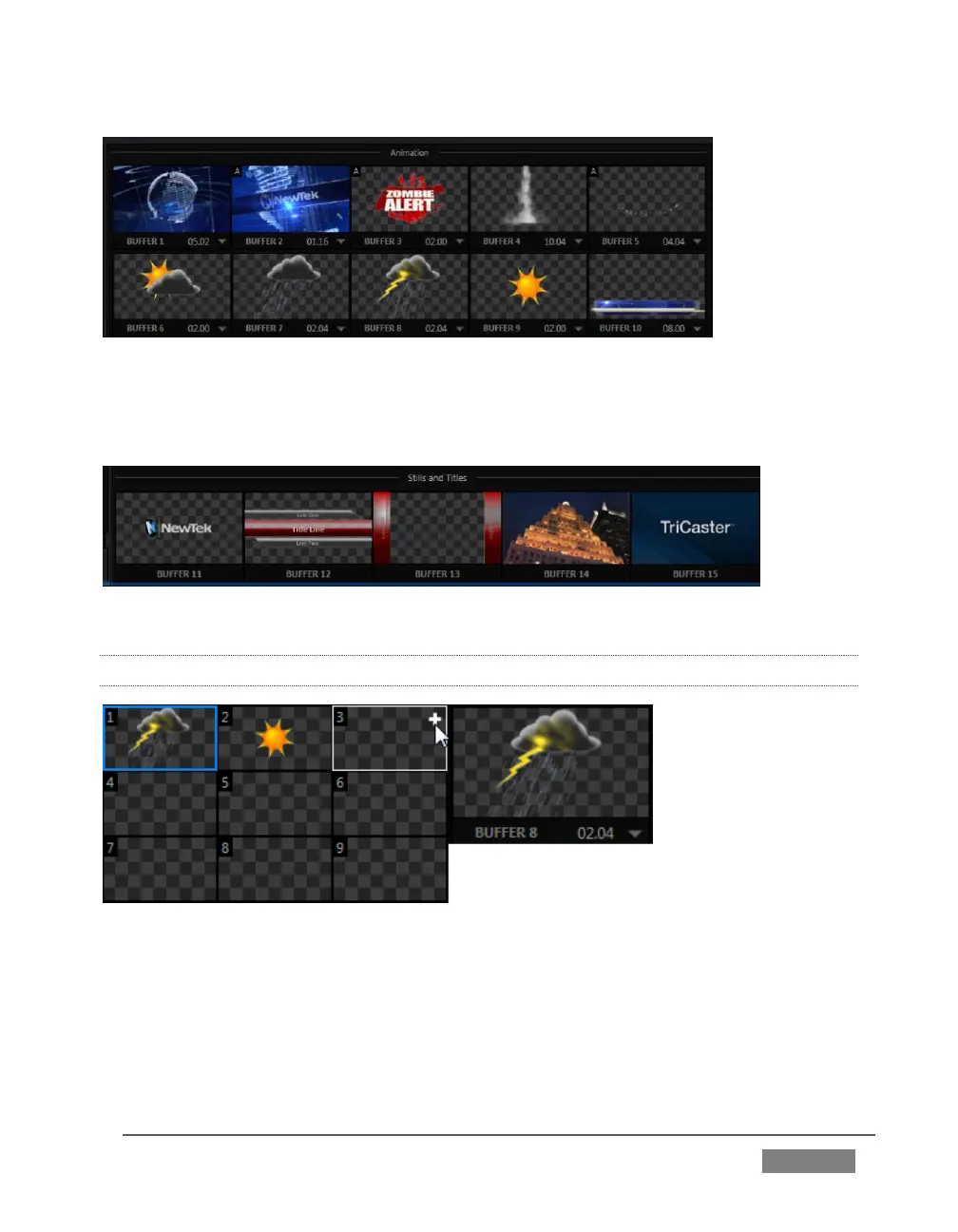
FIGURE 203
The remaining buffer slots are restricted to graphics content, including popular image
formats along with TriCaster title pages (i.e., .cgxml files).
FIGURE 204
11.4.2 SELECTING CONTENT
FIGURE 205
Clicking an icon reveals a palette of nine buffer presets (Figure 205). When you move
the mouse over one of these icons a [+] (Add Media) button appears. Click this + sign
to display the Media Browser, and then pick a suitable file to populate that buffer
preset.









 To Next Page