Page | 408
22.7.5 NUDGE
At any one time, Artist Mix can display controls for as many as eight of TriCaster’s
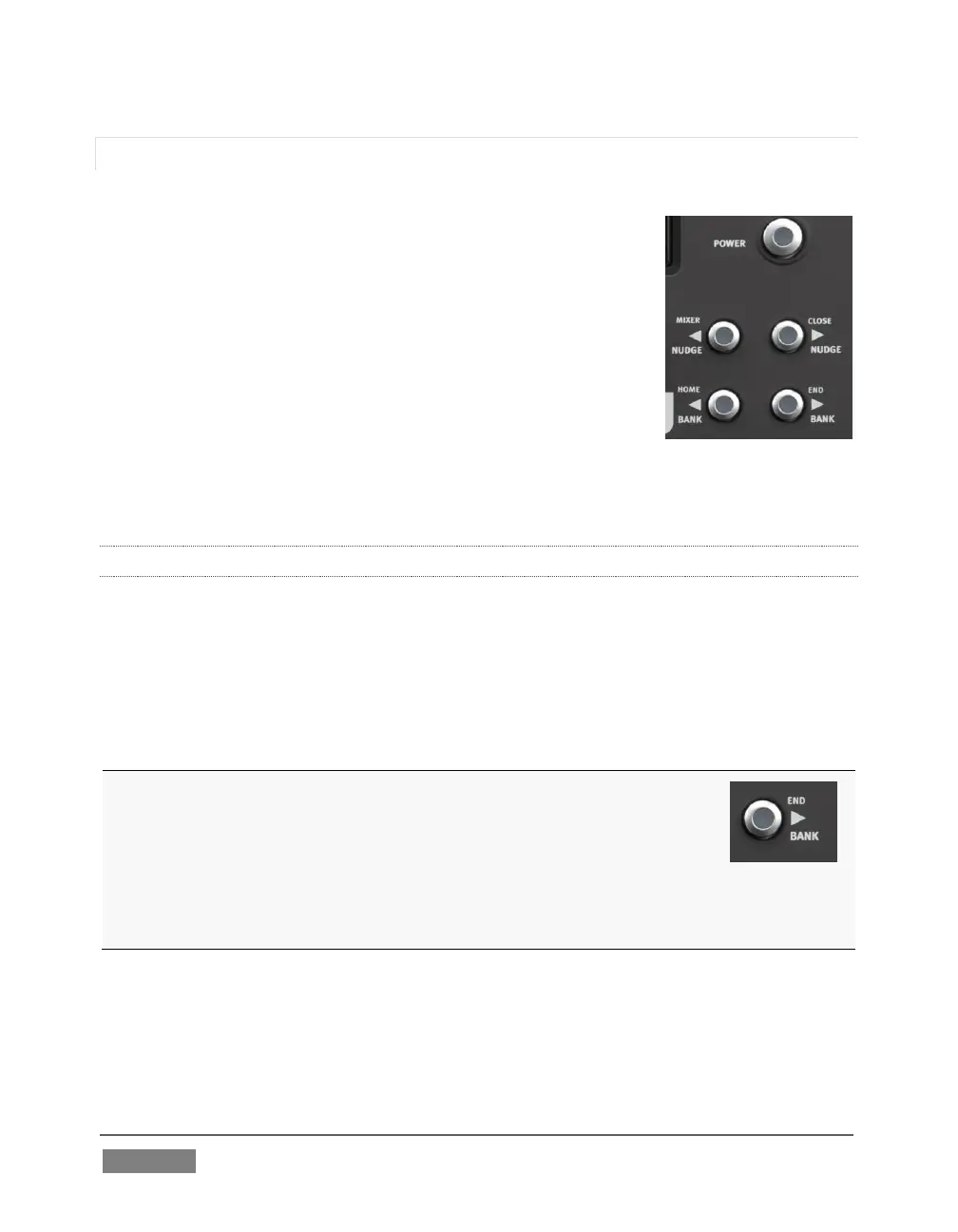
audio inputs, internal sources, and outputs. To access the
other audio controls, use the navigation buttons located at
right on the control surface, just beneath the POWER button
(Figure 375).
Two NUDGE buttons in this group move the entire control
group currently displayed one slot left or right from the
current position.
Thus, from the default Input 1-8 view, pressing NUDGE
updates the controls and display to govern TriCaster’s Audio
Inputs 2-7 along with Net 1. (Push NUDGE to restore Input 1
to the left-most slot.)
22.7.6 BANK
Below the two NUDGE buttons are two similar buttons labeled BANK. Pushing either of
these buttons normally replaces the entire set of controls with their eight nearest
neighbors. So, for example, if you are currently viewing/controlling Inputs 1-8,
pushing the BANK button swaps out those controls and replaces them with the next
set of eight sources to the right, starting with NET 1 at left and continuing to AUX in
the eighth slot.
A number of buttons on the Artist Mix control surface have two
labels. For example, theBANK button (Figure 376) has a
secondary END label above.
The upper label denotes alternative functions for the button that
are invoked when you hold down one of the two Shift buttons on
the surface at the same time.
Note that the BANK buttons each have alternate functions when pressed with Shift,
specifically HOME and END. These combinations jump past all other configured control
groups to display the first and last entries respectively.









 To Next Page