Page | 107
THE STARTUP SCREEN
The TriCaster™ Startup Screen is the gateway to a suite of
applications as well as maintenance and management features
for both sessions and the system.
We’ll discuss each of these in the pages that follow, beginning
with a review of the concept of sessions.
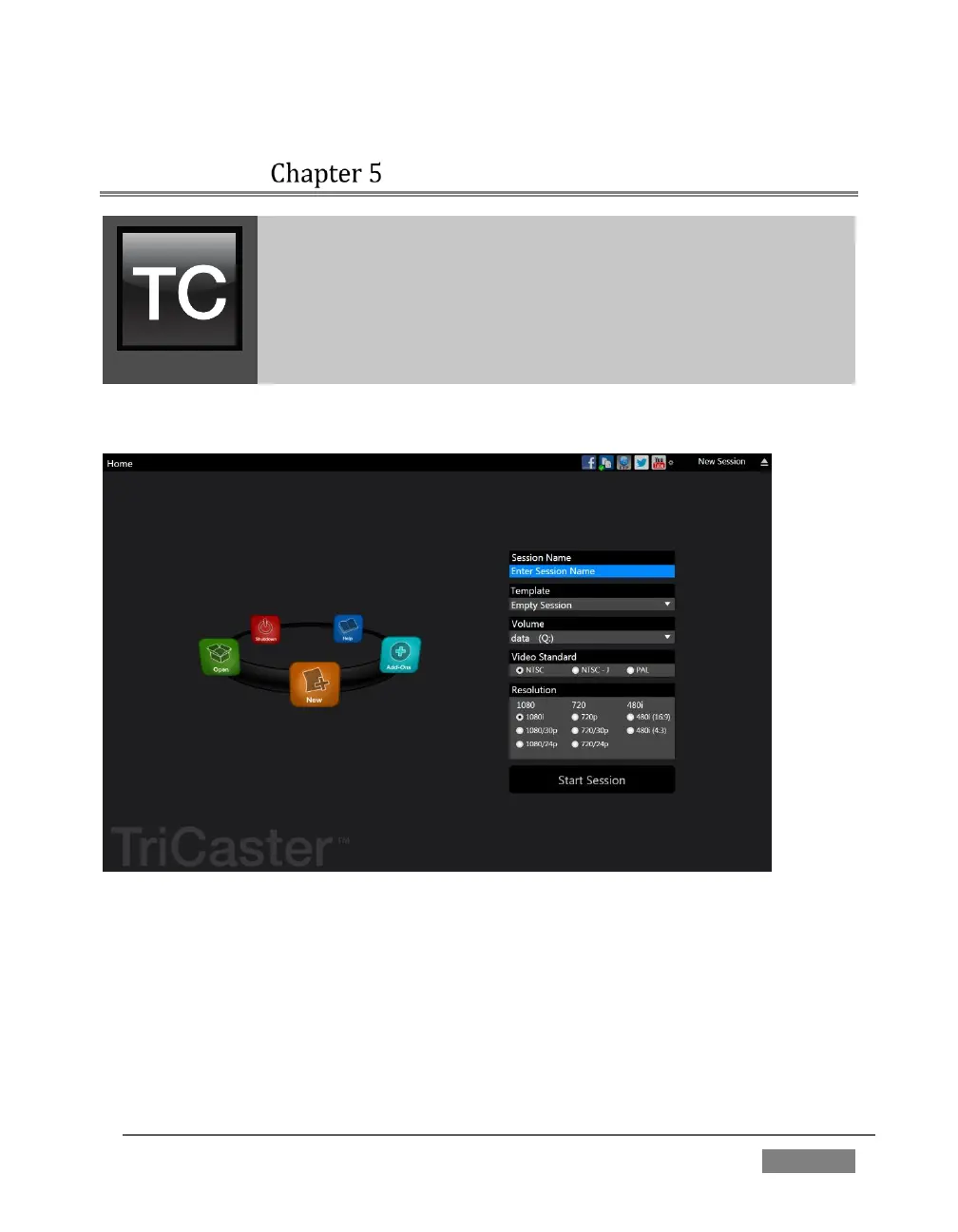
The Startup Screen’s Home Page appears whenever you launch TriCaster™.
FIGURE 91(MULTI-STANDARD MODEL SHOWN)
From here, you create and launch sessions, then choose what sort of operations you
wish to pursue within the current session by making a selection from an icon ring on
the Session Page. Your intention may be to begin a new live production, or to produce
another episode of a live series. Perhaps you wish to do prepare some title pages for
an upcoming event, or perform system maintenance.









 To Next Page