Page | 284
Click Macros to show a menu (Figure 284) containing a Configure Macros item. This
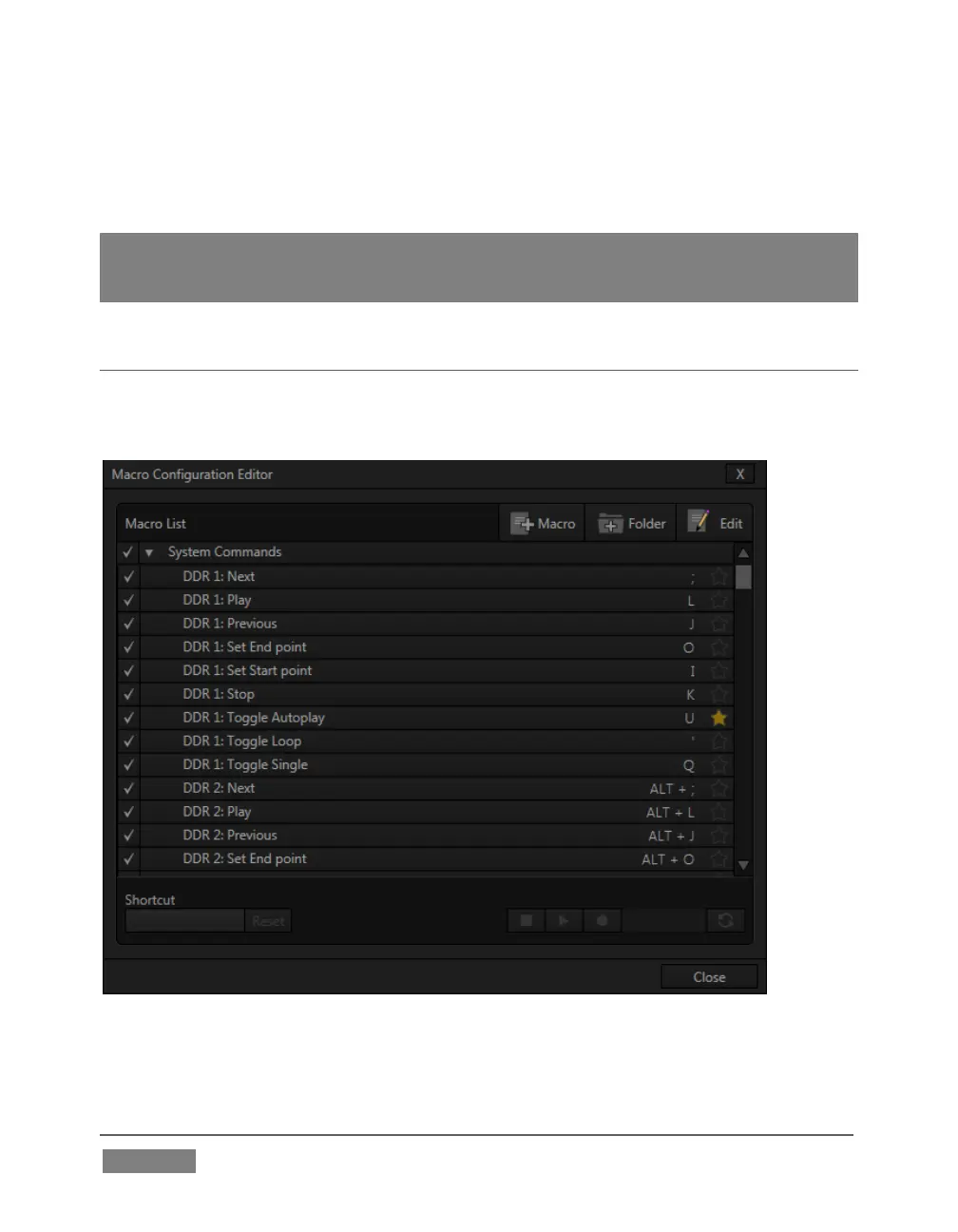
opens the Macro Configuration Editor, which is where you can create and manage
macros.
Hint: The Switcher: Reset entry is permanently included in the Favorites menu. This macro
sets all effects (including DSK and Key transitions) to the default Fade, and assigns M/Es
to Mix mode. It does not alter active source selections.
SECTION 17.1 SYSTEM MACROS
The largest part of the (resizable) Macro Configuration Editor consists of the Macro
List. By default it will initially display a single line entry labeled System Commands.
FIGURE 285









 To Next Page