Page | 389
For 8-input models, press SHIFT + M/E (1-4) to delegate M/Es 5-8.
MAIN
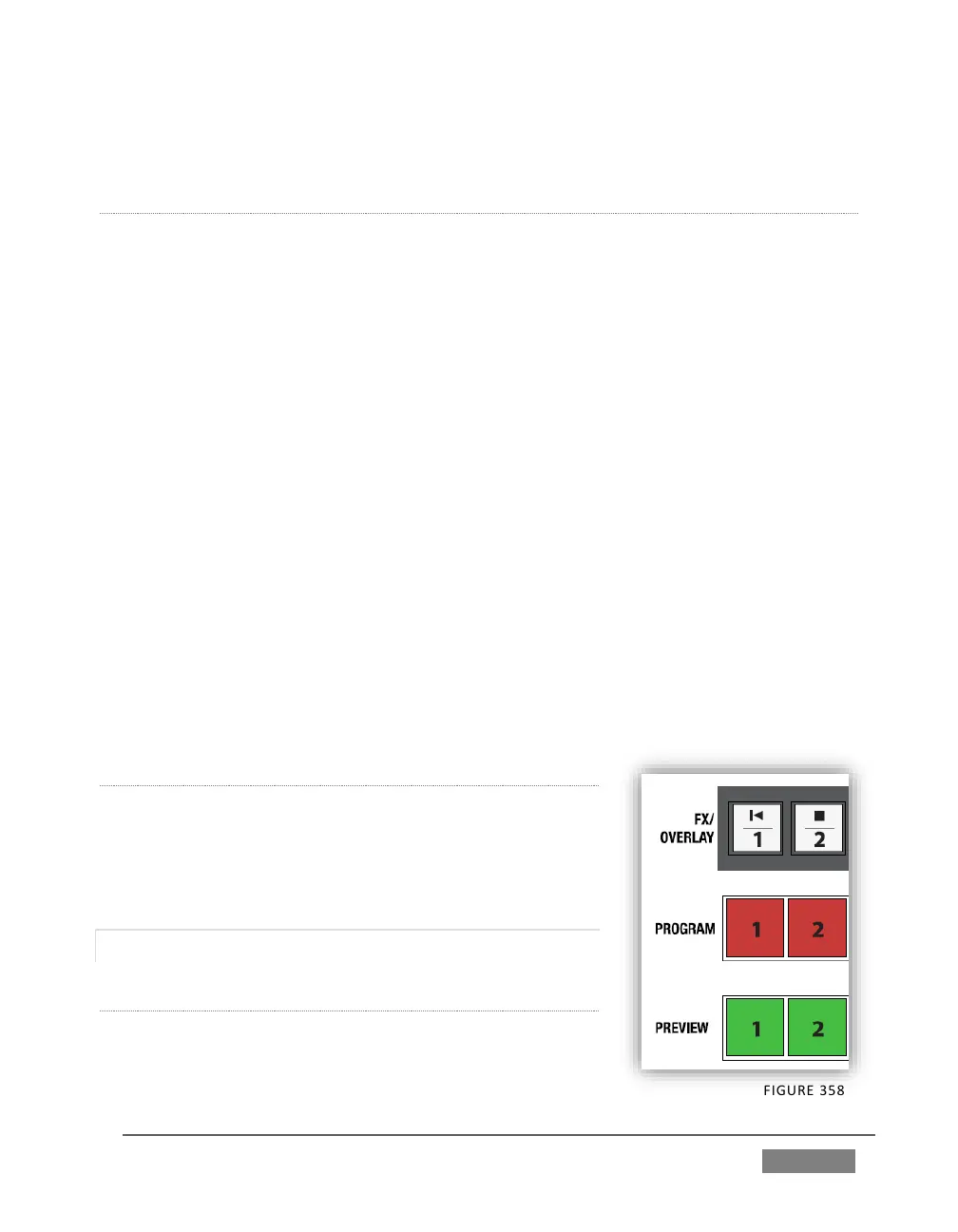
FX/OVERLAY ROW
When MAIN is selected in the SWITCHER DELEGATE group, operations in this row are
further modified by the OVERLAY DELEGATE selection in the Transition (T-Bar)
group.
When MAIN is selected in the SWITCHER DELEGATE group, if DSK 1, DSK2, or
both are lit, making a selection on the FX/OVERLAY row sets the source for
the related channel(s).
If BKGD alone is lit (or, for that matter FTB only), a button selection in the
FX/OVERLAY row assigns the ‘FX’ source. For professional model TriCasters,
this is the same as setting the source assigned to the Green (FX) switcher row
group.
PROGRAM AND PREVIEW
As you would expect, when MAIN is selected in the SWITCHER DELEGATE group,
PROGRAM and PREVIEW row operations perform just like their onscreen
counterparts.
M/E 1 – M/E 4
On the other hand, when one of the M/E delegates (1-4)
is selected in the SWITCHER DELEGATE group, the three
rows beneath are repurposed to correspond to KEY,
INPUT A and INPUT B rows of the delegated M/E(s).
22.5.3 SHIFT & ALT
SHIFT
SHIFT is a ‘qualifier button’ (like ALT), providing access
to secondary functions for certain buttons. (For









 To Next Page