Page | 390
example, ALT + SHIFT + (Preview row selection) toggles the Proc Amp feature for the
designated video source.)
FIGURE 359
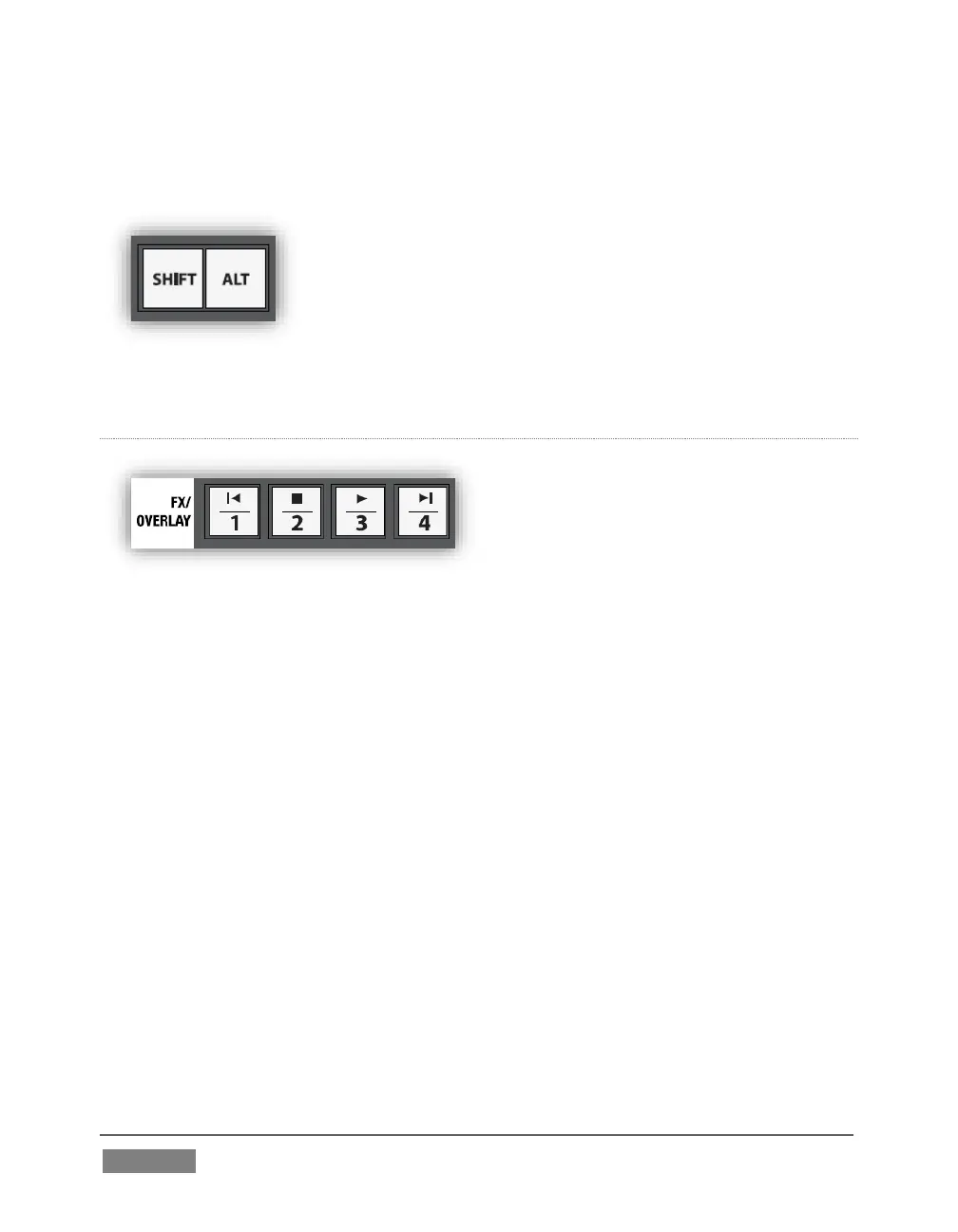
ALT
FIGURE 360
Holding ALT provides access to secondary functions for certain buttons. You’ll note
on inspection that the first four buttons in the FX/OVERLAY row have icons on their
upper half representing transport and navigation features associated with TriCaster’s
Media Players.
Specifically, supported control operations include:
| (Previous Item) – Press this button to go to the previous playlist entry in
delegated Media Players. (The selection cycles to the last playlist entry when
necessary.)
(Stop) – Push once to end playback for delegated Media Players; push a
second time to return to the start position (this operation respects the Single
setting for individual Media Players.
(Play) – Push to initiate playback for delegated Media Players.









 To Next Page