Page | 222
SECTION 12.1 THE PTZ TAB
FIGURE 210
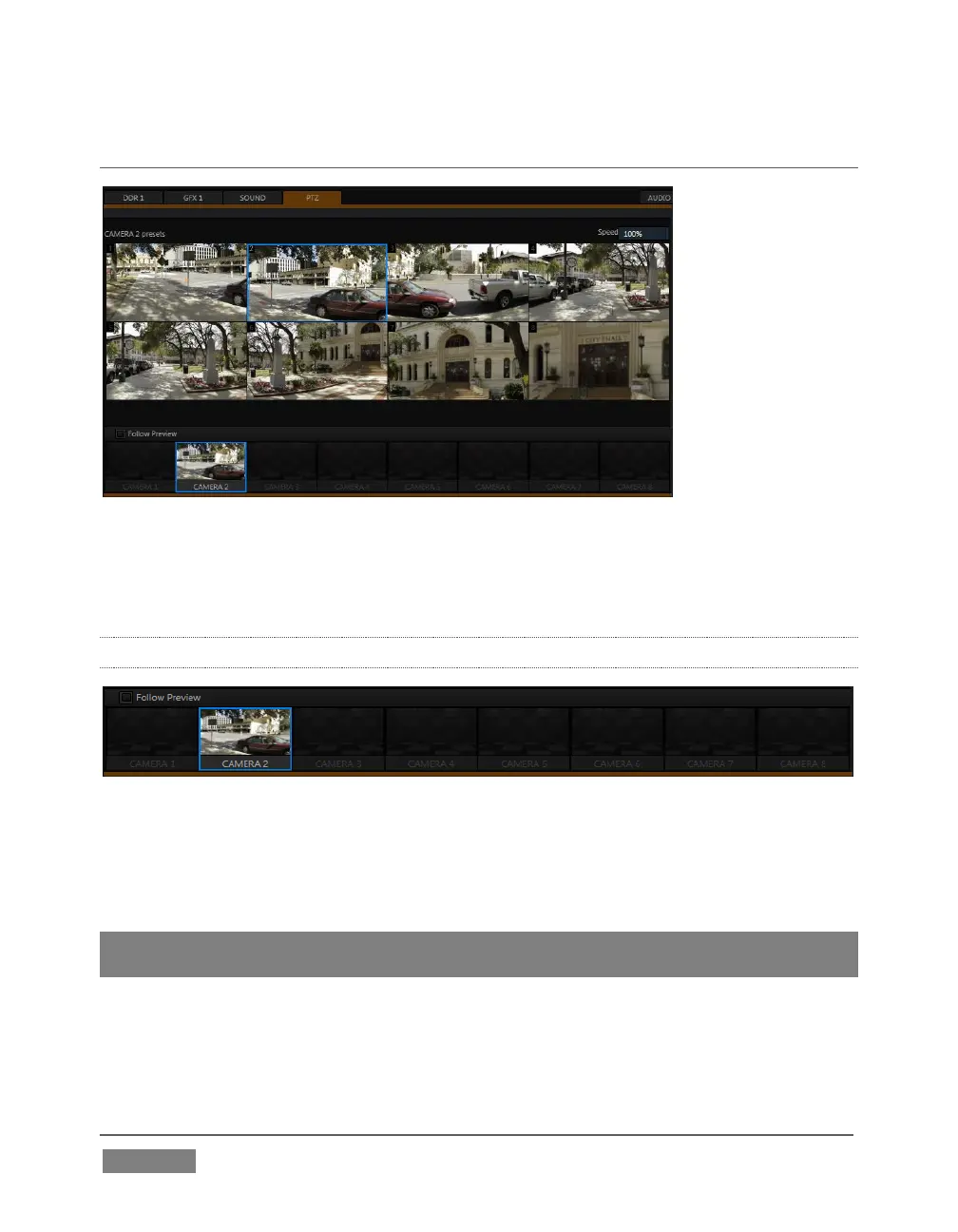
All of the controls and features just mentioned are located in the PTZ tab, located at
left in the lower third of the Live Desktop (Figure 210).
12.1.1 THE CAMERA BIN
FIGURE 211
The Camera Bin (Figure 211), located across the bottom of the PTZ tab contains icons
for each camera. A camera currently being controlled is denoted by a blue outline.
The icons update to show the thumbnail for the preset icon selected above.
Hint: Cameras whose PTZ switches are disabled in their respective Input Configuration
panels (Section 8.2.9) show dimmed icons in the Camera Bin, but may still be selected.
Enabling the Follow Preview switch at left in the Camera Bin header will automatically
select camera icons for you as these are chosen on the main Switcher’s Preview row.









 To Next Page