Page | 252
NOTE: 4-input TriCaster systems do not provide analog output connections for channel C
and D. However the extra channels can be recorded, streamed, or output via SDI-
embedded connections.
15.1.1 AUDIO SPECIFICATIONS
TriCaster’s analog audio conforms to SMPTE RP-155. The maximum input/output
level is +24 dBu. Nominal input level is +4 dBu (-20dBFS), and the sample rate is 96
kHz. Levels above 0dBVU are shown in red in the VU meters, to caution you that overly
high levels can result in clipping in recordings.
Hint: An error message appears in the Status Bar above the main Program output monitor
to warn you if clipping occurs – see Section 7.4; see also Section 15.7 (Advanced
Configuration) and Section 15.8.1 (Headroom Notes).
SECTION 15.2 HEADPHONES
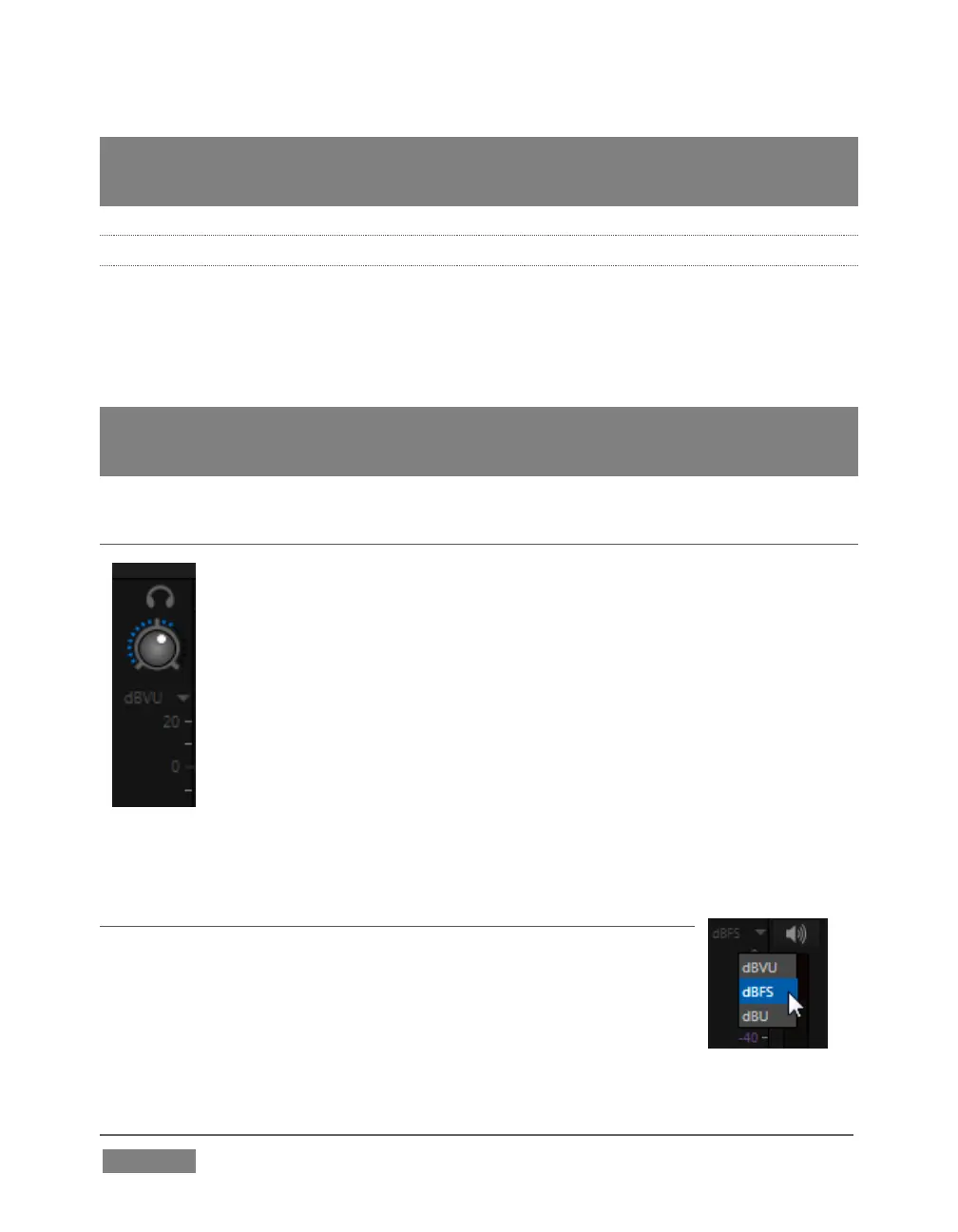
At the extreme left side of the Audio Mixer you will observe a simple
volume control for the Headphones output.
By default, headphones connected to this stereo output jack will carry
the audio signal from the output designated Master 1 – that is, the
same audio carried by outputs marked 1a and 1b in the Audio Out
group on TriCaster’s backplane.
Remember that this output is also affected source Solo switches.
When Solo is enabled for one or more sources – or outputs – only the
soloed sources are sent to the connector. (See Solo in Section 15.5.4
for more information on this feature.)
SECTION 15.3 VU METER CALIBRATION
VU (Volume Unit) meters are located right above the Volume
control sliders throughout the Mixer. The calibration of the VU
meters can be changed to suit your preference.
Click the label below the Mute button in the Headphone control at
left to open a small menu offering three options as follows:









 To Next Page