Page | 398
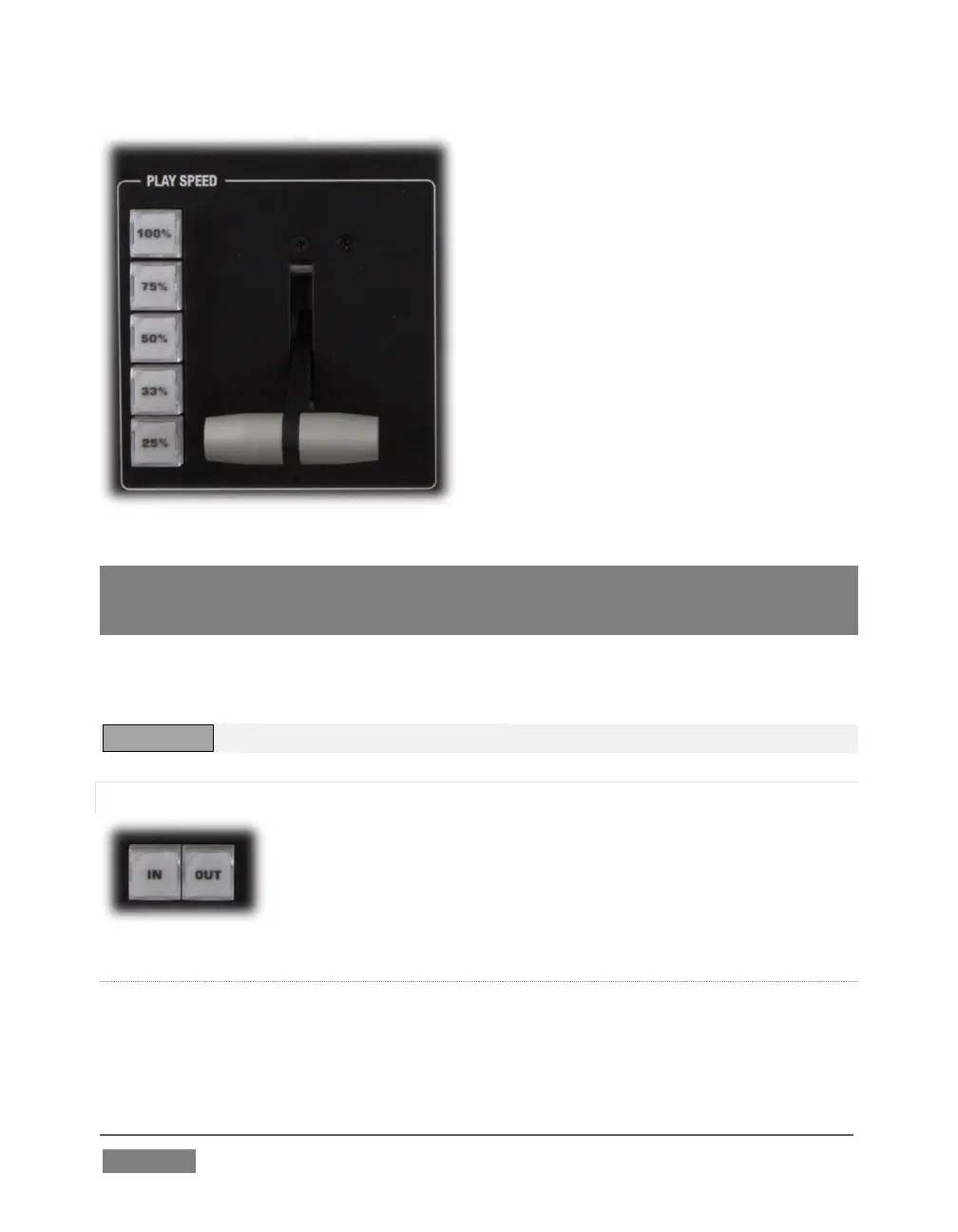
Speed preset buttons are mutually
exclusive, and establish a playback mode.
They do not initiate playback; rather, the
playback speed you choose is applied
when subsequently press Play.
(If a DDR is already playing, pushing a
speed preset button alters the current
playback speed immediately.)
Hint: If you use an onscreen speed control to change to a new playback speed, the control
surface button selection state follows when possible (in cases where no button
corresponds exactly to the newly established speed, no preset button will be illuminated).
The speed T-Bar works in similar fashion to the preset buttons, but provides a
smoothly variable approach to setting playback speed.
TW-42 NOTES There is no Speed T-bar on TW-42.
22.6.6 MARKING GROUP
The IN and OUT buttons in this group allow you to indicate the
In points and Out points for events you wish to record for later
replay.
(MARK) IN
Pressing IN actually performs several related functions. First, remember that
TriCaster must be in Record mode for any instant replay marking purpose.









 To Next Page