Page | 140
SECTION 7.3 HELP
Select this option to display QR (Quick Response) codes you can scan with your
mobile device (such as an iPad® or Android® tablet) to view TriCaster
documentation. This provides an easy to use mechanism that lets you look up
information about TriCaster without interfering with your live production.
SECTION 7.4 INFORMATION PANEL
An information display in the Live Desktop titlebar provides a number of useful items.
Displayed information includes:
(Session Name)
(Session format)
Status message display
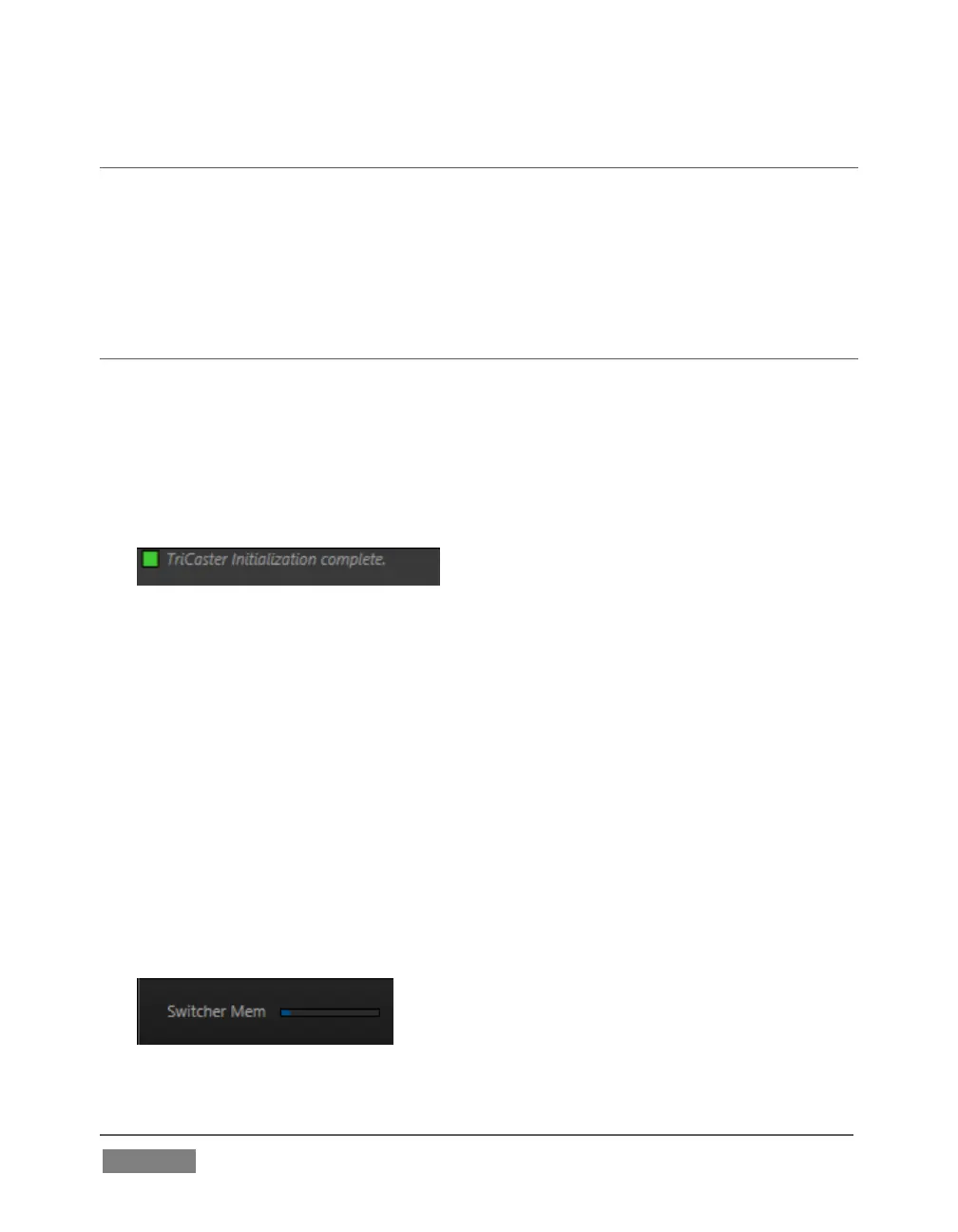
FIGURE 118
The Status message area sits next to the session information display, but is hidden
when no message is shown. When TriCaster needs to inform you regarding
system events or conditions, text messages replace the normal information
display. Status messages may pertain to operations or system conditions; they
may be benign, as in *Figure 118, or cautionary.
* A brief initialization is required following system startup for DDR video
playback to stabilize. During this brief ‘warm-up’ period, an initialization
countdown appears in the Status message display...
The display automatically clears itself a few moments later so as not to pose an
unnecessary distraction.
FIGURE 119









 To Next Page