Page | 326
SECTION 19.2 ACCOUNT CONFIGURATION
You will see Publish Account icons in the titlebar of both the Home and Session pages
of TriCaster’s Startup screen (Figure 307).
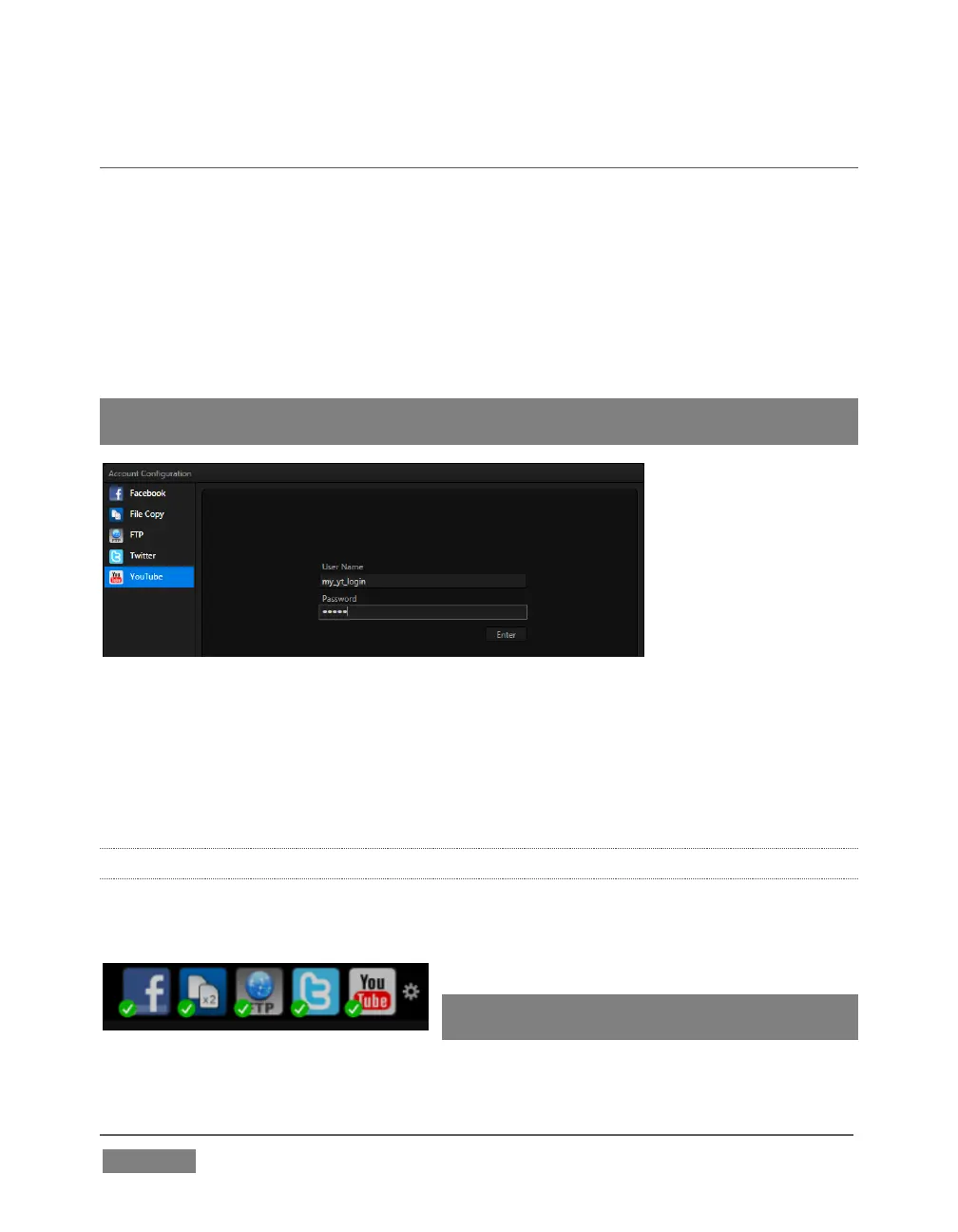
Click a specific icon or the neighboring configure button (gear) to open the Account
Configuration panel (Figure 308). This is where you enter your credentials and
details for social media sites or storage targets (local volumes or ftp sites).
Hint: A green checkmark overlay on the Account icon indicates it has been successfully
configurated for sharing.
FIGURE 308
Click an entry in the Account List at left to display corresponding entry fields for your
credentials in the pane at right. Typically you will need a user name and password for
your social media accounts, as well as FTP servers (connections are tested when you
press Enter, and will report an error if a problem exists).
19.2.1 SOCIAL MEDIA SITES
At the time of writing, TriCaster’s Publish feature can publish media to Facebook®,
Twitter® and YouTube®. Other connections may be supported as it becomes
possible to do so.
Note: See also Section A.4.3 , Avoid Delays
When Session Media is Offline?









 To Next Page