Page | 402
22.6.10 PRESET (DDR PLAYLIST)
“P” is for “preset” … or “playlist”, if you prefer.
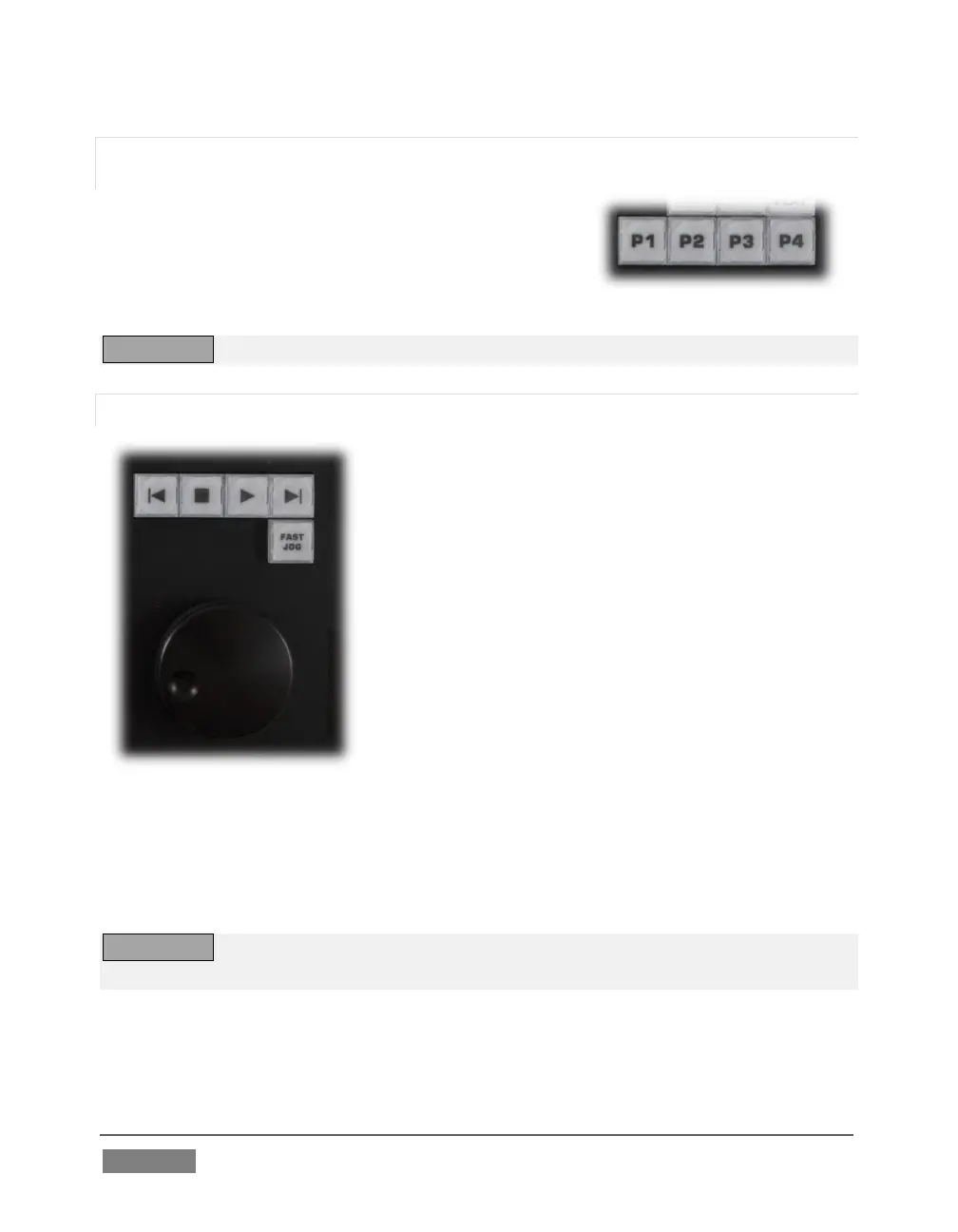
However you choose to view it, the buttons labeled P1
– P4 allow you to quickly access any of the first four
playlist presets for the currently selected DDR.
TW-42 NOTES Preset selection is not supported by TW-42.
22.6.11 TRANSPORT (CLIP CONTROLS)
This group of controls provides a variety of
convenient clip transport and navigation tools. The
dominant feature is a large, smoothly operating Jog
Wheel.
This oversize knob permits you to traverse the current
clip in the delegated DDR in frame-accurate
increments.
The Jog Wheel can be a real boon when coupled with
the ALT + IN/OUT method of trimming already
captured clips (Section 22.6.6), or can allow you to
review an event by scrubbing through it manually
even while it is displayed live.
The Jog Wheel is supplemented by the nearby Fast Jog button. Press this control to
toggle a high-speed jog mode, which skims through the clip at eight times the normal
rate.
TW-42 NOTES The Jog wheel on TW-42 works similarly, but is augmented by an outer
Shuttle ring that can be used to move quickly through a clip or playlist.
The other buttons in this control group are labeled with familiar VCR-style icons, and
work as follows:









 To Next Page