Page | 406
use a switch or router rather than a direct connection between the two
devices, so TriCaster can also connect to the Internet, etc.
4. Power up TriCaster, and wait for the Start screen to appear; then press the
POWER button on the control surface.
AVID symbols briefly appear on the OLED display above each fader at this point.
When EuControl recognizes the control surface, the display shows rectangles in
place of the logo icons to tell you the control surface is in a ‘ready’ state.
Connectivity Notes: If the control surface OLED display continues to show the AVID
symbols, it has not been detected by EuControl. Try cycling the Artist Control power
off and then on again. If this does not help, power Artist Mix off, restart TriCaster, and
turn the surface on again. If Artist Mix is still not recognized, double-check your
connections. If more than one TriCaster is connected to the network, give each unit a
unique system name. If this fails (or when multiple TriCasters or Artist Mix devices are
on the same network) you may need to Exit to Windows, right-click the EuControl icon
(E) shown in the Notification Area of the Windows taskbar, select EuControl Settings
and and use the configuration tools provided therein. Refer to the AVID®
documentation for further details.
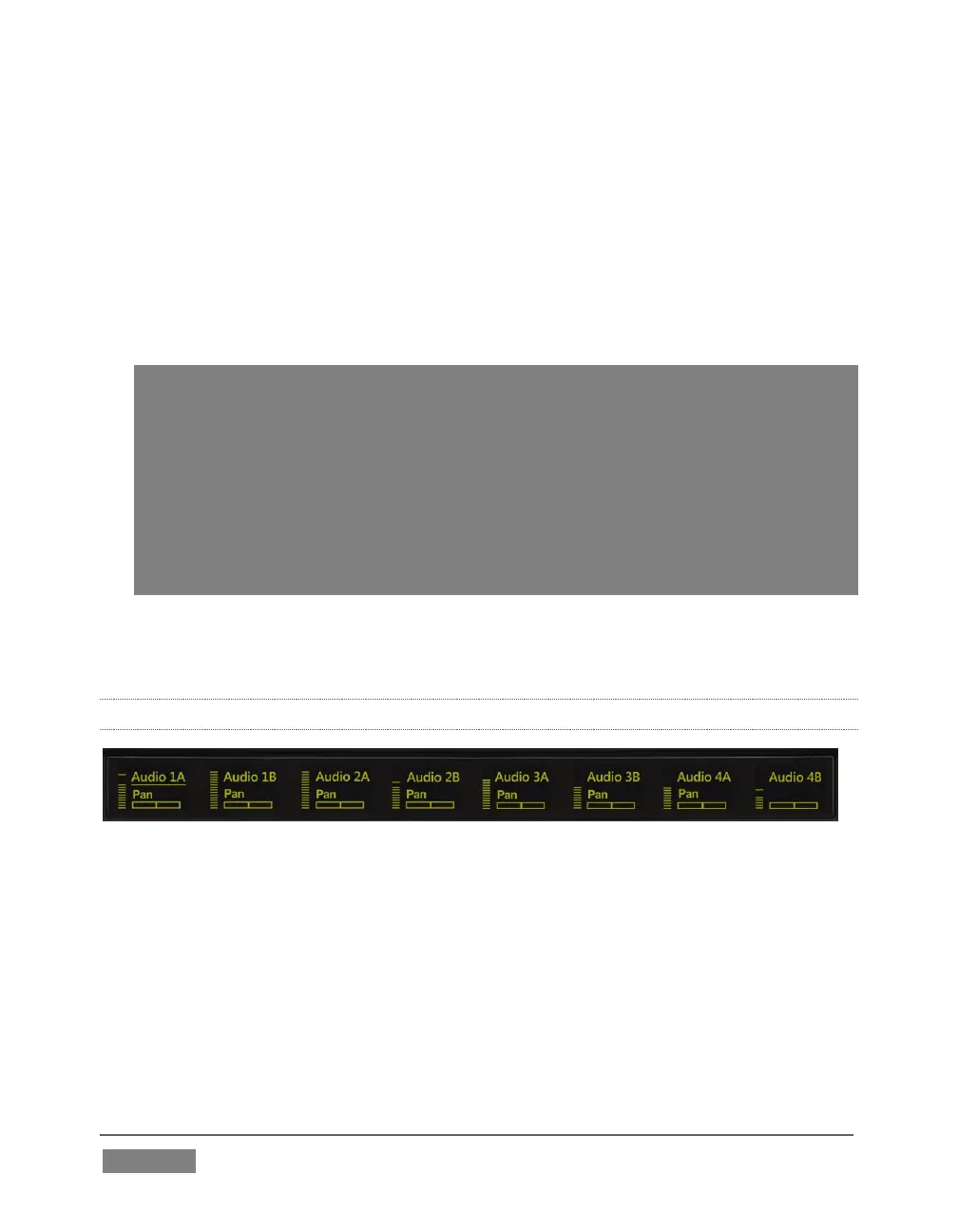
5. Launch a TriCaster session. The OLED rectangle icons are replaced by custom
TriCaster audio control labels and displays.
22.7.3 GETTING STARTED
FIGURE 373
When you first connect it to your TriCaster and open a TriCaster session, Artist Mix is
automatically configured to TriCaster’s default Audio Mixer setup. The OLED
information display will look like Figure 373. Let’s note in passing that this initial
layout may or may not match the Audio Mixer setup in your current TriCaster session.
We’ll discuss how to customize this default configuration a bit later, but for now let’s
consider basic navigation.









 To Next Page