Page | 301
18.1.1 COMPACT VIEW
FIGURE 298
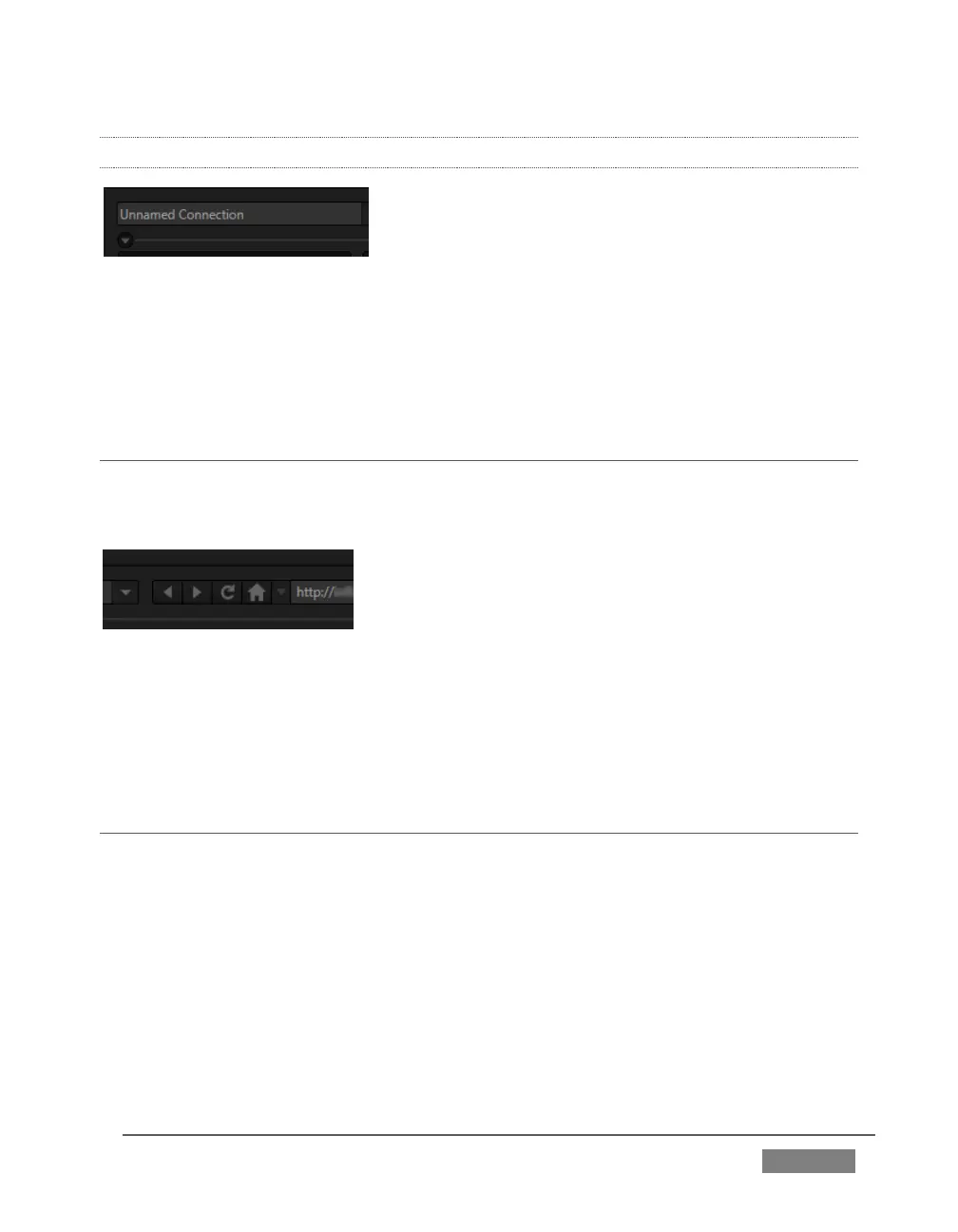
Just to mention it in passing, after configuring one or more Connections, you can
collapse the header to a compact view using the up/down control just below the
connection name field (Figure 298).
SECTION 18.2 WEB BROWSER
A simple set of navigation controls (Figure 299) is provided above the Web Browser
viewport.
FIGURE 299
Easily recognizable Backward, Forward and Refresh buttons operate just like those on
a typical web browser. The URL field allows you to type in a webpage address, and
access it using the Go button at right.
SECTION 18.3 CONNECTION OPTIONS
The process of configuring a Connection (preset) begins with selecting the item
“Create Connection from current URL ...” from the Connection menu at left. This action
will immediately open a dialog entitled Choose Configuration Type. The options
available are as shown in Figure 300.









 To Next Page