Page | 254
Naturally, only one connection type can be active for a given audio input group at any
moment. To access the Connection menu, move the cursor into the box just below the
label for an input, and click the Configure (gear) button (Figure 251).
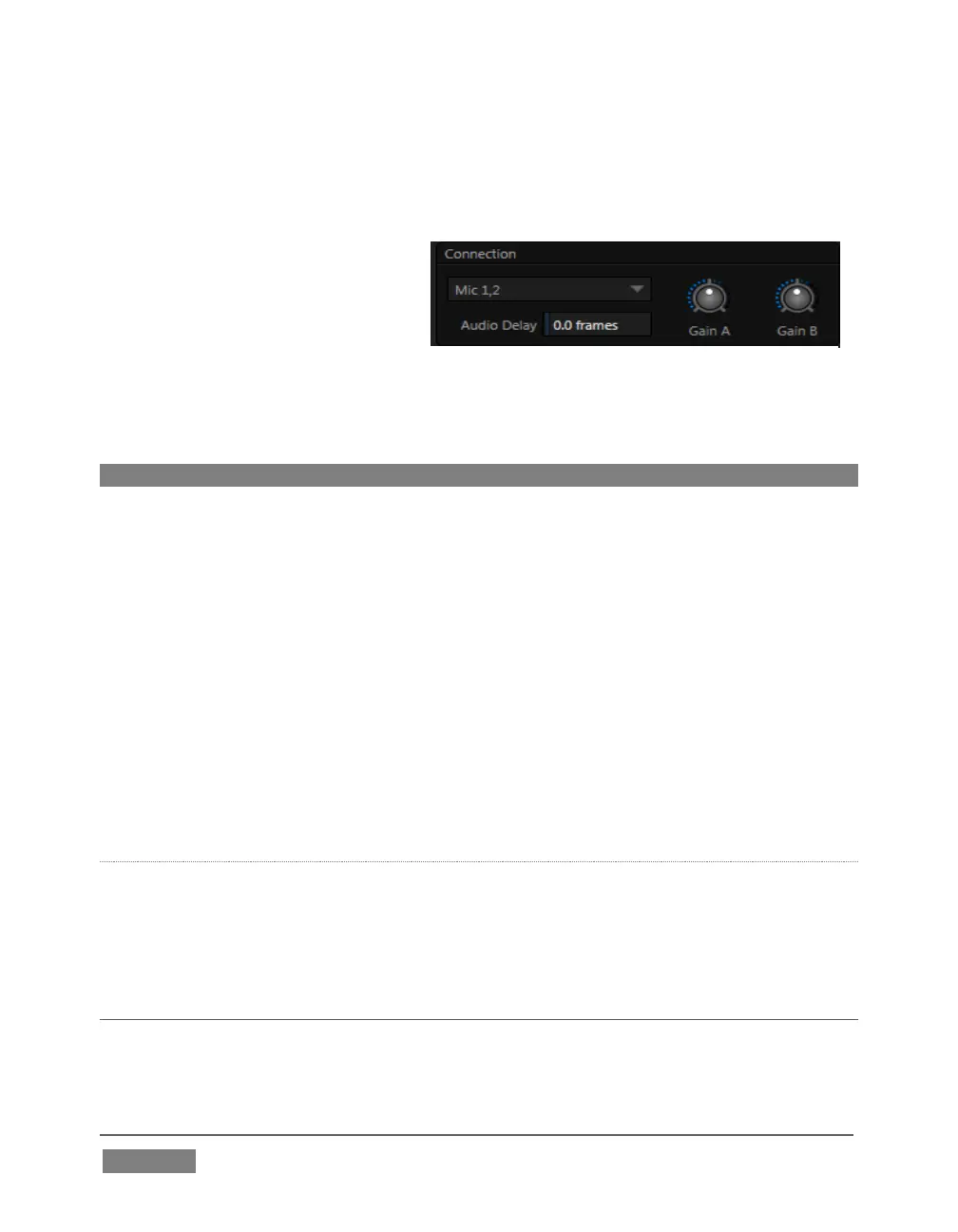
The advanced Audio Configuration
panel (Figure 252) will be shown.
The drop-down Connection menu at the top of this pane allows selection of one of the
following options:
Note: For TriCaster 410 Mini models , only the first two inputs support analog audio.
Mic (or Mic 1, 2) – low impedance microphones and other common
professional audio sources
Mic 1, 2 + Phantom (power) – microphones (typically condenser mics)
requiring supplementary DC power; not supported by TriCaster Mini models.
Line – generally consumer audio sources such as CD players, VCRs, etc.
AES/EBU – digital audio (8-input models only)
SDI Embedded or HDMI – digital audio embedded with digital video
transmitted via a Serial Digital Interface (SDI) or HDMI connection.
GAIN A/B
For Mic selections only, a Gain knob is sown at right for each input channel. This
provides additional trim for Mic type inputs, allowing you to bring input levels into a
suitable operating range.
SECTION 15.5 COMMON CONTROLS
Many important features and optional settings are common to most source types, and
some even appear for outputs. Let’s review these before continuing.









 To Next Page