Page | 327
19.2.2 FILE COPY AND FTP
The File Copy and FTP options are very useful output alternatives, effectively
providing a live export method that does not force you to wait until production ends
to use them. These features can be invaluable for collaboration, whether local or
remote.
19.2.3 COMPRESSION
A feature common to both File
Copy and FTP publishing is the
option to compress video before
sharing.
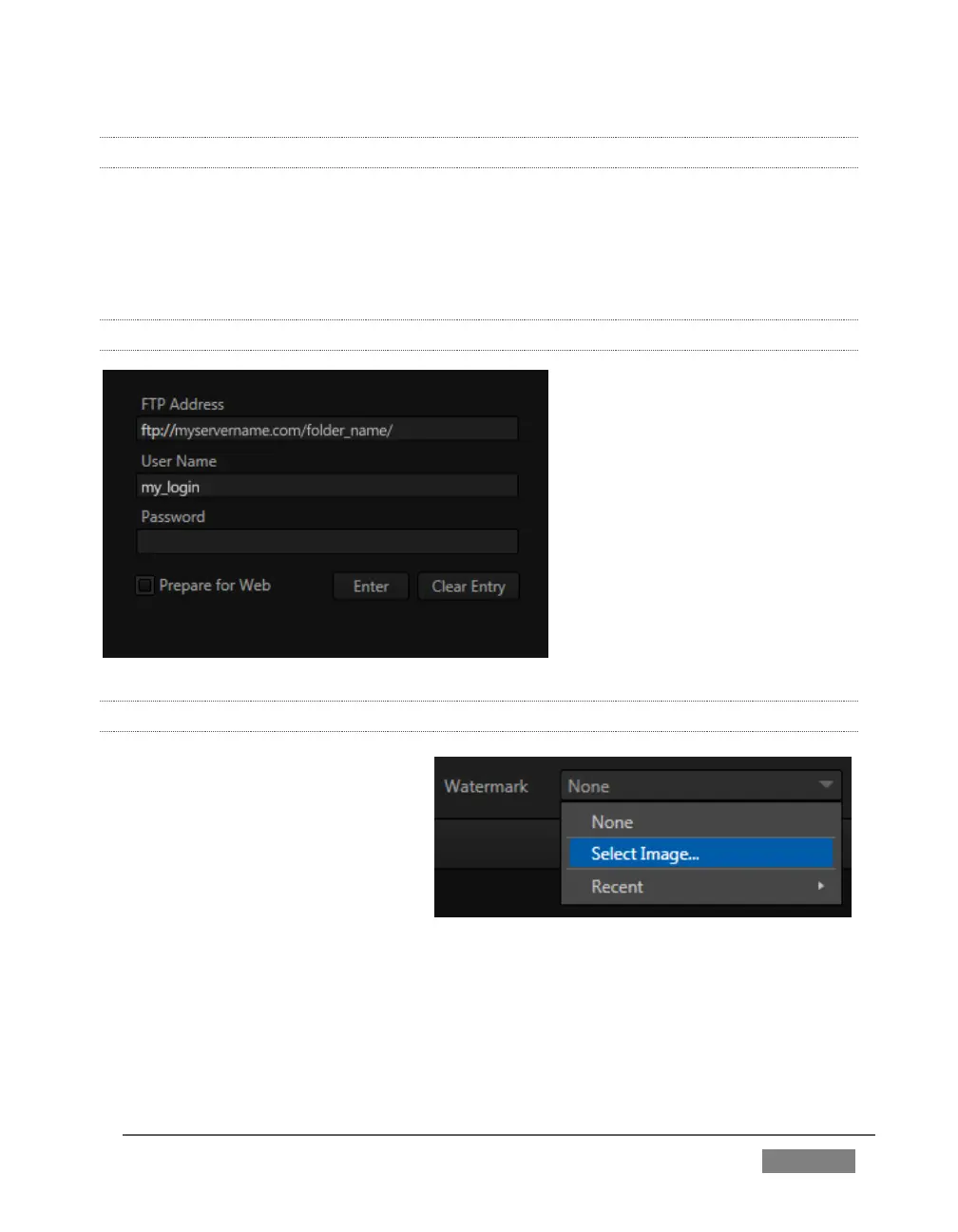
Enabling the Prepare for Web
option encodes files to a compact
progressive scan H.264 (MP4)
format suitable for the Internet.
(Disable this option when you
wish to use the files for post-
production.)
19.2.4 WATERMARKING
To avoid unauthorized of use
private or copyrighted media, you
may want to add a watermark
before publishing it to public sites.
The Watermark feature allows you
to select a suitable overlay image.
The image you select will be
composited onto published video
or still image files. It should normally be a 32bit still image file (supported formats
include popular formats such as PNG and Targa) that positions the watermark
correctly in the frame taking into account the resolution and aspect of exported files.









 To Next Page