Page | 281
SECTION 16.4 3PLAY™
3Play’s Output A and Output B are available as Switcher
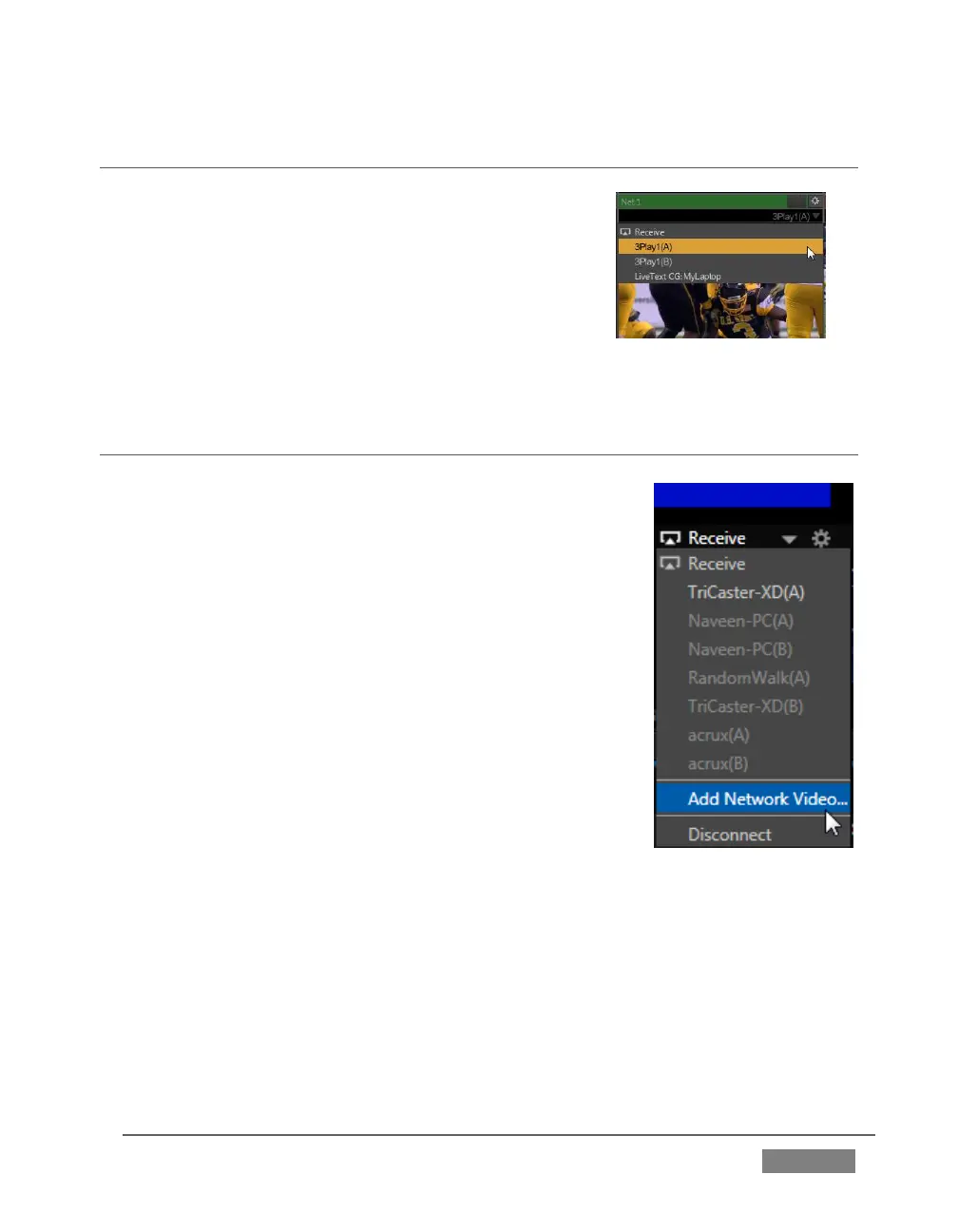
sources to TriCaster. They appear in the source selector
menu for TriCaster’s network inputs as “3Play(A)” and
“3Play(B),” where “3Play” is the name for the system.
Conveniently, 3Play’s network output also includes
embedded audio, freeing up multiple TriCaster a/v
inputs for other purposes.
SECTION 16.5 NETWORK VIDEO
In addition to NDI (Network Device Interface™), the Net 1
and 2 inputs also support a number of different streaming
network video source types and protocols, such as RTSP and
RTMP, so-called ‘IP cameras’, and more.
The various source types discussed earlier in this chapter,
having been designed for the purpose, advertise their
availability over the network to TriCaster; this, in turn,
allows TriCaster to list them in its source drop-down menus
automatically on detection.
This is not the case with video sources of the types listed in
the previous paragraph, but with basic address information
you can add them to the source menu listing. The Source
selection menu for both Net inputs shows the item Add
Network Video (Figure 279).
Select this entry to open the Network Video Configuration panel (Figure 280). Enter a
name for the camera (to help you identify it in the drop-down Source menu later,
complete the address field (expand the Examples just below the Address input field
for help on syntax), and click Done.









 To Next Page