Page | 413
To enable, disable or reset the EQ, press the EQ (Knob Set) button
to enter EQ control mode, and press CHAN, to turn Channel mode
off; the display should show the 60Hz level. Select an input (press
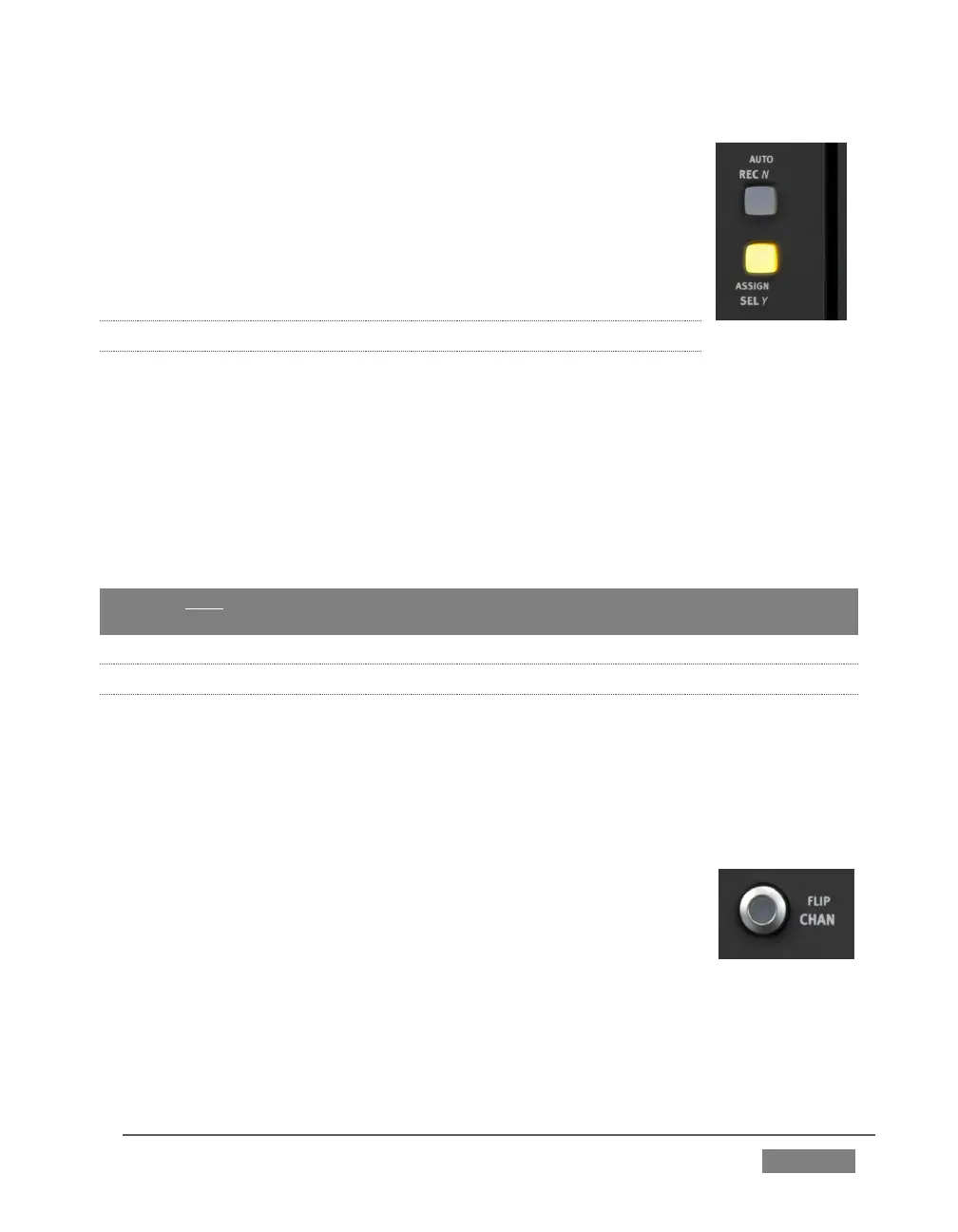
the SEL Y button beside a fader), and press the SEL button just
below the OLED to enable/disable EQ for this input; or press ON
(just beneath) to reset the EQ for this input.
22.7.14 COMPRESSOR/LIMITER
To access TriCaster’s Compressor/Limiter controls for the currently selected source,
simply hold down a Shift key on the control surface and press the EQ button again (the
label for the ‘shifted’ state of this button is DYN).
Again, the labels above the little graphs in each control surface slot update to show
Compressor/Limiter settings – Threshold, Ratio, Attack, Release, and also Mic Gain.
And naturally, the knobs beneath are delegated to control the corresponding attribute
for the currently selected source.
Hint: Mic Trim (not the same thing as Mic Gain) is only shown for sources set to a Mic
mode.
22.7.15 CHAN MODE
CHAN is short for “Channel”. By default, this button is unlit, and Artist Mix operates in
‘standard’ mode. Standard mode (CHAN off) is the default operating mode for the PAN
Knob Set mode that you will use for most ‘non-configuration’ Audio Mixer activity. It
imposes one-to-one relationship between control groups and individual audio
sources – each group governs one source exclusively.
Pushing the CHAN button changes this relationship. In channel
mode, all knobs and faders are assigned to a single TriCaster audio
source (or ‘channel’, from the Artist Mix viewpoint). The SEL switch,
introduced in 22.7.13, determines which source has ‘focus’, and the
various adjustable settings for that source are expanded across the
entire control surface, with one Artist Mix ‘slot’ assigned to each.
We’ve seen how this works in EQ mode, where it expands the different equalizer
bands for a single (selected) audio source across multiple knobs. In fact CHAN mode









 To Next Page