Page | 386
22.4.9 RECORD GROUP
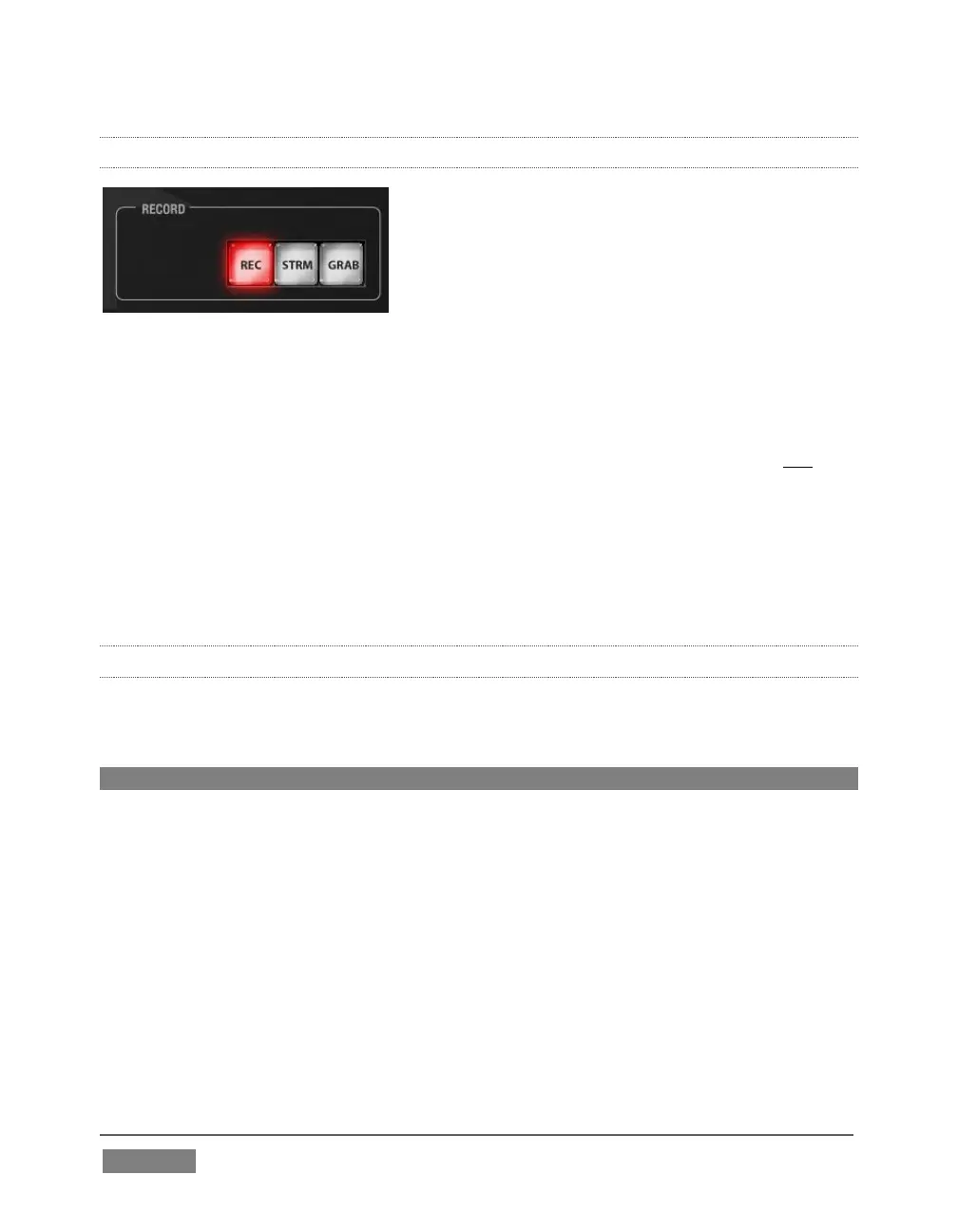
FIGURE 355
Three buttons labeled REC, STRM, and GRAB are located in the RECORD group.
REC – Pressing this button enables TriCaster's Record feature. As a safety
measure, pressing the REC button when recording is underway does not stop
recording. Instead, the CTRL button flashes to reminds you that you must
hold the CTRL button down while pushing REC to end recording.
STREAM – Push to enable or disable TriCaster’s live streaming feature.
GRAB – Push to store a still imaged grabbed from Program output using
TriCaster's Grab feature.
22.4.10 PTZ CONTROL
Joystick control over pan, tilt, and zoom for connected robotic cameras is also
provided.
Note: Joystick operations do not affect stored PTZ preset values.
To delegate the joystick to control a PTZ camera assigned to a specific TriCaster input,
hold down SHIFT button on the control surface and press a button in the M/E Delegate
group. (Afterward, the button corresponding to the current PTZ camera selection will
light whenever SHIFT is pressed.)
Pan: With SHIFT depressed, tilt the joystick left-right.
Tilt: With SHIFT depressed, tilt the joystick backward-forward.
Zoom: With SHIFT depressed, twist the joystick clockwise or counter-
clockwise.









 To Next Page