Page | 260
Centering the Pan knob labeled A splits the sound received by Input 1a equally
onto channels A and B.
Sliding Pan for Input 1a all the way to the right results in that source only
being audible on channel B, removing it completely from its original channel.
Pan also modulates the sound levels on the left and right channels so that the overall
volume neither rises nor drops as a result of adjustments.
Hint: “Pan” is not the same as “Balance”. The balance control in a stereo system varies
the relative level of the left and right channels, but sound from the left channel will never
come out of the right speaker, or vice versa (whereas Pan does permit this to occur).
15.7.4 ROUTING
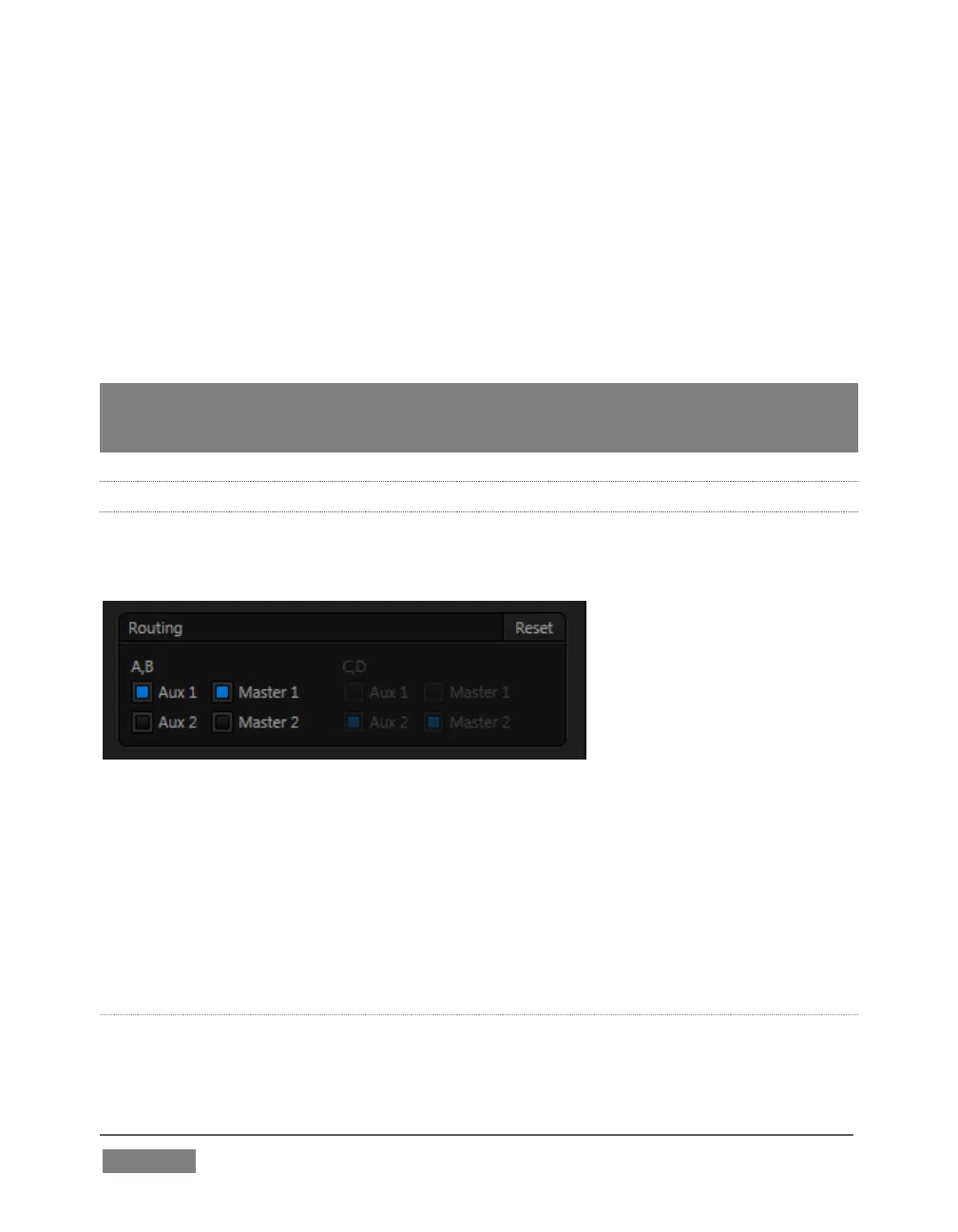
A control group labeled Routing appears below the Pan group in the first tabbed pane
(Input Settings) of the Audio Configuration panel for all sources.
FIGURE 259
The controls in this group determine output routing of the stereo pair(s) comprising
the input group. Switches let you send channels A and B to different internal audio
buses maintained by TriCaster.
When present, channels C and D can be separately routed. Let’s talk about what an
audio bus is and how it is useful before proceeding.
BUSSES AND OUTPUTS
Consider a very basic audio mixer. Its main audio signal path, from input to output,
is properly called the ‘master bus.’ Sound supplied to one or more inputs is placed on









 To Next Page