Page | 274
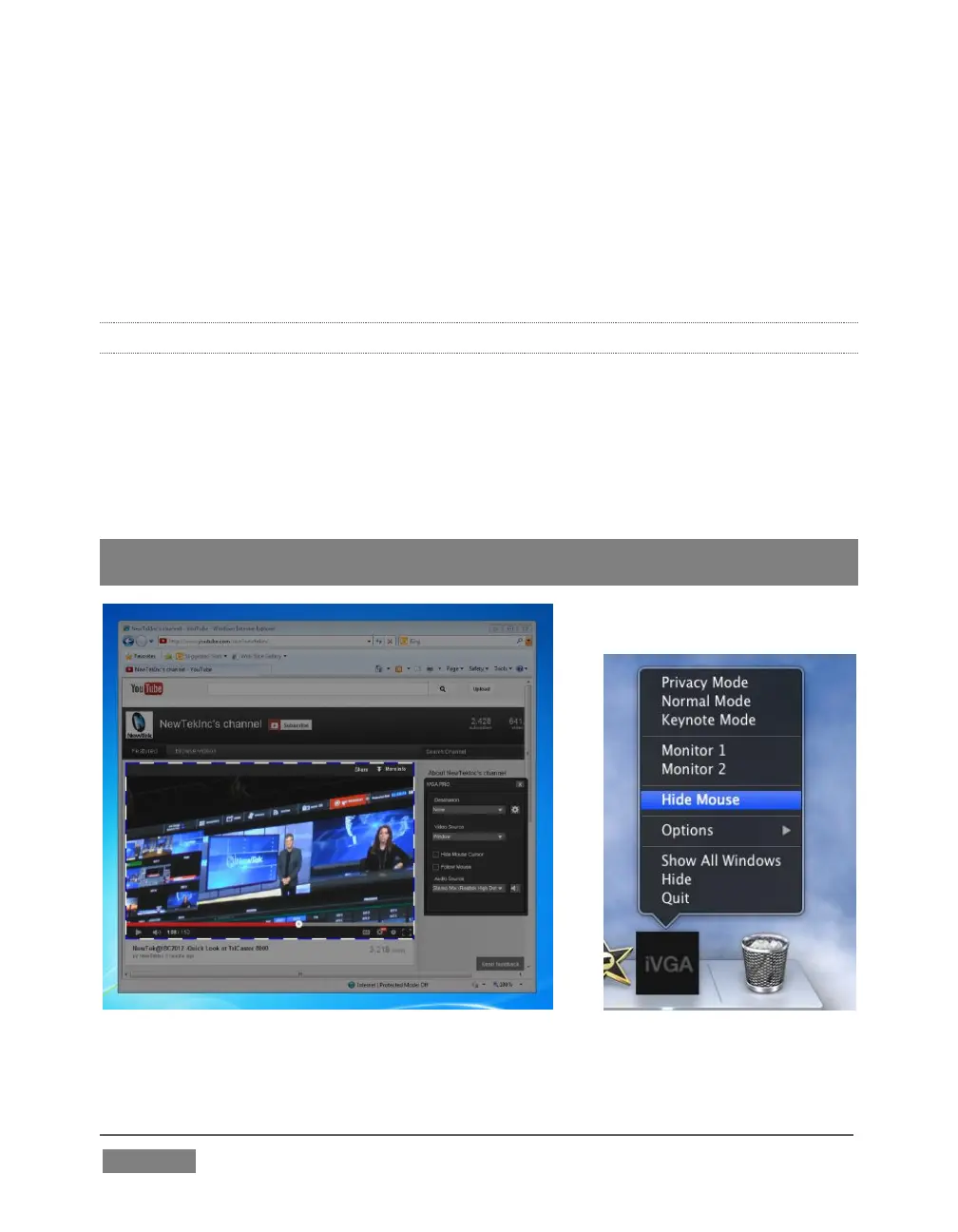
Show either desktop monitor when you have more than one attached using
the Monitor 1 or Monitor 2 options in the menu.
The Options list contains settings for Open at Login, Remove from Dock, and
Show in Finder.
16.2.2 IVGA PRO (WINDOWS)
The iVGA PRO™ installation for Microsoft Windows® systems is supplied as an
executable (program) file. To use it, copy this file to the client system from its location
in the iVGA folder (found inside on C:\TriCaster\Extras).
Run iVGA on the client computer by double-clicking its icon (iVGA PRO will run from
anywhere you put it on the client system – even a thumb drive).
Note: iVGA PRO is for use with XD series TriCasters. Those with SD-only model
TriCasters (or 32bit iVGA client computers) should use the earlier ‘iVGA’ application.
FIGURE 268









 To Next Page