Page | 414
is so appropriate in this case that it is automatically activated whenever you press the
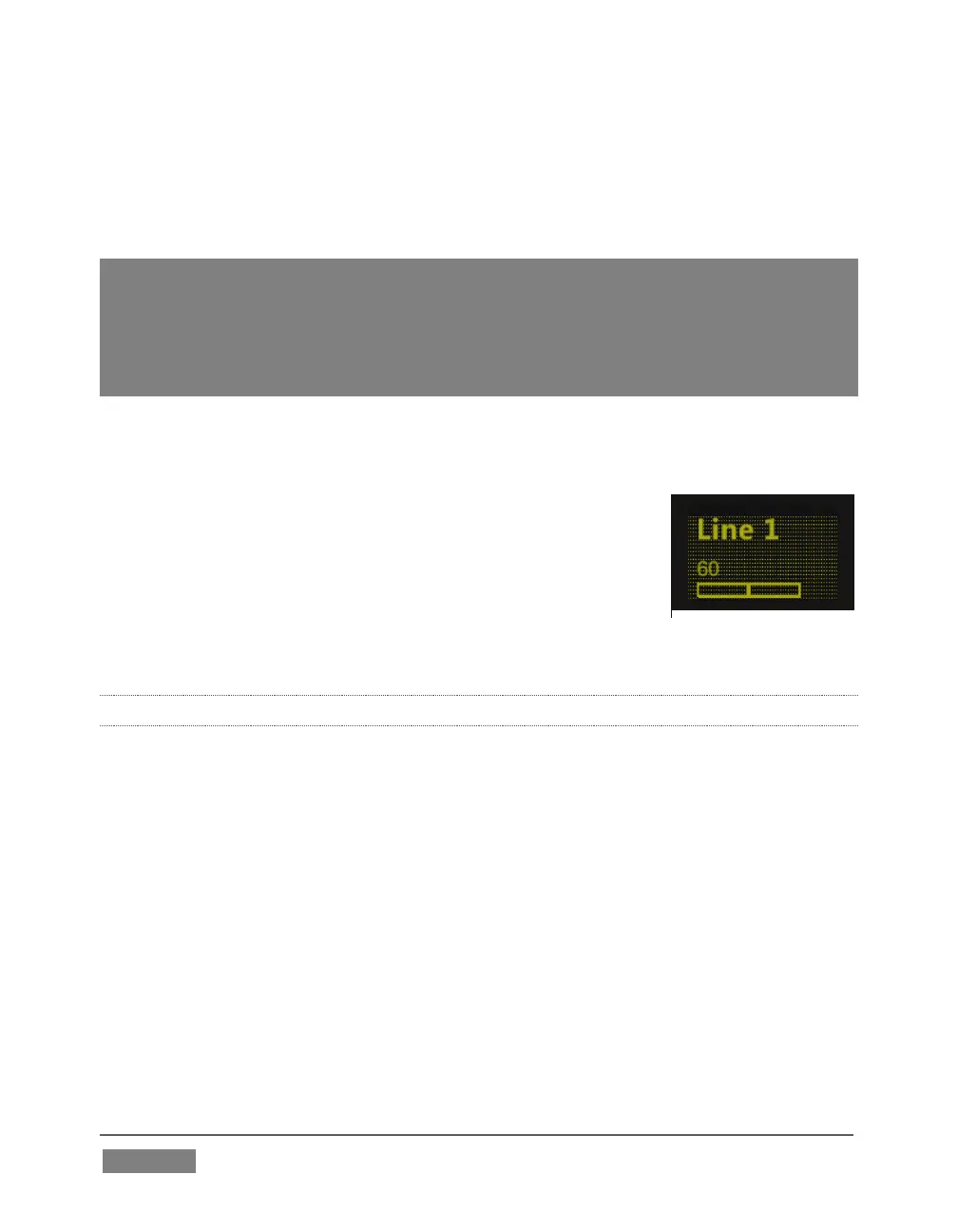
EQ Knob Set selector. (In CHAN mode, a ‘grid’ background is displayed in the OLED -
see Figure 388. And as we saw before, the label for the selected source is highlighted
in the same manner).
Hint: It is possible to switch to standard operating mode manually using Artist Mix to control
EQ settings. Just press the CHAN button to toggle that mode off. In this state, the knobs
in all eight control groups are assigned to a single parameter – so, for example, you could
view (and adjust) the 60Hz EQ setting for all sources in the current Artist Mix bank at once
if you need to quickly damp that low rumble your microphones are picking up when the air
conditioning kicks in.
You will probably find that standard mode works best for most operations apart from
EQ, however.
To enable/disable or reset the Comp/Limiter, hold SHIFT and
press the EQ (Knob Set) button, then press CHAN, to turn
Channel mode off; the display should show the Threshold
level). Press the SEL Y button beside a fader to select an input,
and press SEL button below the OLED to toggle EQ for this
input; or press ON (just beneath) to reset the
Compressor/Limiter.
22.7.16 FLIP MODE
The shifted state of the CHAN button is labeled FLIP. Like the former, FLIP also affects
the mapping of the Artist Mix controls. In this case, the roles of the fader and the
rotary knob are swapped. For example – in the default PAN Knob Set mode, the faders
normally controls source levels, while the rotary knob adjusts Balance or Pan. When
FLIP is active, it’s the other way around.
While not particularly useful for most operations, FLIP comes into its own in EQ mode,
allowing you to use the much larger faders to provide convenient control over the
rather similar sliders in TriCaster’s equalizer (don’t forget to turn flip off when you
switch back to normal PAN mode, though).









 To Next Page