Page | 12
Proc Amps and White Balance controls for every source preserve pristine
image and color fidelity.
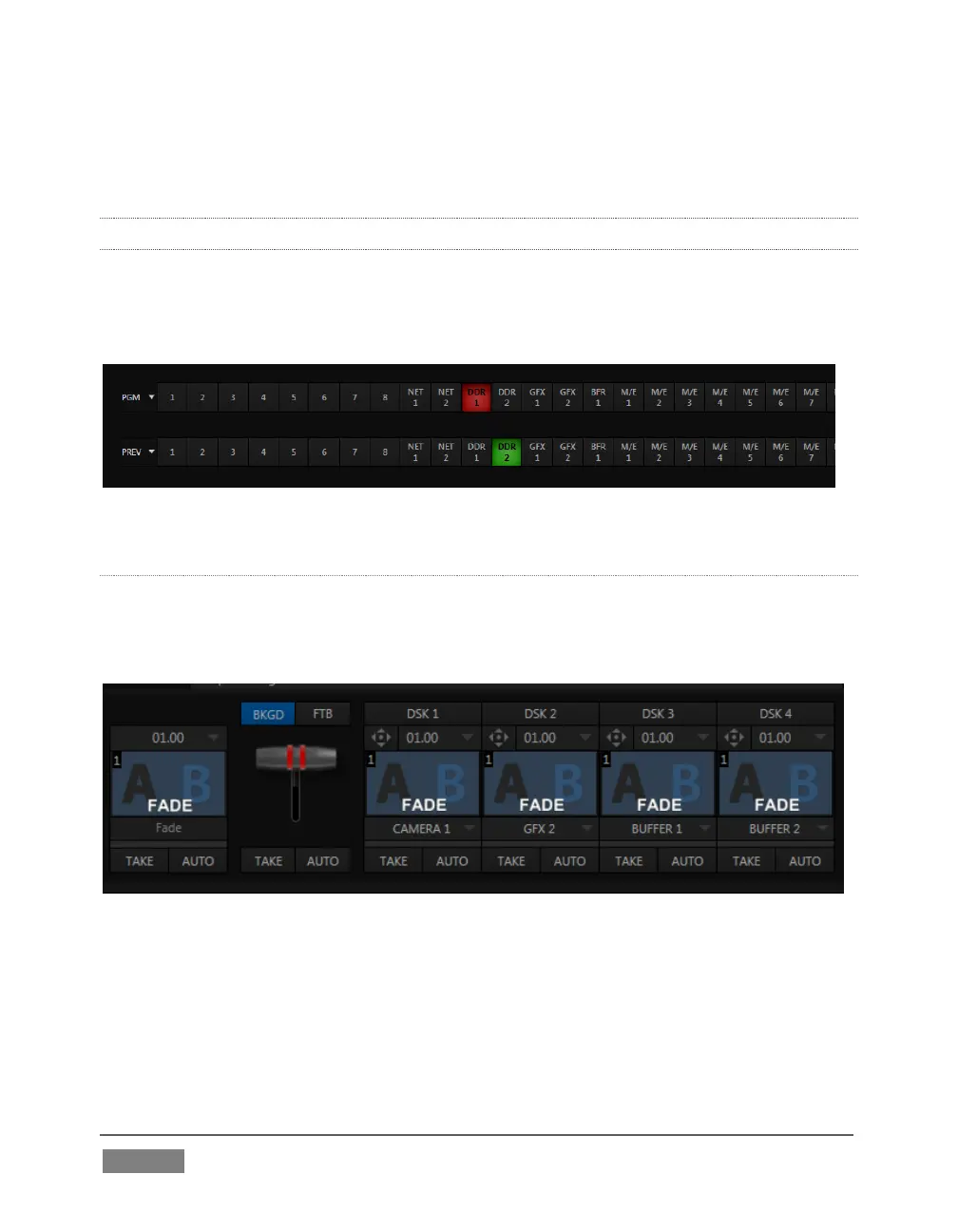
2.5.8 THE SWITCHER
TriCaster’s powerful 24-channel (8-input models)) or 15-channel switcher with
native support for popular professional video routers puts countless video sources at
your fingertips.
FIGURE 4
VIDEO LAYERS AND TRANSITIONS
The Transition section of TriCaster’s Live Desktop provides powerful tools for
arranging and displaying the numerous video and graphic layers contributing to
TriCaster’s ultimate program output.
FIGURE 5
Freely hot-punch or transition between external sources (Cameras or Network
1 or 2), internal sources (Media Players) and M/E effects.
Latch selected Switcher and M/E source rows together in color groups to
synchronize switching operations.









 To Next Page