Page | 13
TriCaster 8000 provides 4 DSK (Downstream Key) channels for the Switcher
and four independent Key channels for each M/E provide scores of creative
possibilities. (Other models have two DSK and one M/E Key channel).
Use any of the hundreds of transitions supplied to reveal either Background
or DSK/Key channels with animated wipes, trajectories and dissolves, or
select colorful and dynamic Animation Store transitions with overlays, sound
and TransWarp™ effects.
Create an unlimited number of custom transition effects with embedded
sounds, dynamic cloth effects, and full color overlays using the integrated
Animation Store Creator application.
Create eye-popping animated graphics using your favorite software (such as
Adobe After Effects®), and convert them to colorful *animated Buffer effects
that you can display on demand – without tying up a Media Player. (*Not a
TriCaster 410 or TriCaster Mini SDI, or Mini feature).
Reveal combinations of video layers with a single operation of the T-bar or
single-click Take and Auto buttons.
Local Transition controls for BKGD (Background) and DSK layers provide
flexible, independent layout and display of all layers and their transitions.
Select individual transition effects for every layer; adjust Transition Speed,
Reverse and Ping Pong options.
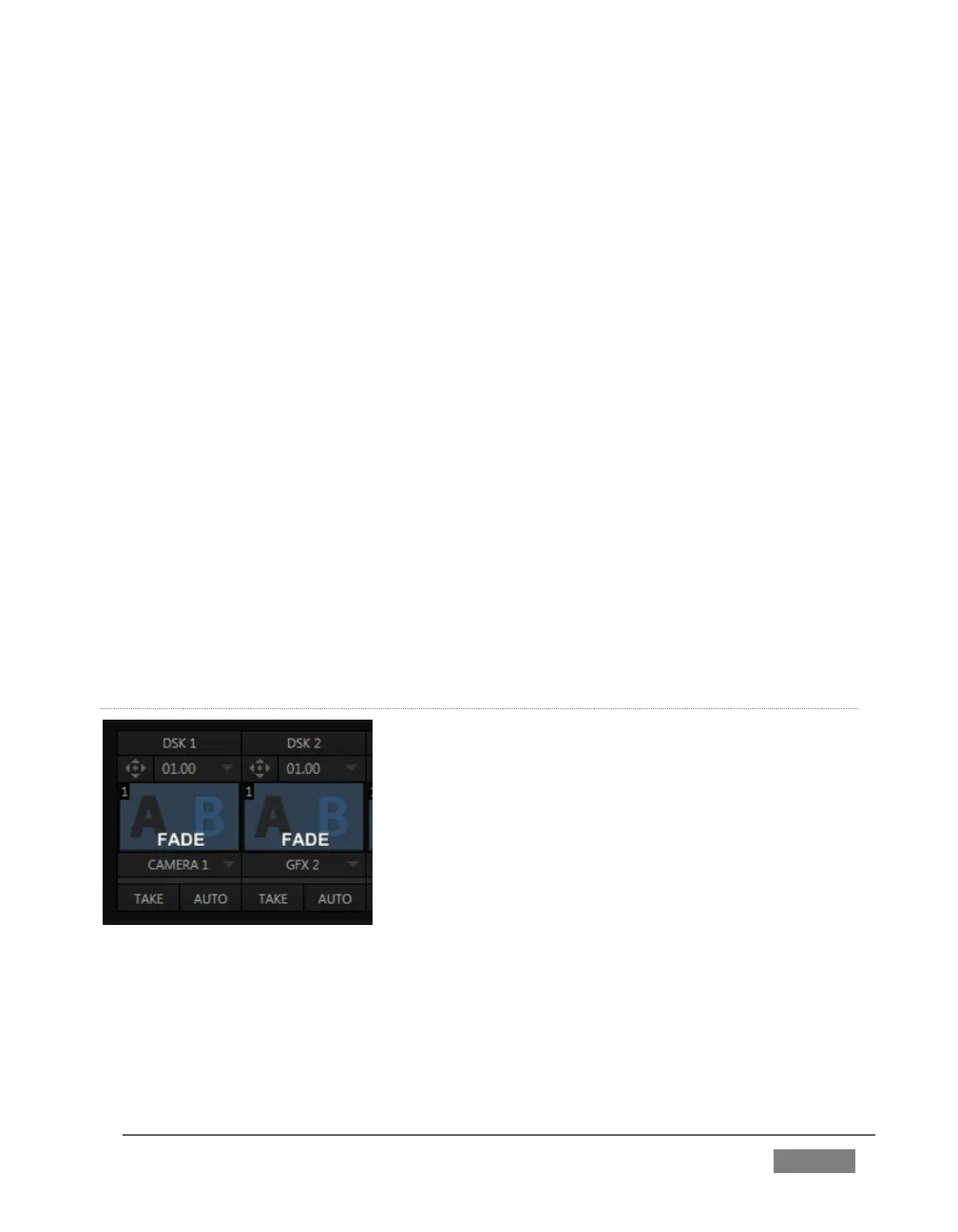
DSK CHANNELS
FIGURE 6
TriCaster’s DSK layers support downstream overlays (not to mention M/E Key
channels, which can serve as upstream overlays – that is ahead of the main Switcher).
Some TriCaster models offer two DSKs, while TriCaster 8000 has four.









 To Next Page