Page | 217
11.4.3 BUFFERS MENU
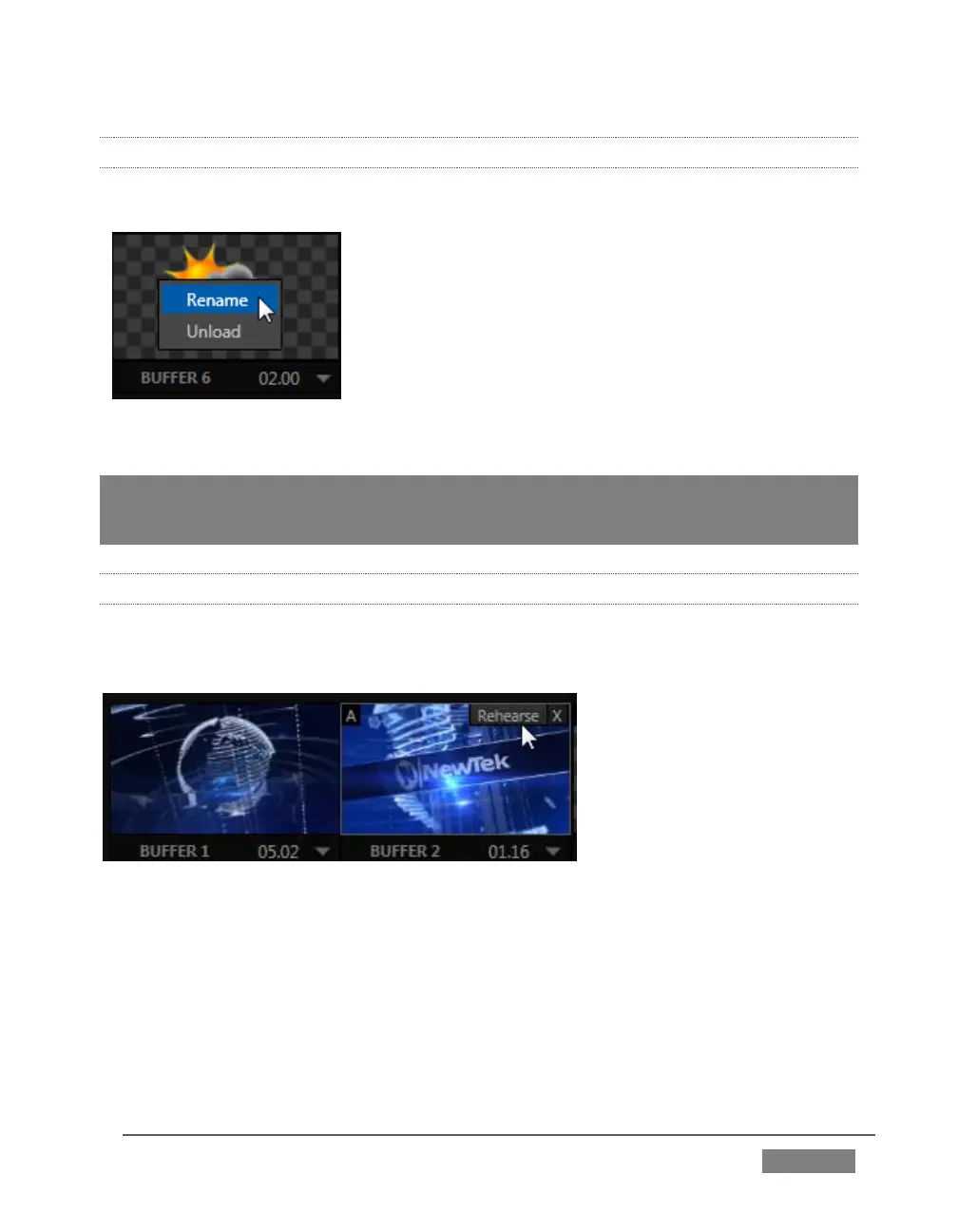
Right-click a thumbnail icon in the Buffers pane to open a menu offering two items:
Rename allows you to assign a custom name to
the buffer. The name will also be visible in
menus (such as DSK source menus).
The Unload option clears the effect, freeing
Switcher Memory reserved for effects.
Hint: A small [x] button appears over the upper-right corner on rolling the cursor into a
Buffers tab icon. This button simply provides another convenient method of unloading an
effect from Switcher Memory.
11.4.4 ANIMATION FEATURES
The thumbnail icon for a buffer with an animation effect assigned to it provides
several additional features.
FIGURE 208
As mentioned earlier, animation effects can be of either looping or auto-run type (the
type determination is made in the Animation Store Creator utility when the effect is
generated).
Loading either class of animation effect into a buffer results in a time control being
displayed at right in the buffer label below the icon (Figure 208).









 To Next Page