Page | 381
22.4.7 POSITIONER GROUP
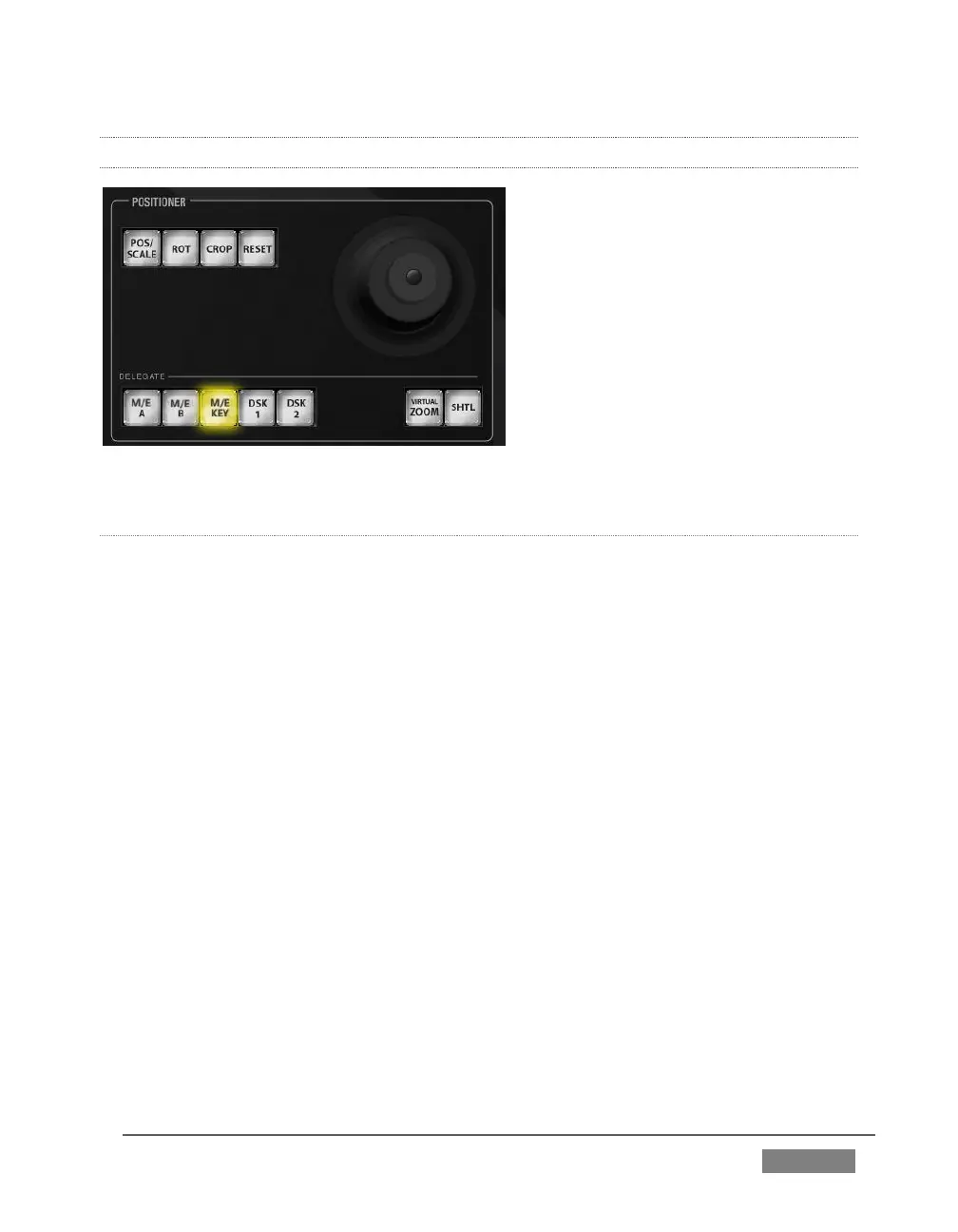
FIGURE 353
POSITIONER DELEGATE
The Positioner section allows you to adjust position attributes for different overlays
and video layers using the Joystick. The DELEGATE group includes seven buttons. In
some cases, the scope of application for a DELEGATE selection is further modified by
button selections in other sections of the control surface.
For example:
The M/E A and B buttons delegate Joystick operations to Input A and Input B
of the M/Es currently selected in the M/E DELEGATE group.
Similarly, the M/E KEY button assigns the Joystick to control position
attributes for the KEY layer of currently delegated M/Es.
Again, selecting VIRTUAL ZOOM tells the Joystick to control the zoom level of
the currently delegated M/Es. The joystick mode buttons (such as POS/SCALE,
discussed shortly) are not lit when the POSITIONER DELEGATE selection is
VIRTUAL ZOOM.
Use the joystick to control Virtual Zoom as follows:









 To Next Page