Page | 380
TAKE, AUTO AND KEY
For an M/E In Mix mode, the TAKE and AUTO perform the named operation between
A and B input layers, treating the former as “program” and the latter as “preview”
sources.
Press SHIFT + TAKE to show or hide the KEY layer(s) for currently delegated M/Es.
Similarly, SHIFT + AUTO will transition the selected KEY(s) using the individual effects
selected for delegated M/Es.
Hint: See also the sub-heading “M/E | FTB” in Section 22.4.5 for information on using main
Switcher controls to govern M/Es.
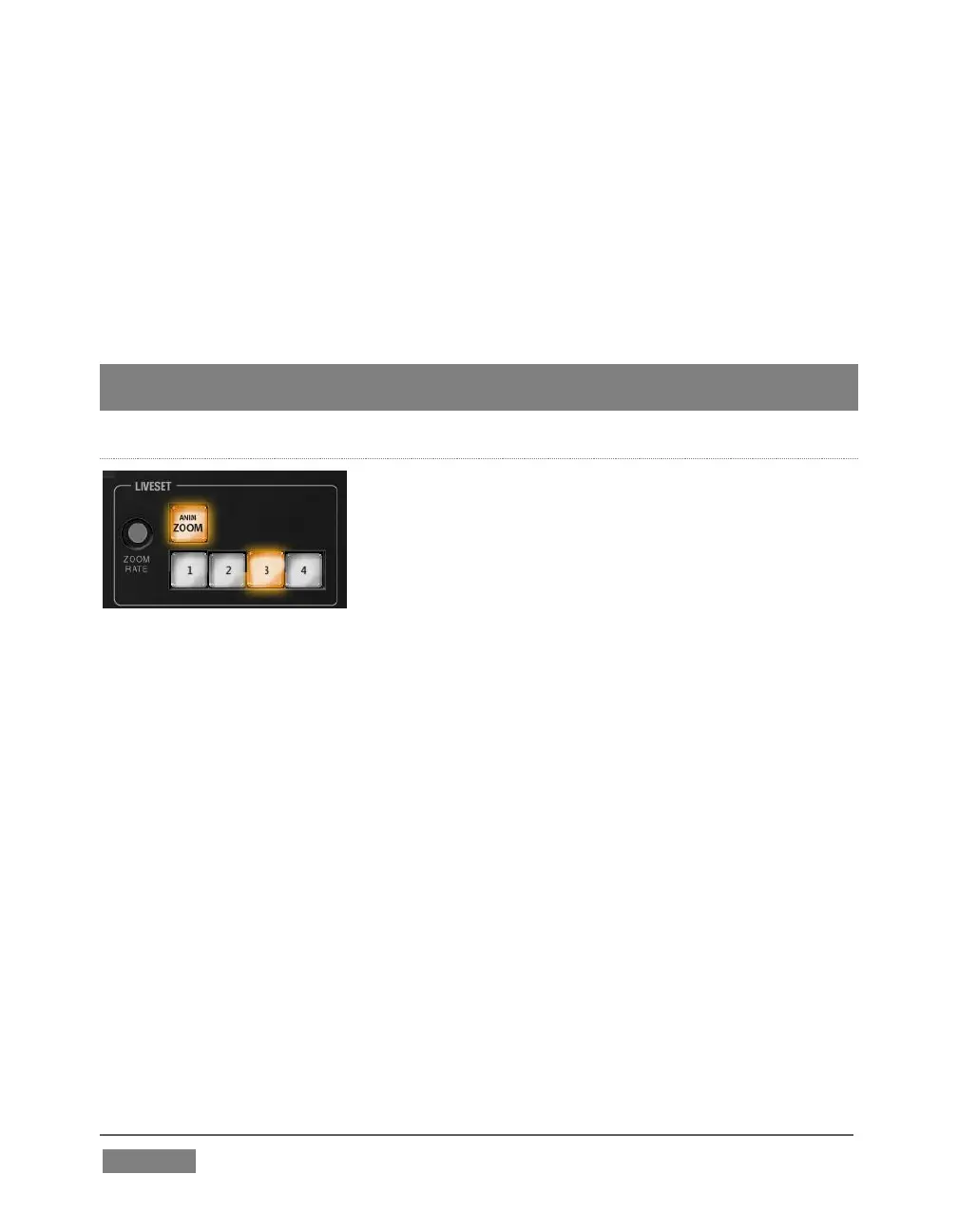
LIVESET ZOOM
FIGURE 352
The buttons labeled ZOOM 1-4 select one of the first four Zoom Presets for the
currently delegated M/Es. Add the SHIFT button to access presets 5-8. The ANIM
ZOOM button toggles the CUT (Duration) option for delegated M/Es. When ANIM
ZOOM is enabled, pressing an unselected zoom preset button initiates a smooth zoom
from the current level to the new level. Preset selection applies directly to all
delegated M/Es.
If you push a zoom preset button a second time at any point, the animated zoom will
ease-out and stop. Press it again to re-commence the zoom and complete it.
The duration of animated zooms is determined by the ZOOM RATE setting. Rotate the
knob to modify the duration of the effect, or push it to jump to a preset duration (Slow,
Medium or Fast).









 To Next Page