Page | 379
automatically ensures that adjustments you make to settings will affect the M/E that
you plan to display next.
INPUT ROWS
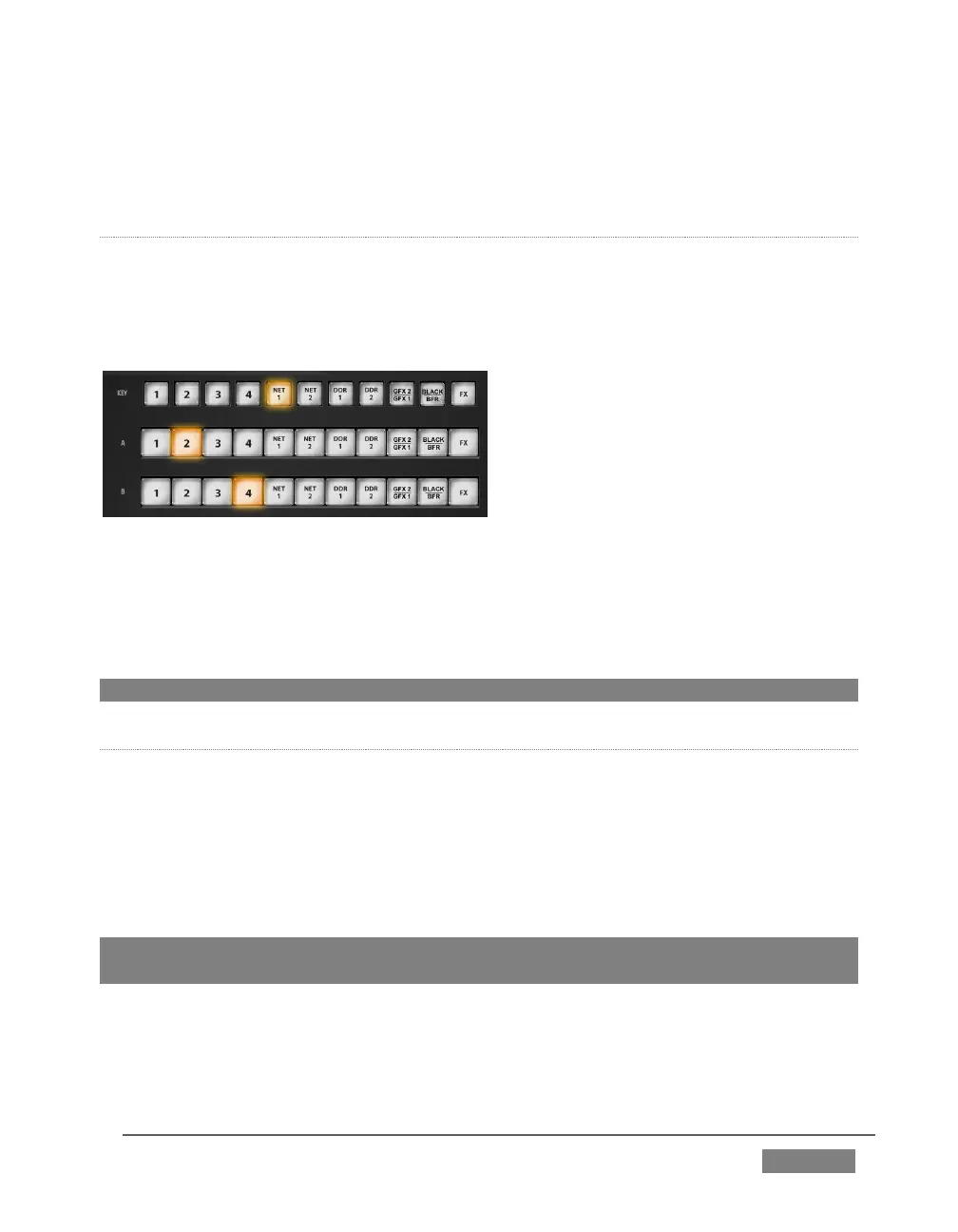
Just as in the Live Desktop, the Overlay row selection determines the source for the
Overlay layer of an M/E. However, since the control surface supports selection of
multiple M/Es simultaneously, operations can affect more than one M/E at a time.
FIGURE 351
Likewise, the A (Input A) and B (Input B) row selections determine the sources for
those layers for delegated M/Es. All three rows provide buttons for all camera inputs,
Net 1, Net 2, all Media Players (excluding Sound), Virtual Buffer, Black (TriCaster 860
CS only) and FX.
Hint: Punching FX is a quick way to assign the row to the Green (FX) switcher row group.
M/E OVERLAY TRANSITIONS
KEY TRANSITION SETTINGS
Rotate the TRANS SELECT knob to cycle the transition bin selection through
transitions currently available in the (KEY) Transition Bin in the user interface.
Rotate the TRANS RATE knob to modify the transition duration. Press the knob to
cycle through the standard Slow, Medium and Fast presets.
Hint: Rotate the TRANS SELECT and TRANS RATE knobs with CTRL pressed to assign
the A and B rows, respectively, for delegated M/E(s) to color groups.









 To Next Page