Page | 120
Back to TriCaster – Exit Administration Mode, and return to TriCaster’s Startup
screen and the production environment.
5.2.4 HELP
Select the Help icon to reveal links to open TriCaster manuals and other information.
The primary User Guide and
Control Surface manuals are
found here, as well as
documentation for other
TriCaster features, such as the
LiveText™ manual.
Click the License Agreement link to review the TriCaster license requirements, or the
About TriCaster link to list software version information, credits and
acknowledgments.
5.2.5 ADD-ONS
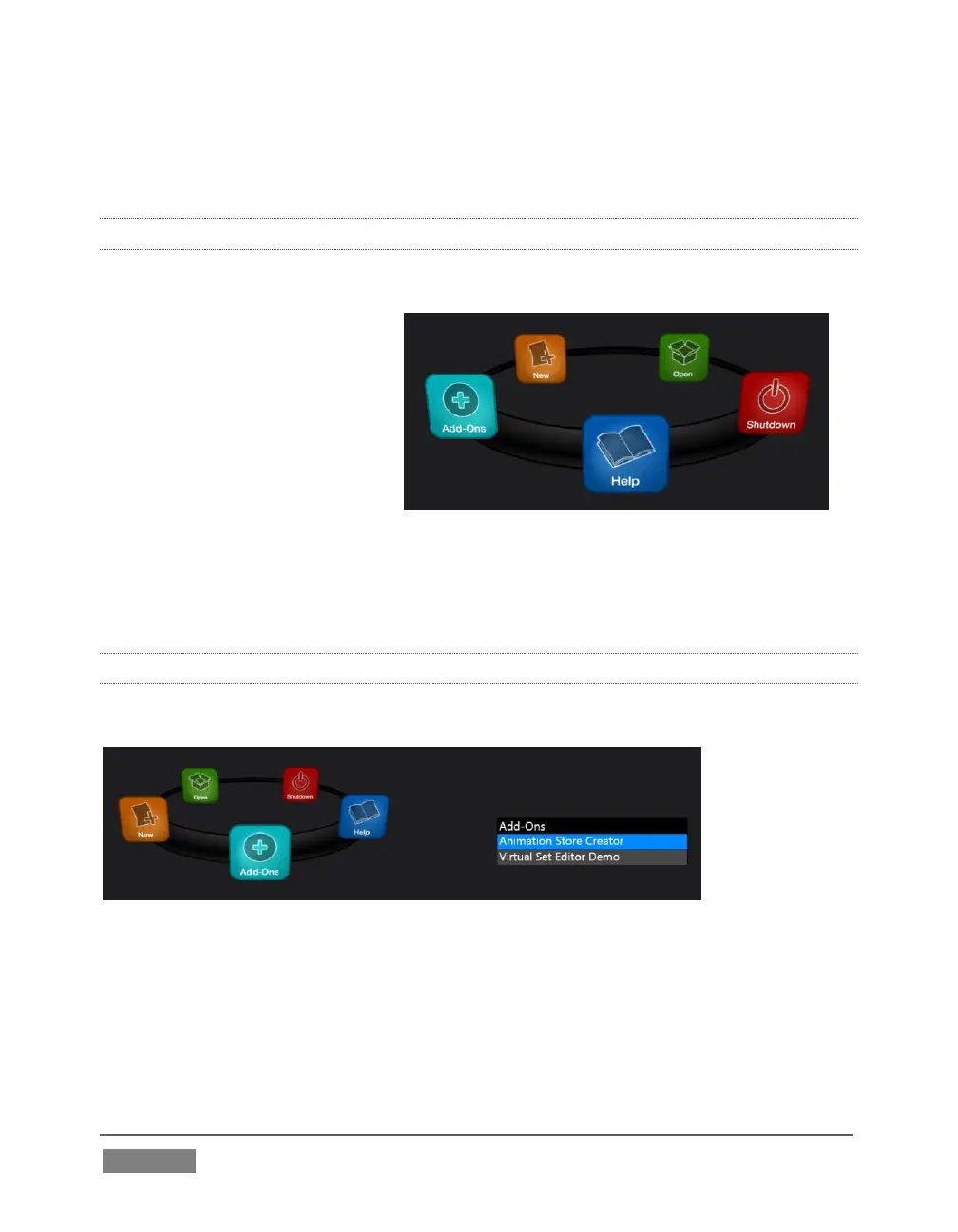
NewTek offers additional software tools to expand the power of your TriCaster.
FIGURE 102
The icon labeled Add-Ons on the Home Page provides access to some of these tools.
When you select it, links are displayed for installed software applications, allowing
you to launch them. (For example, Figure 102 shows links to the included Animation
Store Creator utility as well as a demo version of the optional Virtual Set Editor™
program.)









 To Next Page