Page | 367
22.3.7 RECORD GROUP
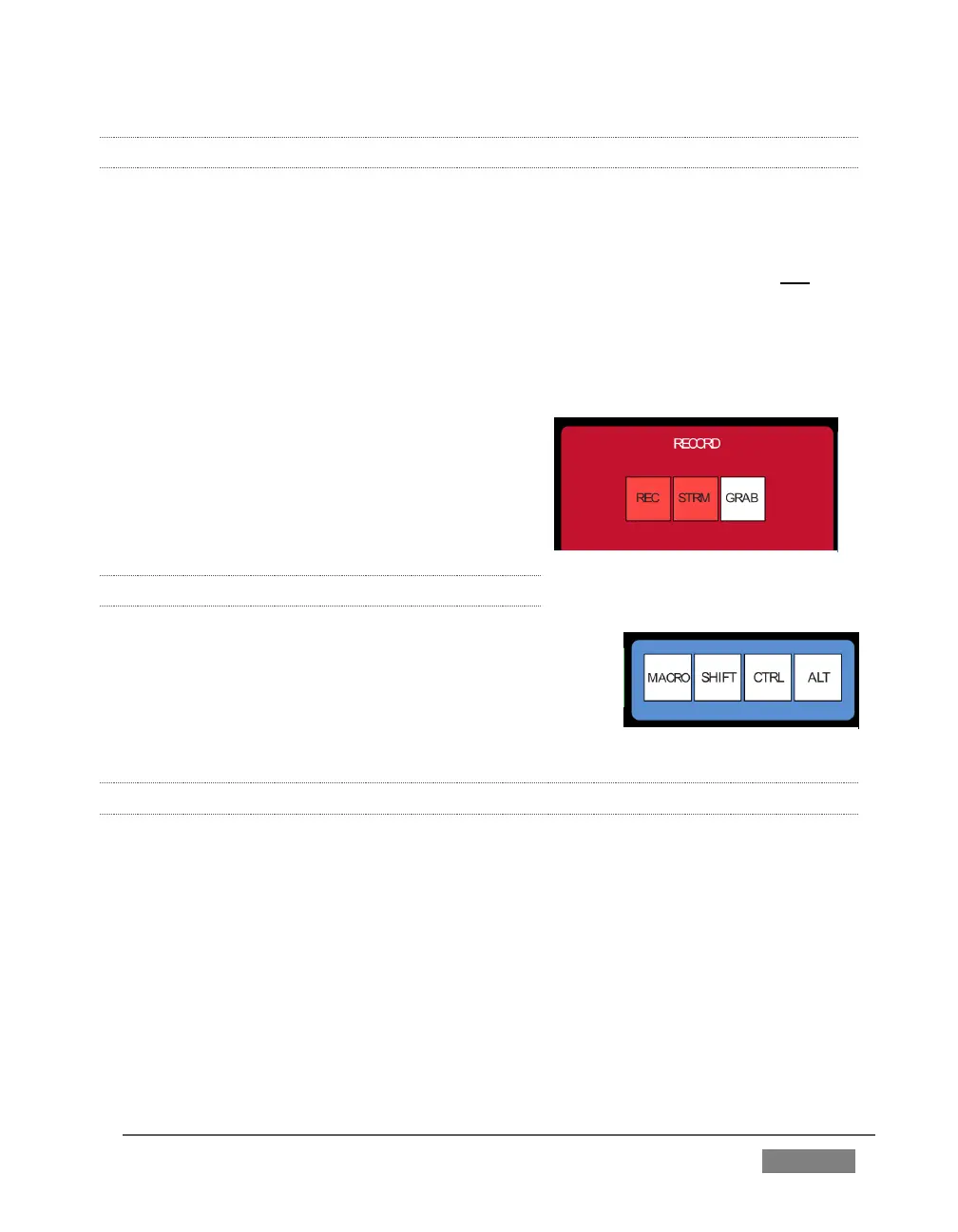
Three buttons labeled REC, STRM, and GRAB are located in the RECORD group.
REC – Pressing this button enables TriCaster's Record feature. As a safety
measure, pressing the REC button when recording is underway does not stop
recording.
Instead, the CTRL button flashes to reminds you that you must hold the CTRL
button down while pushing REC to end recording.
STREAM – Push to enable or disable
TriCaster’s live streaming feature.
GRAB – Push to store a snapshot of Program
output using TriCaster's Grab feature.
22.3.8 SPECIAL BUTTONS
The SHIFT, CTRL and ALT buttons provided on the
control surface support extended features and future
expansion. To the extent that these buttons are
currently assigned to any feature, they have been
described in context earlier.
22.3.9 MACRO
The last button we will discuss offers spectacular convenience. TriCaster’s powerful
macro system is fully addressable from 8000CS. A macro can be assigned to any
button on the control surface in much the same manner as it can be assigned to a
keyboard button. The steps are as follows:
1. On TriCaster’s Live Desktop, open the Macro Configuration Editor.
2. Select the macro you wish to assign in the onscreen lister.
3. Click the mouse in the Listen field at bottom left.
4. Hold down the MACRO button and press a suitable button on the control
surface.









 To Next Page