Page | 271
NETWORK INPUTS
TriCaster™ supports two simultaneous network sources, letting
you switch displays from networked computers or other
network video sources – including streaming video – as part of
your production.
Also, when connected to a networked workstation or laptop
computer running LiveText™, NewTek’s powerful realtime
titling software, you can assign your CG duties to a second
operator, freeing you to focus on live switching.
Video served across a network can be selected as Switcher and overlay sources in the
TriCaster™ live production environment (see also Section 8.3).
Potential network sources include:
Displays from (Windows® or OS X®
based) computer systems (whether
via NDI applications or iVGA™)
Text and graphics overlays from
NewTek’s LiveText™ application
Network outputs from NewTek live
production systems (such as 3Play™
and TriCaster)
Video and CG output from numerous
third party applications
Streaming Internet (and intranet)
video sources
Webcams and IP cameras
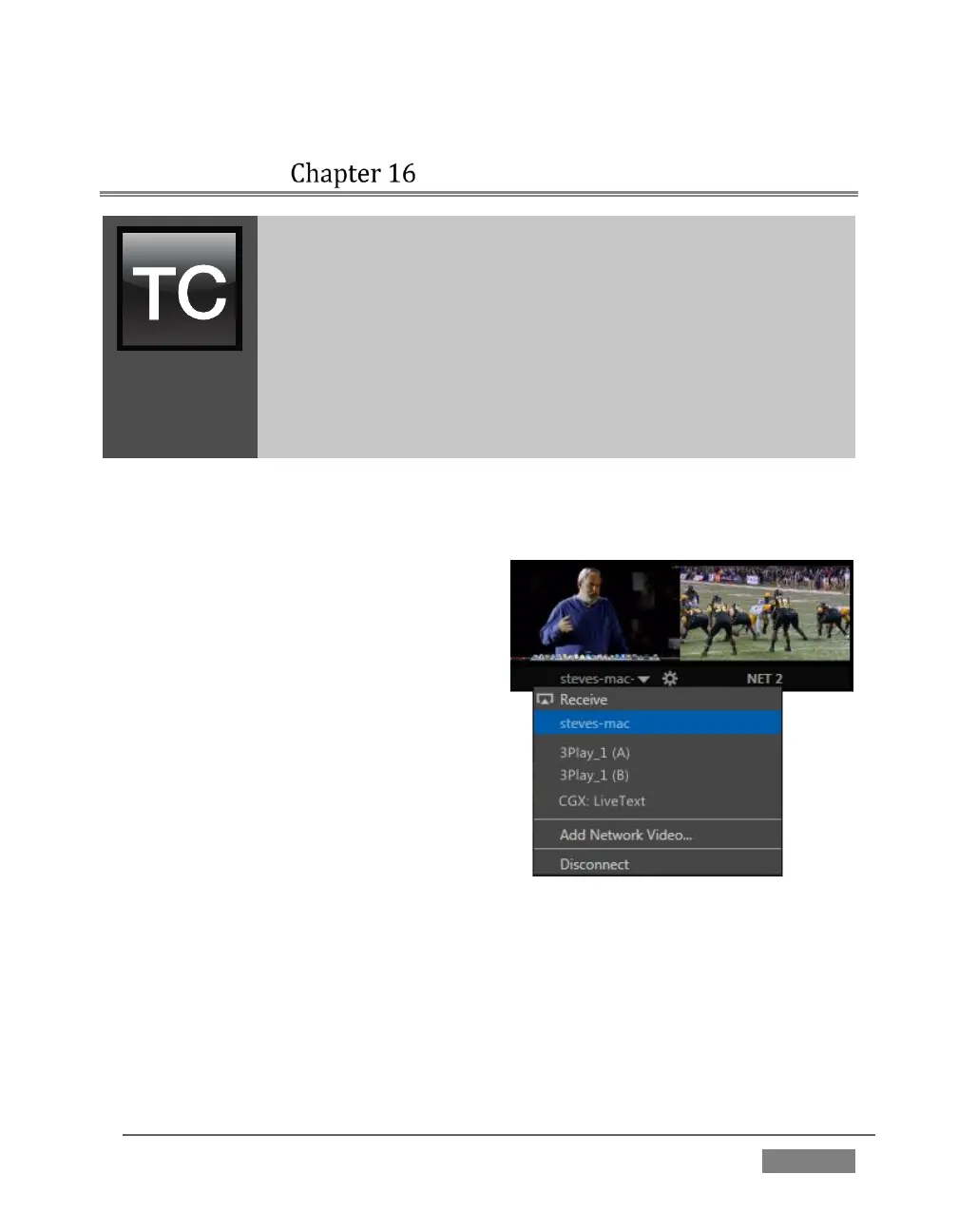
Qualified network sources (including webcams directly connected to TriCaster) are
listed in Net 1 and 2 drop-down menus, available for immediate use in your
presentation, and can of course be captured or streamed as well.









 To Next Page