Page | 236
As required, as many as 4 input rows may be shown in Effect mode.
Position controls appear for up to four input layers (A, B, C, and D) as supported
by the effect, and depending on which TriCaster model is in use).
Let’s consider these reasons behind for these changes in the interface. An M/E in
Effect mode allows preparation of a composite of two or more video sources, whether
for direct output, or as a source for the main Switcher, or as an input for other
downstream channels (for TriCaster 8000, also including other M/Es).
Even in Mix mode, an M/E provides access to effects – including Position and
transition effects (including Animation Stores). In Effect mode, however, an M/E
asserts its realtime compositing and effects prowess more aggressively.
14.2.3 INPUT POSITION CONTROLS
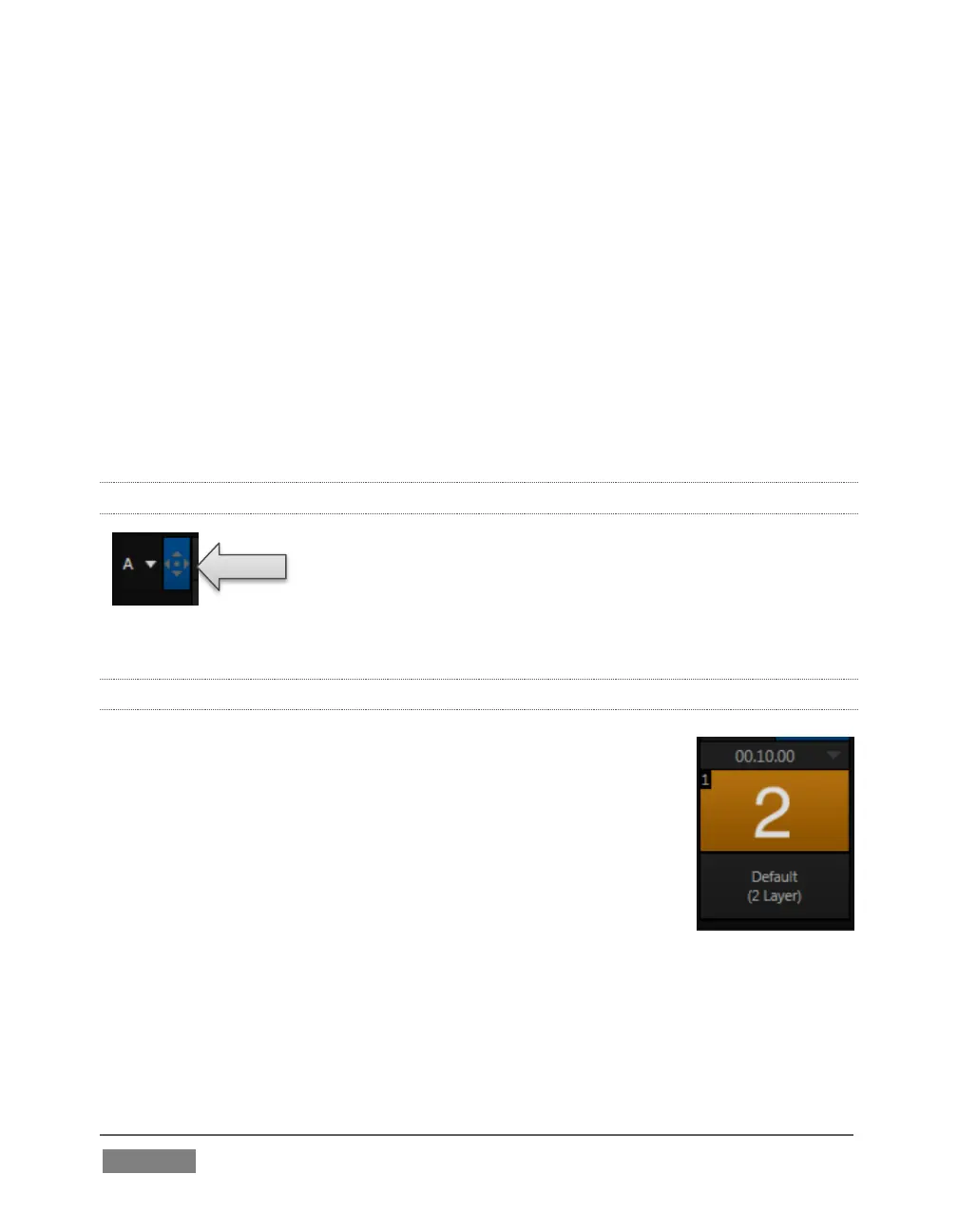
Position controls for all appear to the left of all input rows.
Click this button to open the input’s Position panel. These
controls replicate those discussed previously, under the sub-
heading DSK Positioning in Section 9.3.1.
14.2.4 DEFAULT EFFECTS
To begin with, Effect mode supports up to four primary input
layers (TriCaster 8000). The M/E doesn’t transition between A
and B, or C and D, though, in Effect mode. Instead, effects of
various types are applied to the selected video inputs. Let’s
consider the effects in the Default group as examples:
Click the Effect button (if you haven’t already), and then click the
label above the thumbnail icon to open the Media Browser. Select
the LiveSet location at left, and use the scrollbar in the File Pane
at right to locate the effect group labeled Default. With one
exception (Advanced Tracking: TriCaster 8000 only), these effects are
straightforward compositing effects involving multiple video layers. Effect output
(i.e., the background prior to Key overlays) is simply the sum of all input layers.









 To Next Page