Page | 194
SECTION 10.4 SCOPES
FIGURE 180
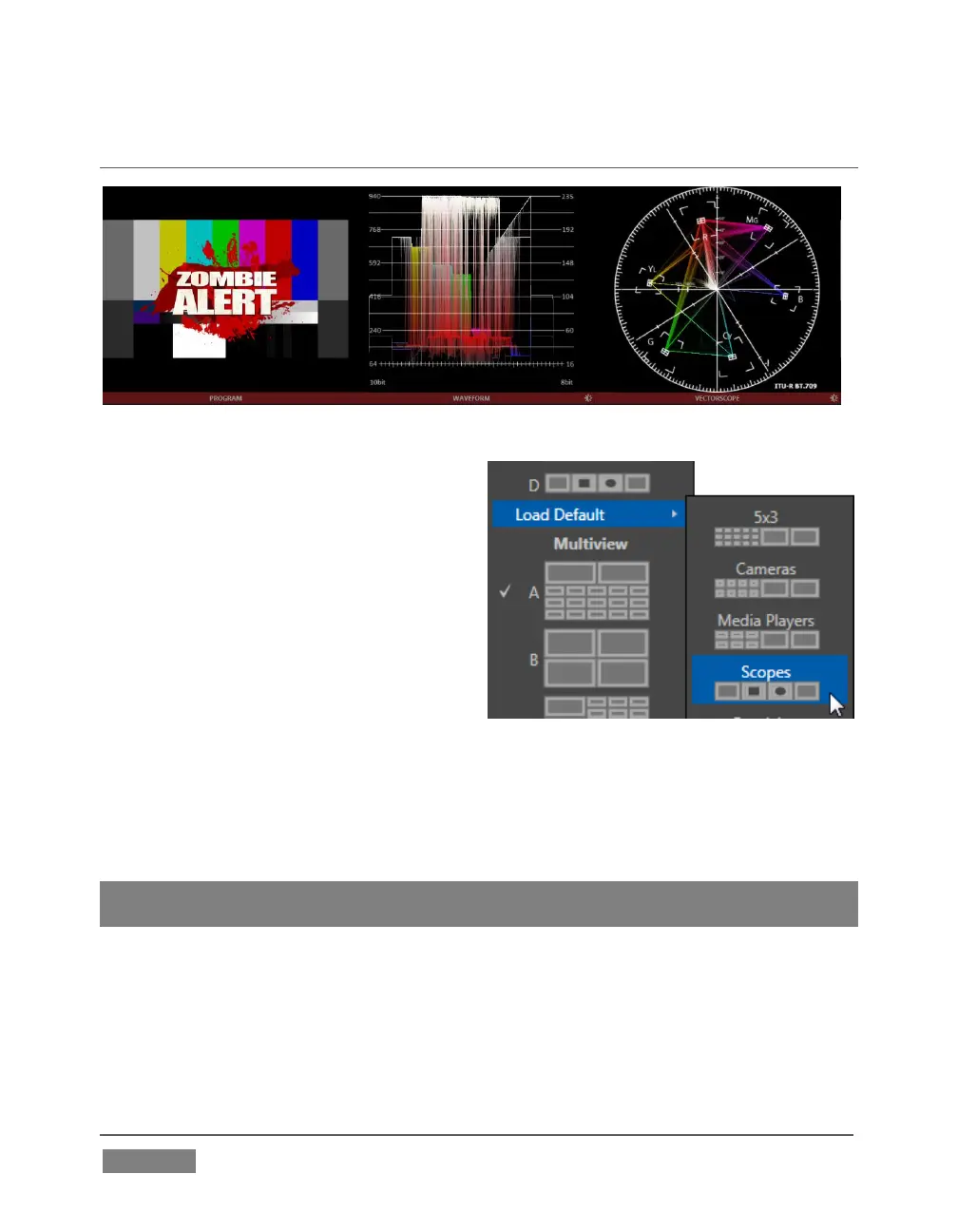
A further and very useful monitoring
option is Scopes, providing Waveform and
Vectorscope displays.
Among other things, these help you to
judge Proc Amp and LiveMatte settings
(see Appendix C, Video Calibration). (To
display the Scopes view, select that entry
from the Load Default options.)
By default, the scopes and associated
monitor refer to the Look Ahead Preview composition (including any
delegated DSK channels, or FTB), shown at left for reference. Right-click either scope
display to change the monitored source to the source you wish to view. Adjust the
Brightness controls in the scope footers (Shift + double-click the control to restore
defaults), and the trace overlay in full or solid colors using the context menu.
Hint: To use Scopes to calibrate a DSK source independently, first select it as the Preview
row source.
Double-click the video monitor in this Workspace to access Proc Amp and LiveMatte™
controls for the current source (or the Output Configuration panel for Program and
Preview selections).









 To Next Page