Page | 193
composition (including titles and overlay positioning), and switch to it with sublime
confidence.
M/E MONITORS AND PREVIEW
As mentioned earlier, TriCaster’s monitor viewports can also be assigned to display
the output of TriCaster’s M/Es.
FIGURE 179
Among other things, this means you can freely assign a monitor as a secondary
‘program output monitor’ in cases where you are using an M/E in Mix mode to supply
an auxiliary program mix for independent display. Viewports can be assigned to
specific M/Es, or follow the delegate status (Outputs > M/E Follow).
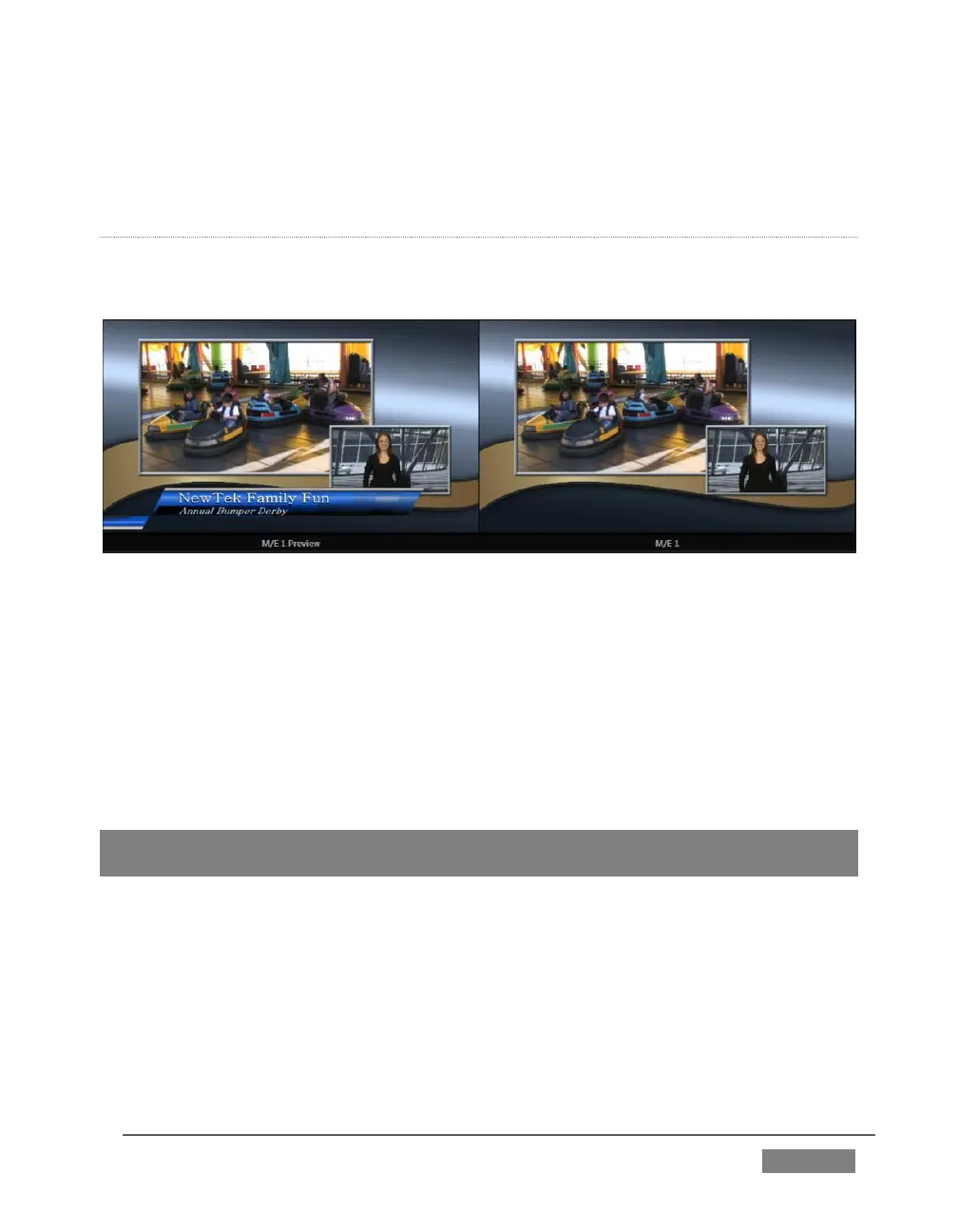
Complementing this feature, TriCaster provides Look Ahead Preview monitoring
capability for M/Es as well (Figure 179). The Viewport Options menu group Outputs
lists a special M/E Preview option for this purpose.
Hint: All viewports assigned as M/E Previews show output from the same M/E. Making an
M/E tab selection updates all viewports when Tabs Follow all Delegates is enabled.
Just like the main Look Ahead Preview, the M/E Preview respects Delegate selections
made in the Transition section of the assigned M/E, showing you the display that will
result from the currently configured (M/E) Take/Auto operation.









 To Next Page