Page | 368
That’s it – you can close the Macro configuration Panel and test the result. To play
back the macro at any time, press the MACRO button along with the assigned key.
22.3.10 T-BAR ILLUMINATION
TriCaster 8000CS uses colorful illumination to provide feedback and status updates
your control surface selections and operations. The lighting schemes for both the
M/E and MAIN TRANSITION T-Bars reinforce the traditional button illumination in a
way that soon becomes instinctive and which provides unparalleled confidence in
use.
The following tables provide a color code for your convenience.
22.3.11 M/E TRANSITION – LIGHTING
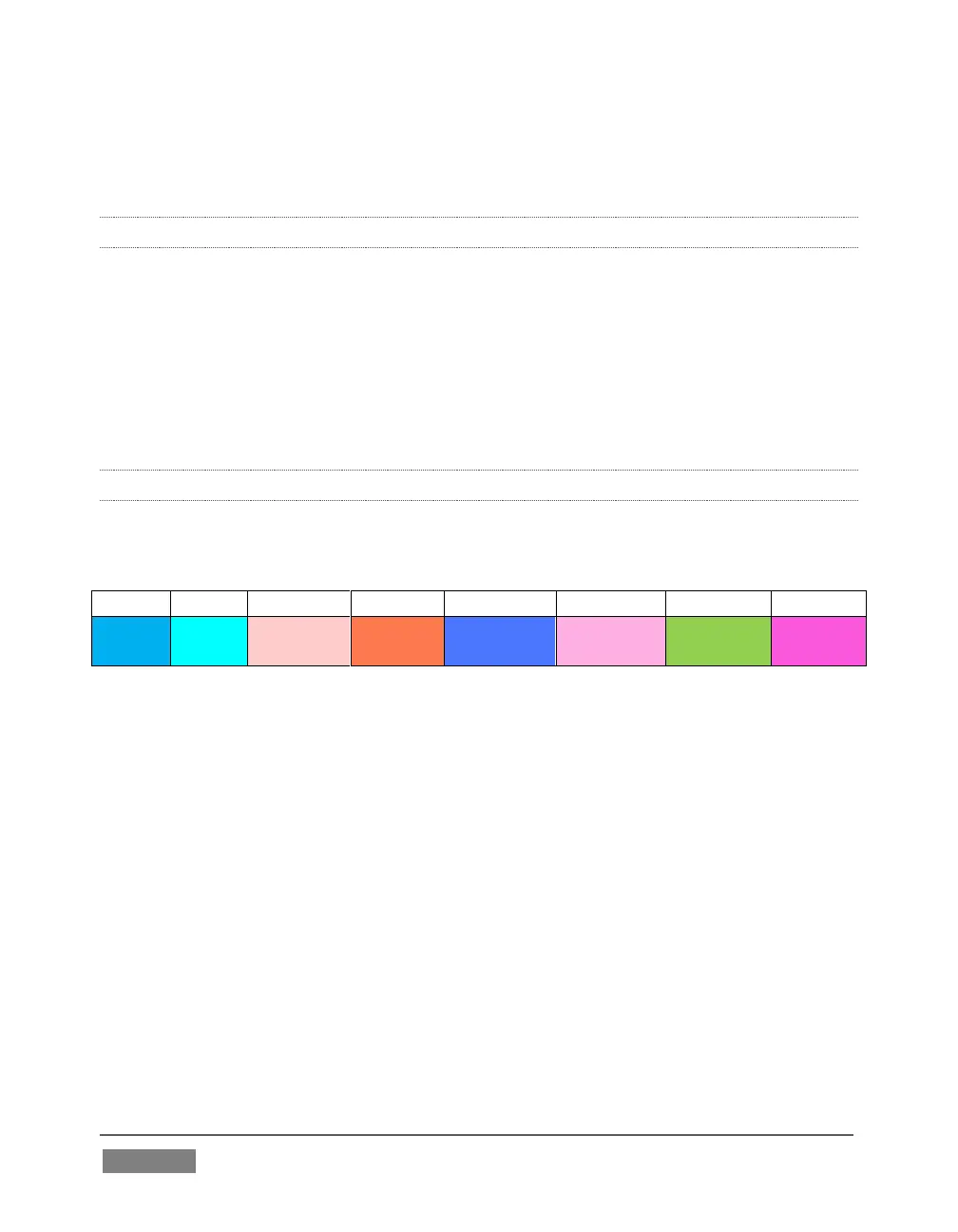
Control surface T-Bar illumination largely conforms to M/E tab color on the Live
Desktop.
1. If BKGD is delegated alone, the T-Bar color is as shown in the table above,
identifying which M/E is delegated in the M/E DELEGATE group. (When multiple
M/Es are delegated, the first selected delegate determines the color.)
2. This color is at its brightest when the A source (effectively the Program row for a
Mix effect) is fully displayed. As the T-Bar is moved (or AUTO is pressed) to begin
a transition, the color gradually dims until the effect is complete. At that point, it
pops back to full brightness, just as the onscreen T-Bar returns to the top of its
stroke.
3. In a mixed delegate situation (BKGD along with one or more KEY layers) the T-
Bar is lit it medium blue, and conforms to the BKGD behavior described above.
4. If one or more KEY layers are delegated without BKGD, the T-Bar color is purple.
When the KEY layer (or, for multi-KEY selections, the first KEY layer) is fully









 To Next Page