Page | 373
You push the Zoom Rate button again. The rate for M/E 1 and M/E 2 are
incremented to “F”; the Zoom Rate for all three delegated M/Es is now
synchronized.
You will see this synchronization method applied to the following controls:
Media Players > Loop, Autoplay and Single
Transition>Rate
Transition>Select
M/E > (Overlay) Trans Rate
M/E > (Overlay) Trans Select
M/E > Zoom Rate
M/E > Overlay display state
22.4.4 SWITCHER CONTROLS
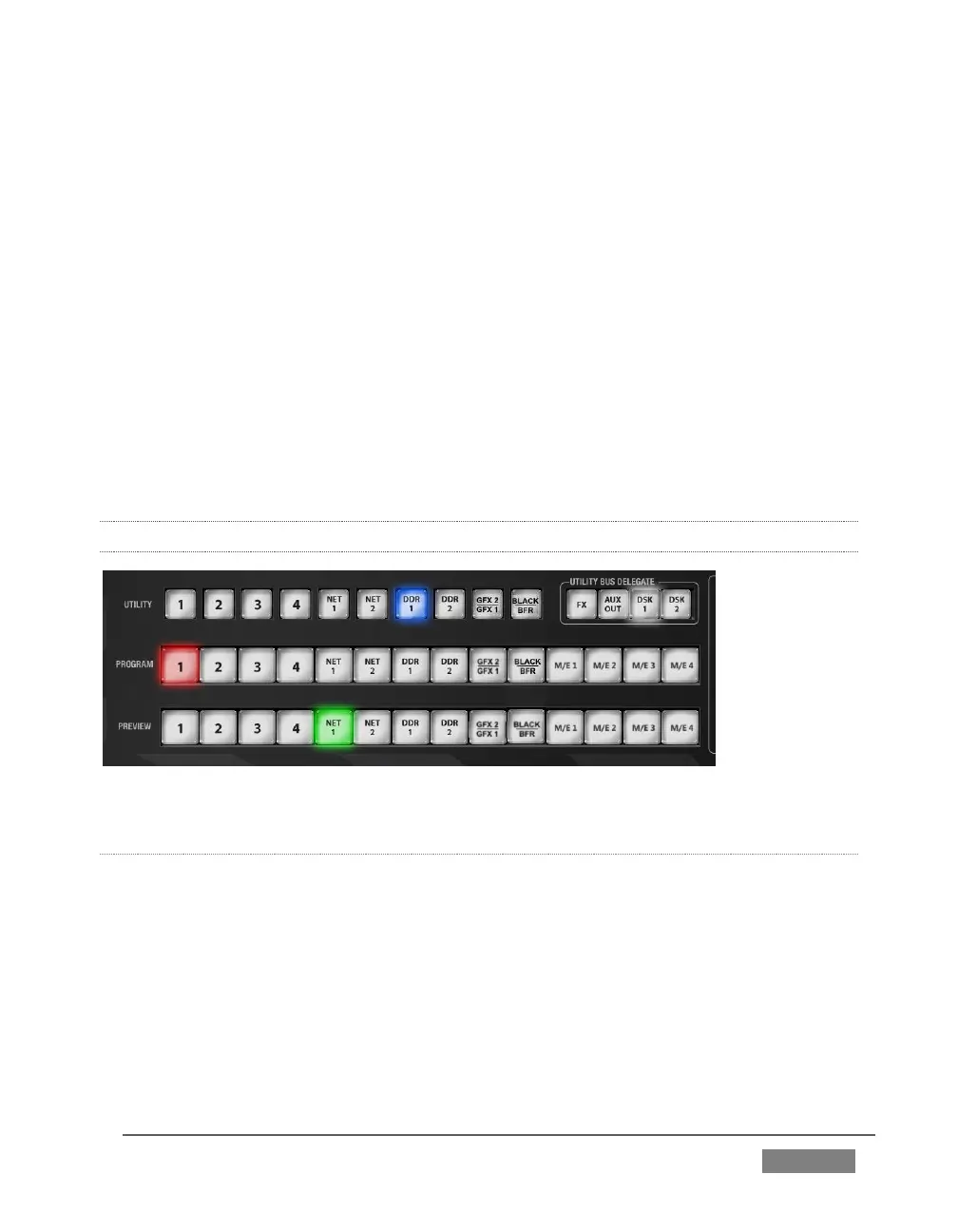
FIGURE 346
PROGRAM AND PREVIEW
The Program and Preview rows each hold selection buttons as follows:
4. Camera 1 – (4 or 8); press Shift with 1-4 to access Cameras 5-8 when using a
460 CS with an 8-input TriCaster
5. NET 1 and NET 2
6. Media Players:
a. DDR 1 and DDR 2
b. Graphics 1/2









 To Next Page