Page | 374
c. BFR (BUFFER)/BLACK
d. M/E 1 - M/E 4 (or M/E 8)
(Press Shift with M/E 1-4 to access M/Es 5-8 when using a 460 CS
with an 8-input TriCaster)
Switcher row buttons are mutually exclusive, and the active selection button
remains lit.
Hint: Hold down CTRL when clicking a button on the Preview row to toggle LiveMatte on/off
for that source. Likewise, hold CTRL + SHIFT while pushing a Preview row button to toggle
its Proc Amp. Note that the source need not be actually selected on the PREVIEW row to
do this, and multi-selections are supported.
UTIL (UTILITY) ROW
UTIL row buttons are also mutually exclusive. The subordinate role of the UTIL Row
is subtly reinforced by the use of slightly smaller buttons. Source options include:
1. 1 – (4 or 8); Camera inputs
2. NET 1 and NET 2
3. Media Players:
a. DDR 1 and DDR 2
b. Graphics 1/2
c. BFR (BUFFER)/BLACK
Press CTRL + (UTIL row button) to access extended source options for the AUX Out
delegate only:
d. [CTRL + 1] – [CTRL + (4 or 8] → select BFR 1- (4 or 8)
e. [CTRL + NET 1] → select Preview
f. [CTRL + NET 2] → select Program
g. [CTRL + DDR 1] → select Program (Clean)
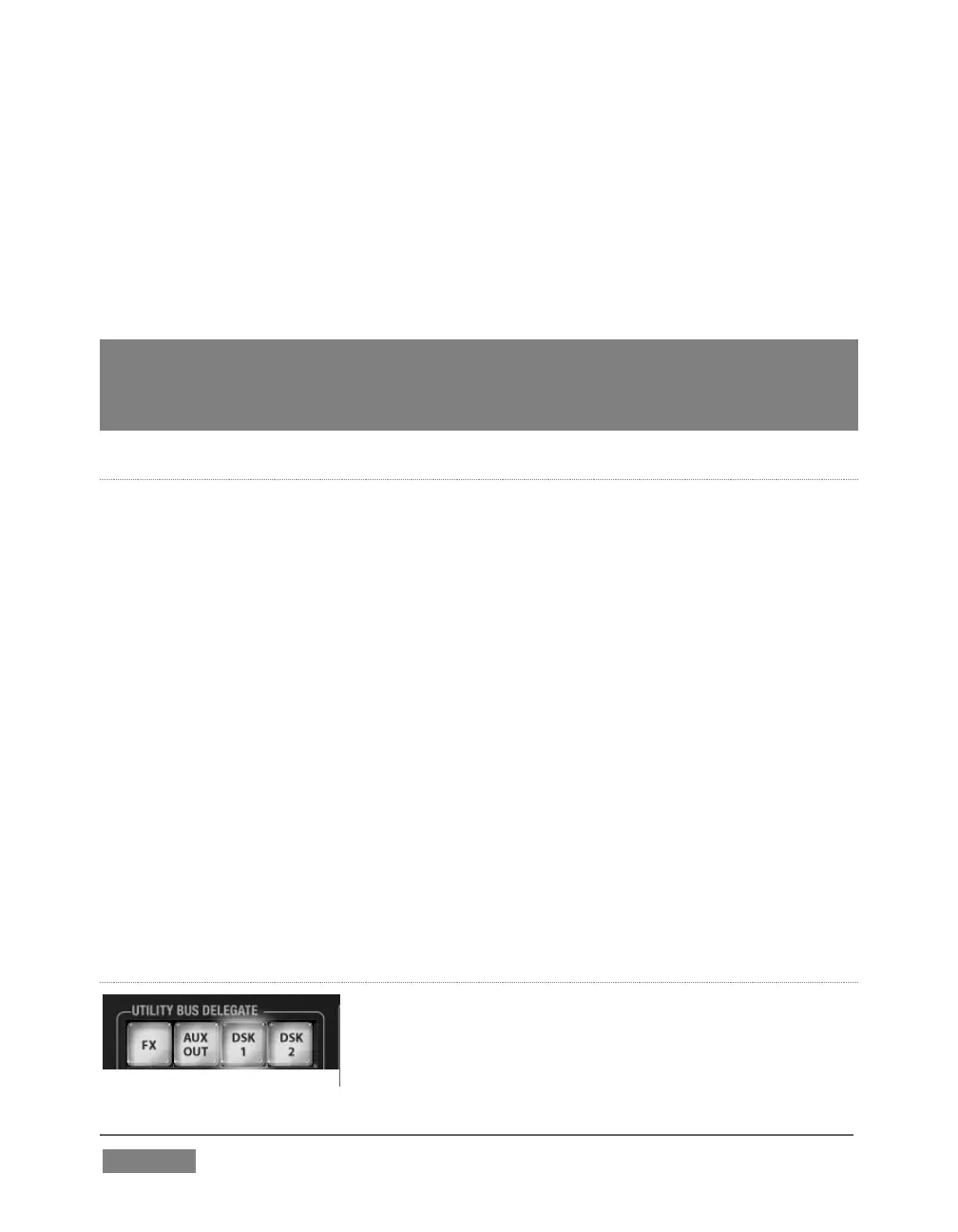
UTIL BUS DELEGATE
UTIL BUS DELEGATE (Figure 347) button selections
govern which switcher layers the UTIL row is currently




 To Next Page