Page | 162
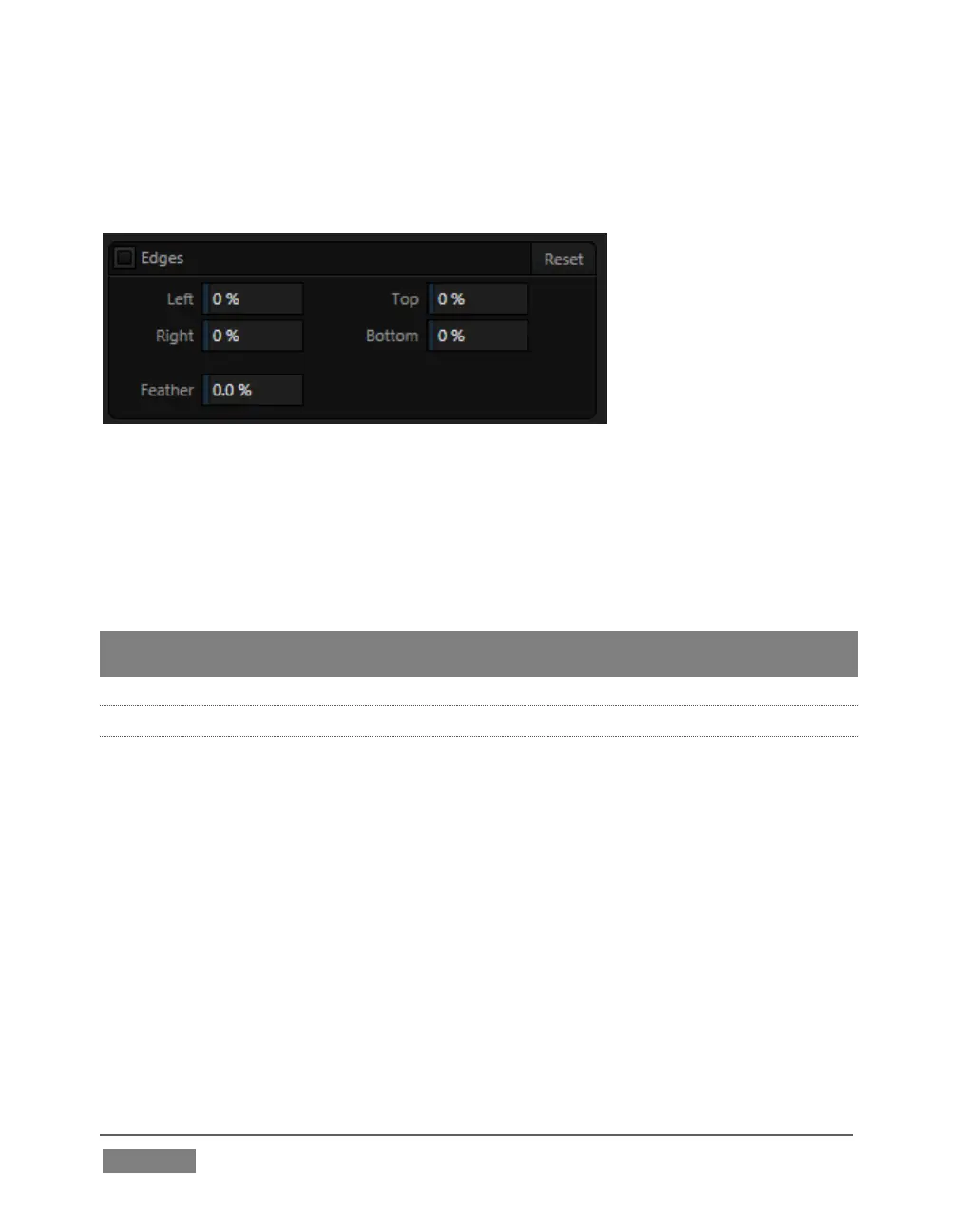
Cropping settings in the Edges control group can be used to remove such unwanted
‘garbage’ from the scene, or used independently for other purposes – such as to
isolate some portion of the screen for use as a ‘Picture in Picture’ overlay source.
FIGURE 136
Essentially, the numeric controls in this group allow you to define independent
margins for the frame. Drag left or right on the number fields to adjust the values
interactively, or double-click a field to type a value using the keyboard. The region
defined by these controls will be completely cropped. Use the Feather setting
(TriCaster 8000 only) to soften the edges.
Hint: For added convenience, similar cropping tools are available separately in the Position
panels of DSK channels and M/Es.
8.2.6 LIVEMATTE
The second tab in the Input Configuration panels is where TriCaster’s powerful
realtime keying system for live production, LiveMatte, is configured. Keying is a
popular and powerful method of compositing multiple images, whether photos, video
clips or live camera streams.









 To Next Page