Page | 296
CLIP_ SCRUB
This command will move the playhead backward or forward by a distance of #
seconds. For example:
The entry above would advance the playhead five seconds further into a clip
displayed on the source connected to Net 1.
NOTES: The software associates values with their key name, thus key can be entered in
any order. The following are valid formats for numeric entries: “+0.1”, “0.1”, “.1”, “-0.1”.
SECTION 17.7 REMOTE CONTROL
(TriCaster 8000 only) In high-end broadcast applications and multimedia production
environments, it can sometimes be quite important for redundant TriCaster systems
to be operating synchronously.
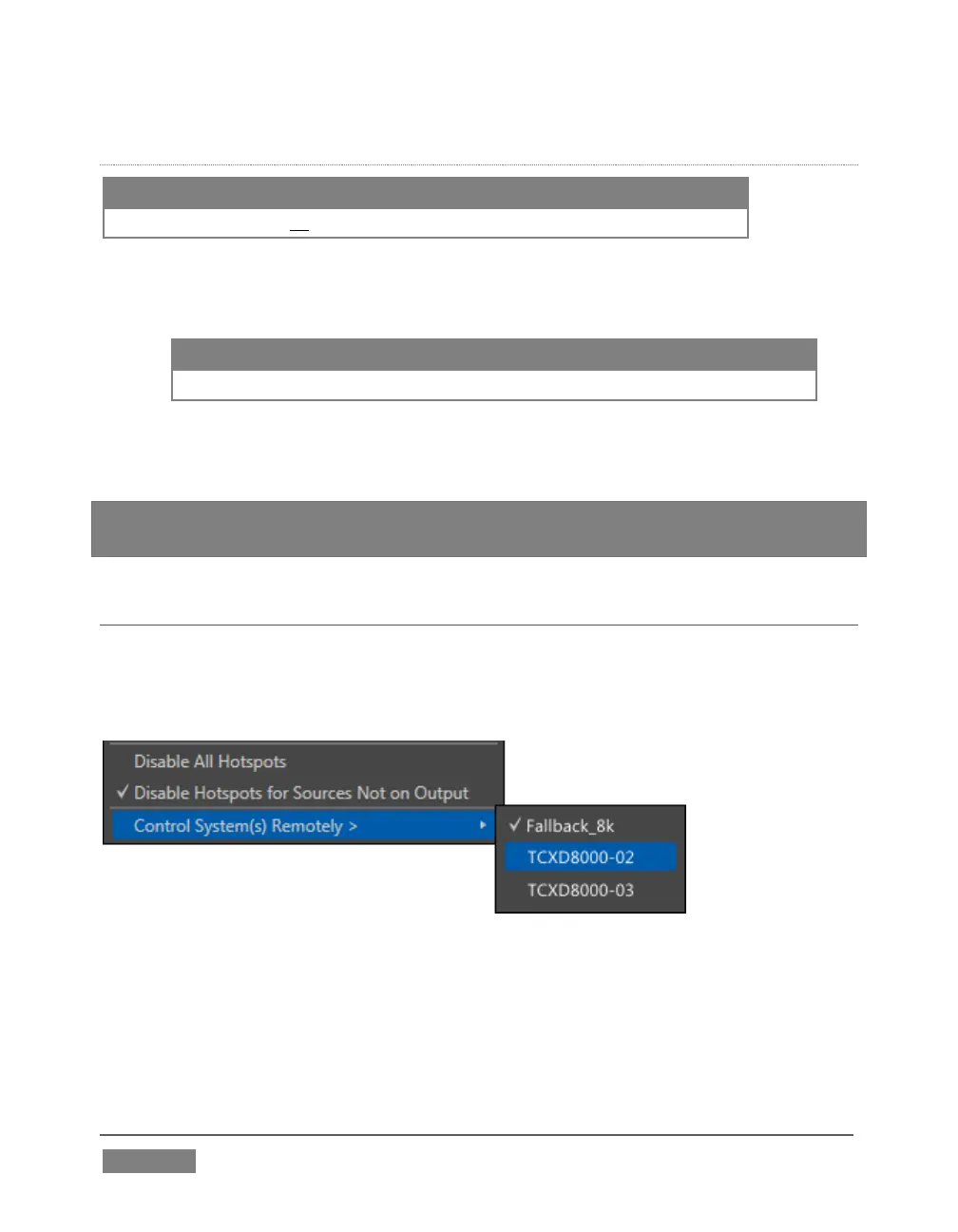
FIGURE 296
The Options menu (Live Desktop Dashboard) contains the item Control System(s)
Remotely. Selecting a suitable TriCaster 8000 unit in this menu checkmarks it;
subsequently, the all command operations given to the local unit are echoed to the
controlled TriCaster, which will follow along submissively.









 To Next Page