Page | 139
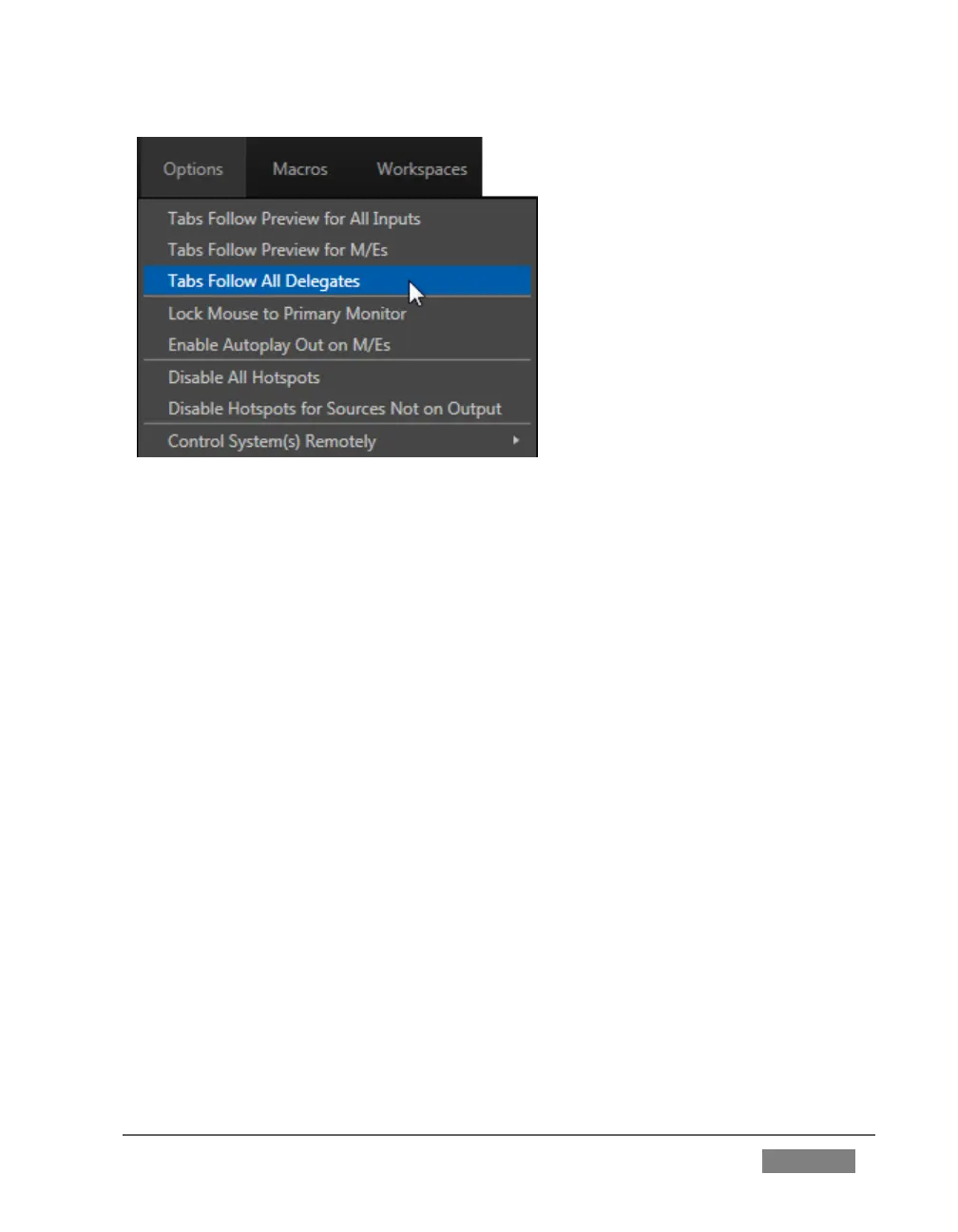
FIGURE 117 (TRICASTER 8000 SHOWN)
Enabling Lock Mouse to Primary Monitor prevents the mouse from traveling
into the external Multiview display.
Enable Autoplay Out on M/Es – You may find it useful to enable Autoplay’s
‘transition-out when nearing the end of play’ feature for M/E’s (Mix mode).
By default, this option is off.
The Disable All Hotspots option prevents macros from being triggered by any
Hotspot activity.
The similar Disable Hotspots for Sources Not on Output option avoids
inadvertent triggering of events by unexpected off-screen activity.
(TriCaster 8000 only) Control System(s) Remotely – select one (or more)
TriCaster 8000’s detected on your local network, and all control operations
you perform using the user interface, the control surface, or keyboard will be
echoed to the controlled system – see Section 17.6.









 To Next Page