Page | 248
Holographic LiveSet effects are loaded into an M/E in the same
manner as any other effect.
Simply move the cursor over the effect name (below the
thumbnail icon for the current effect), and click the + sign (Add
Media button) that appears to open TriCaster’s Media Browser,
and choose the effect you wish to load (several examples are
included with your system).
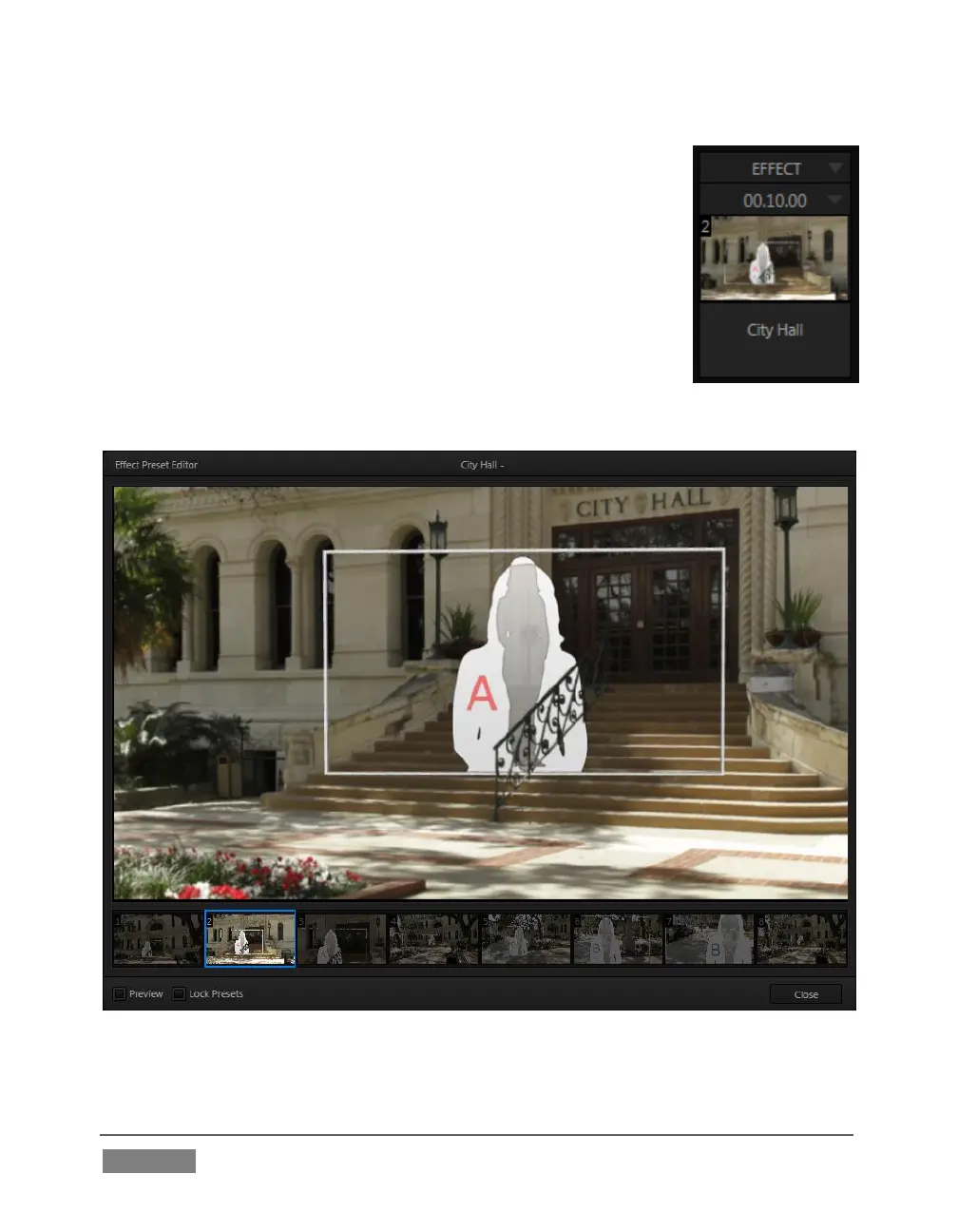
Adjust the current view for holographic LiveSets in similar
fashion to standard effects – that is, using the Effect Preset Editor
(Figure 245) discussed in Section 14.2.5.
FIGURE 245









 To Next Page