Page | 166
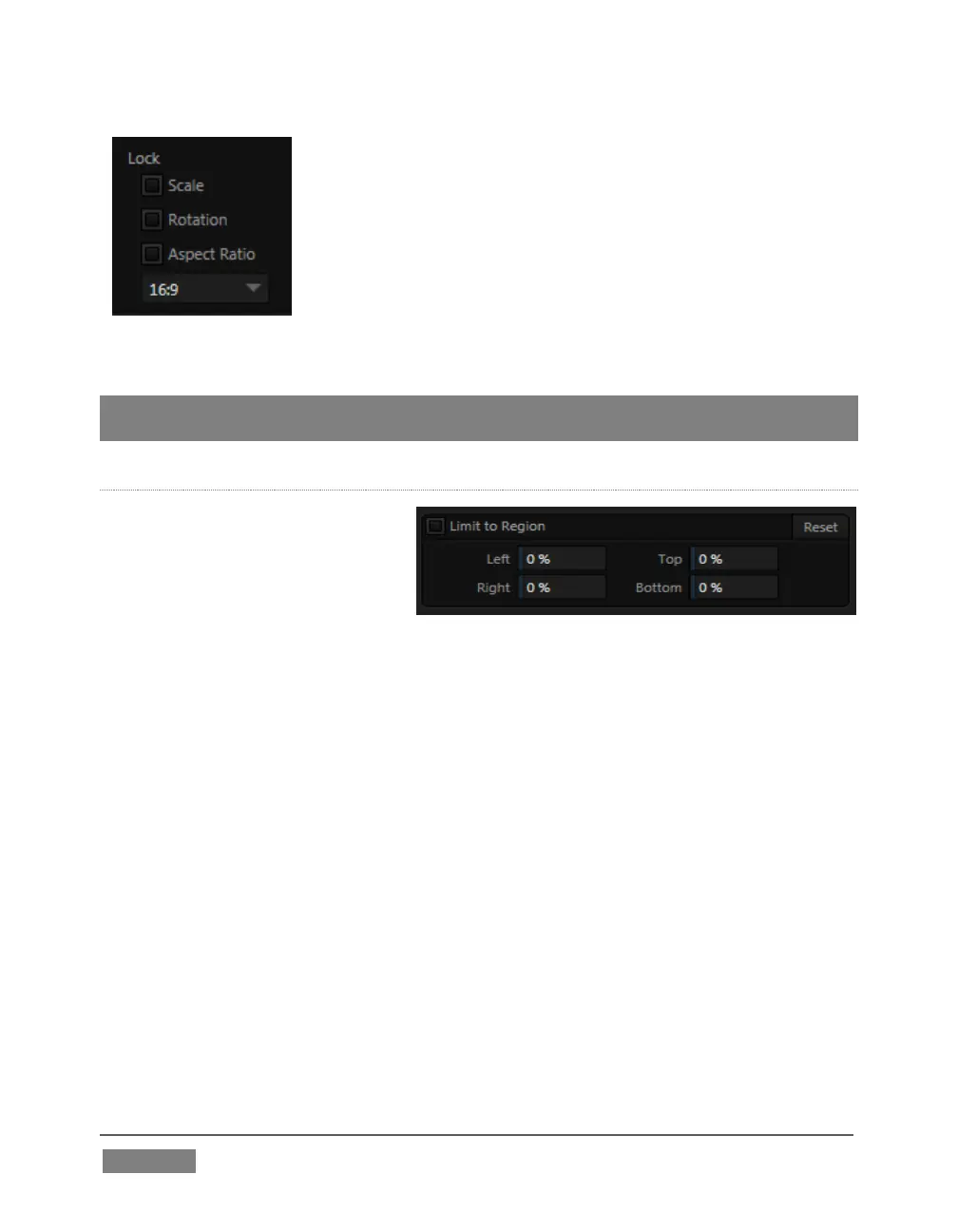
Lock Scale to prevent the Tracker from automatically
compensating when the scale of the tracked region
grows or shrinks during motion.
Likewise, when Rotation is locked, the orientation of
Tracker output is constrained.
The Aspect Ratio lock forces the Tracker to conform to a
square (1:1), or rectangular (4:3 or 16:9) shape.
Hint: Generally, locking channels in this manner make it easier to obtain a very steady
motion track; but just as often, your choices will be dictated by creative requirements.
LIMIT TO REGION
The Tracker is designed to follow
the largest shape in a frame that
meets the defined color criteria.
At times, similar colored articles
or inclusions in the frame can interfere
with Tracker output. The settings in this group allow you to limit
the area of the frame the Tracker monitors, which can help you sidestep this issue.
We’ll discuss the application of the Tracker’s data stream when discussing the
Positioner tools.









 To Next Page