Page | 122
FIGURE 105
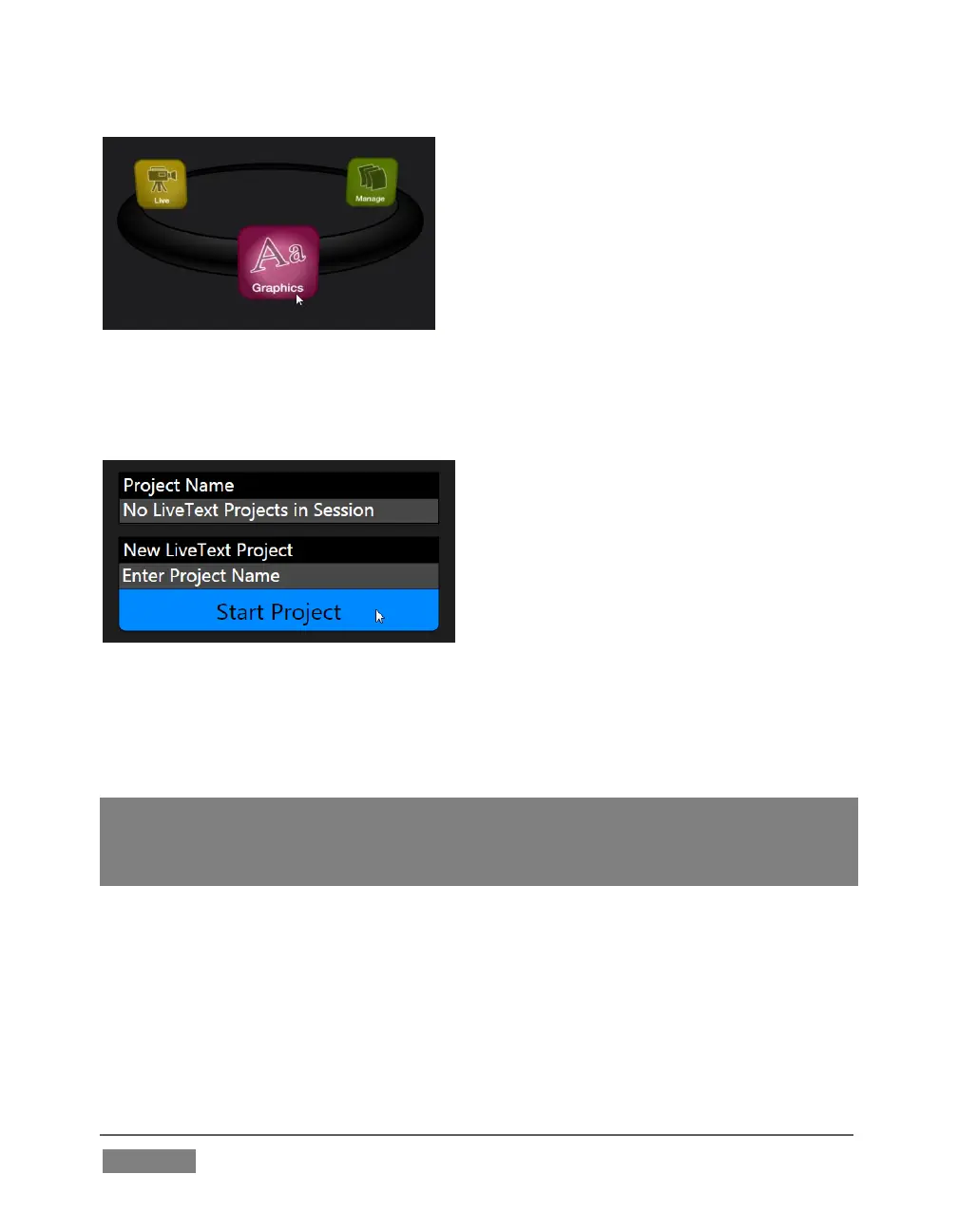
Selecting the Graphics icon displays a number of related items on the right-hand side
of the Session Page.
FIGURE 106
When you first enter a new session, no LiveText projects are listed in the area under
Project Name. After you create one or more projects, the name(s) will appear here
and, as you would expect, you can re-open the project by clicking its name.
Note: TriCaster stores new LiveText projects inside a folder named for the current session,
as follows (for example):
D:\LIVETEXT PROJECTS\sessionname\projectname.cg.
LiveText’s internal File menu and Save As functions default to the same location.
However, it is possible to use File>Save As to store a project in another location
outside the session structure.
Be aware that projects stored outside the session structure are not shown in the
project list on the Sessions Page. To re-open them, you’ll need to navigate to the
project file using File>Open in LiveText.









 To Next Page